
About
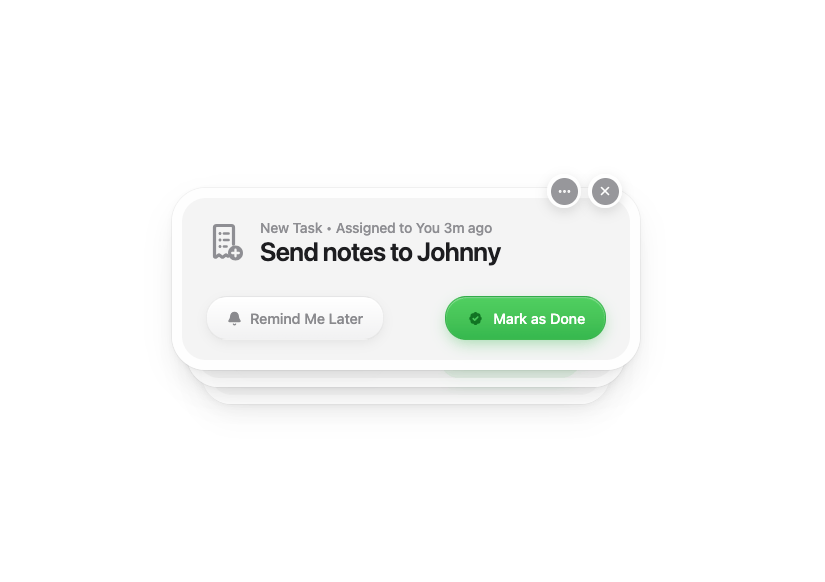
A tactile double-bezel stacked task notification widget with spring-animated completion, snooze cycling, and contextual overflow actions.
Built with React and Tailwind. Copy the prompt and paste it into Claude Code, Cursor or Lovable: your agent adds Task Notification Stack to your project and fits it to your theme.
Code
How Task Notification Stack is used: the demo's code. The component's own source comes with a free account.
Usage.tsx
"use client";

import React from "react";
import { TaskNotificationStack } from "@/components/ui/task-notification-stack";

const settings = {
  theme: "auto",
  title: "Send notes to Johnny",
  subtitle: "New Task • Assigned to You 3m ago",
  primaryLabel: "Mark as Done",
  secondaryLabel: "Remind Me Later",
  stackDepth: 3,
  enableSwipe: true,
  soundEnabled: true,
  showUndoToast: false,
};

const VALID_THEMES = ["auto", "light", "dark"] as const;

export default function TaskNotificationStackDemo(
  props: Partial<typeof settings>
) {
  const config = { ...settings, ...props };

  const theme = VALID_THEMES.includes(
    config.theme as (typeof VALID_THEMES)[number]
  )
    ? (config.theme as "auto" | "light" | "dark")
    : "auto";

  const stackDepth =
    typeof config.stackDepth === "number" && Number.isFinite(config.stackDepth)
      ? Math.max(1, Math.min(4, Math.round(config.stackDepth)))
      : 3;

  return (
    <div className="w-full min-h-[380px] flex items-center justify-center p-6 sm:p-10">
      <TaskNotificationStack
        theme={theme}
        title={config.title}
        subtitle={config.subtitle}
        primaryLabel={config.primaryLabel}
        secondaryLabel={config.secondaryLabel}
        stackDepth={stackDepth}
        enableSwipe={Boolean(config.enableSwipe)}
        soundEnabled={Boolean(config.soundEnabled)}
        showUndoToast={Boolean(config.showUndoToast)}
      />
    </div>
  );
}

export { TaskNotificationStackDemo as Demo, TaskNotificationStackDemo as demo };
Dependencies
More by Syed
View all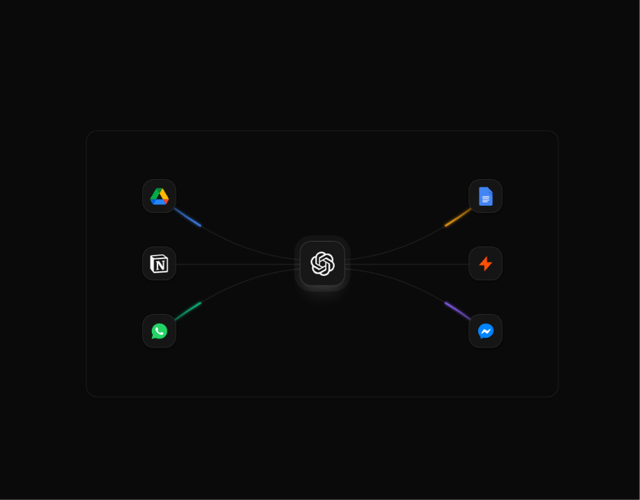

Animated Beam Integration
142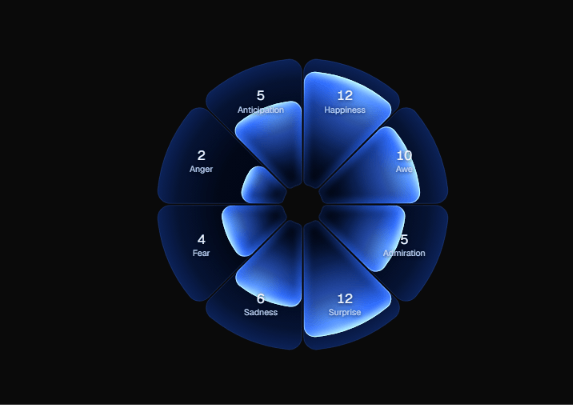
Emotion Wheel v2
116
SpatialCardCarousel
107
Agency Bento Grid
91
Morphing Island Navbar
85
Unlimited Design Hero
71
Animated Tree View
64
Interactive Eye Tracker
62