
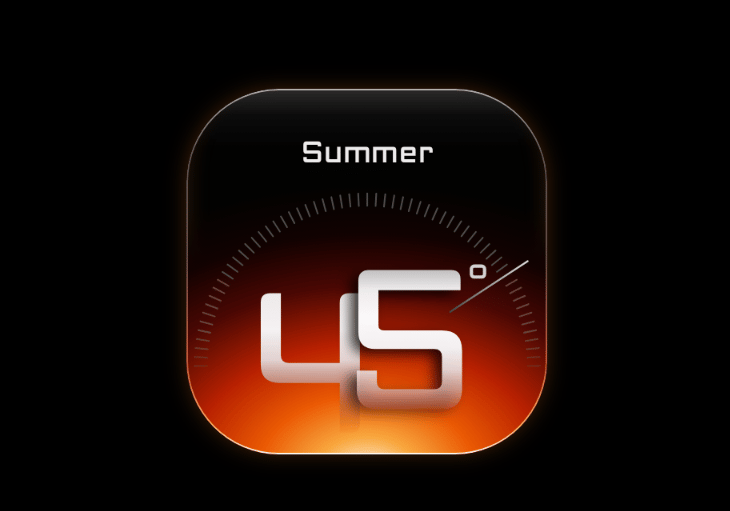
About
An interactive, skeuomorphic radial temperature dial widget with smooth drag controls, dynamic season/theme palettes, and customizable Celsius/Fahrenheit units. Ideal for smart home thermostats, climate control dashboards, and modern hardware interfaces.
Built with React and Tailwind. Copy the prompt and paste it into Claude Code, Cursor or Lovable: your agent adds Thermal Dial Widget to your project and fits it to your theme.
Code
How Thermal Dial Widget is used: the demo's code. The component's own source comes with a free account.
Usage.tsx
"use client";

import React, { useEffect, useState } from "react";
import { ThermalDialWidget } from "@/components/ui/thermal-dial-widget";

/**
 * 21st.dev reads this top-level settings object and creates
 * the interactive Controls panel beside the component preview.
 *
 * Keep these values literal so the registry can detect them.
 */
const settings = {
  value: 38,
  min: 16,
  max: 45,
  step: 1,
  label: "Summer",
  autoSeason: true,
  variant: "ember",
  disabled: false,
  scale: 0.86,
  unit: "C",
};

const VALID_VARIANTS: ThermalVariant[] = [
  "ember",
  "solar",
  "amber",
  "frost",
  "auto",
];

export default function ThermalDialWidgetDemo(
  props: Partial<typeof settings>
) {
  const config = { ...settings, ...props };

  // Keep the dial interactive while still allowing the 21st.dev
  // Controls panel to update its initial temperature.
  const [temperature, setTemperature] = useState(config.value);

  useEffect(() => {
    setTemperature(config.value);
  }, [config.value]);

  // Guard text-field values so invalid entries cannot break the palette.
  const variant: ThermalVariant = VALID_VARIANTS.includes(
    config.variant as ThermalVariant
  )
    ? (config.variant as ThermalVariant)
    : "ember";

  const unit: "C" | "F" = config.unit === "F" ? "F" : "C";

  return (
    <div className="relative flex min-h-screen w-full flex-col items-center justify-center overflow-hidden bg-black text-zinc-100 selection:bg-orange-500/30">
      <main className="flex flex-1 items-center justify-center p-4">
        <ThermalDialWidget
          value={temperature}
          min={config.min}
          max={config.max}
          step={config.step}
          label={config.label}
          autoSeason={config.autoSeason}
          variant={variant}
          disabled={config.disabled}
          scale={config.scale}
          unit={unit}
          onChange={(nextTemperature) => {
            setTemperature(nextTemperature);
          }}
        />
      </main>
    </div>
  );
}
More by Syed
View all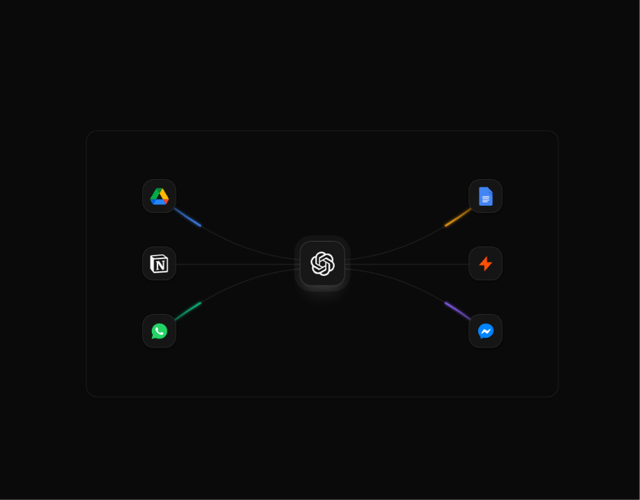

Animated Beam Integration
135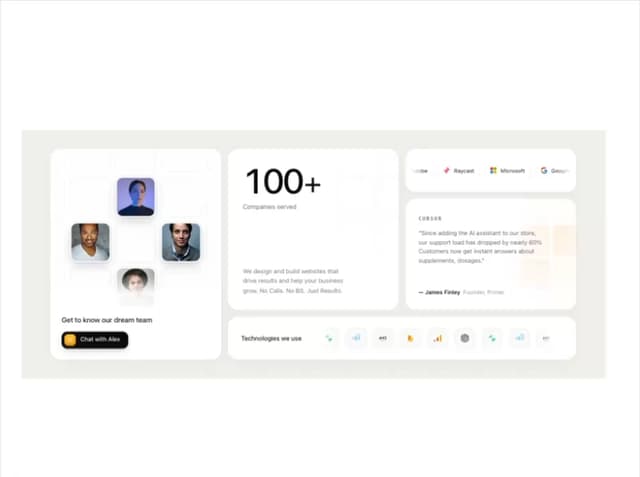
Agency Bento Grid
87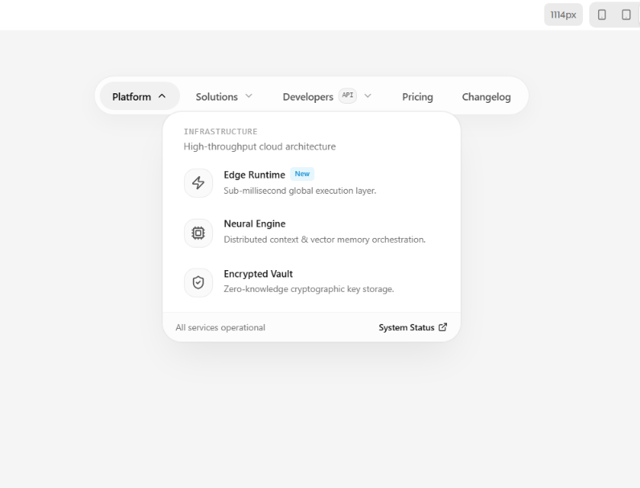
Morphing Island Navbar
75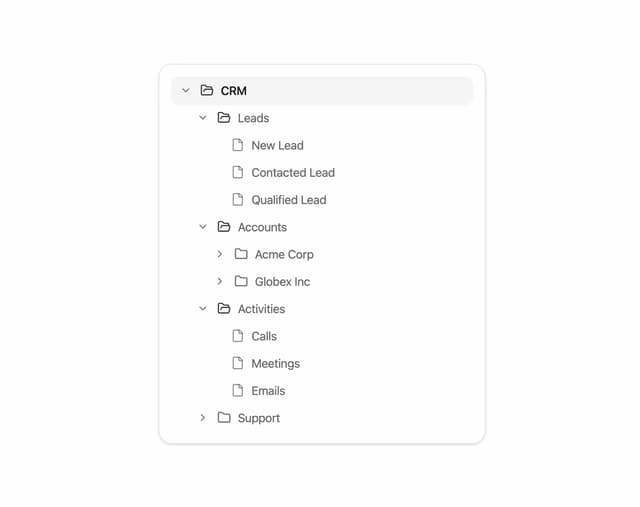
Animated Tree View
58
Interactive Eye Tracker
56
Rolling Counter
55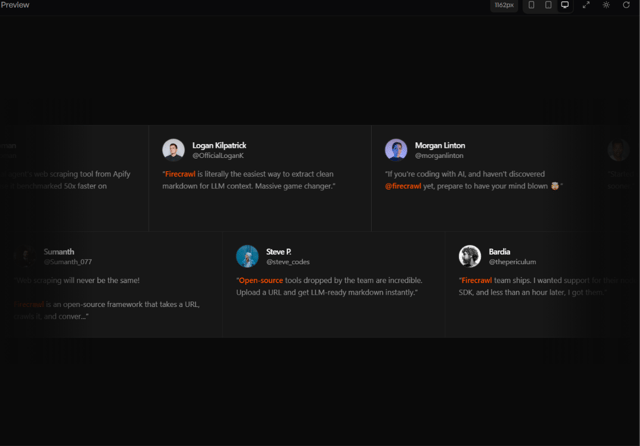
Grid Testimonials Marquee
42
Tier Badge
41
More in Dashboards
View all
Dashboard with Collapsible Sidebar
2.6K
Stat Card
24

Sidebar
381

SaaS Template
2.6K
Fitness Bento Grid
30

Course Design Cards
1.3K

Financial Bento Grid
125
Stats Bento
1.2K


