
About
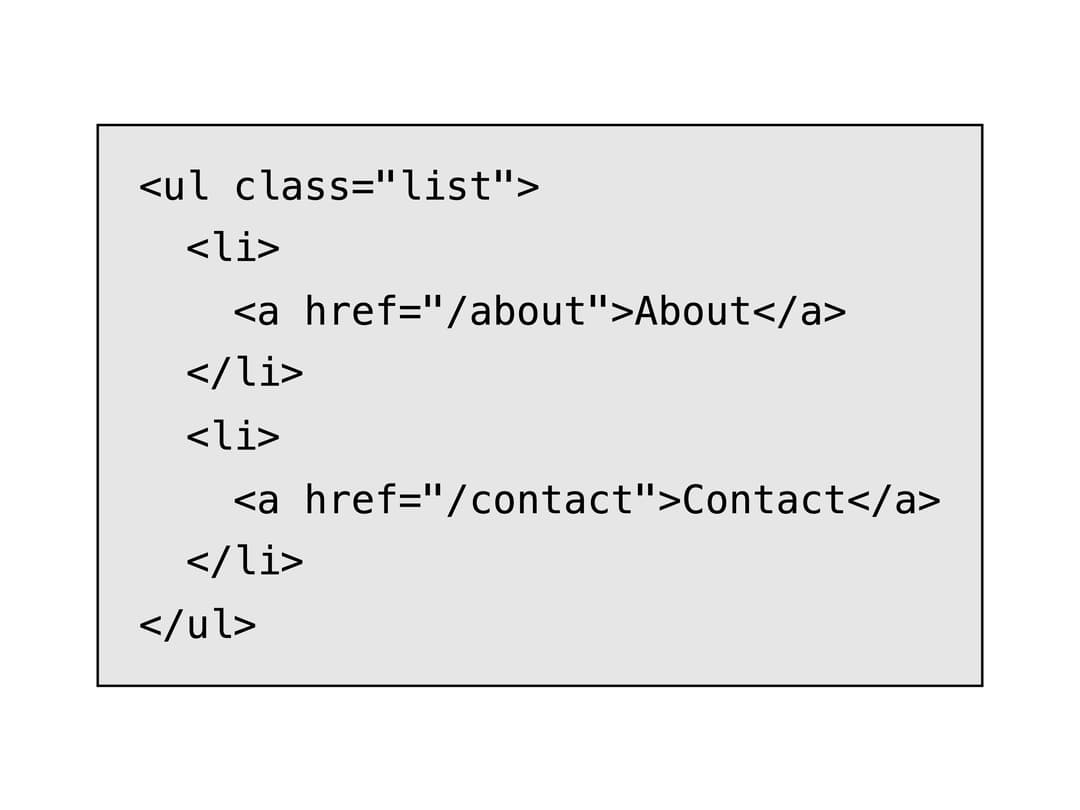
An inline code snippet and preformatted code block for displaying commands or source samples, with a monochrome e-ink style and an inverted "mono" variant.
Built with React and Tailwind. Copy the prompt and paste it into Claude Code, Cursor or Lovable: your agent adds E-Ink Code to your project and fits it to your theme.
Code
How E-Ink Code is used: the demo's code. The component's own source comes with a free account.
Usage.tsx
import { Code } from "@/components/ui/code";

const htmlSample = `<ul class="list">
  <li>
    <a href="/about">About</a>
  </li>
  <li>
    <a href="/contact">Contact</a>
  </li>
</ul>`;

export default function HtmlCodeBlockDemo() {
  return (
    <div className="p-8">
      <Code.Block>{htmlSample}</Code.Block>
    </div>
  );
}
More by alexisroe
View all
Number Stepper
1
Log
1
QR Code
E-Ink Progress Bar
Navigation
Pill
Notification
Value Display