
About
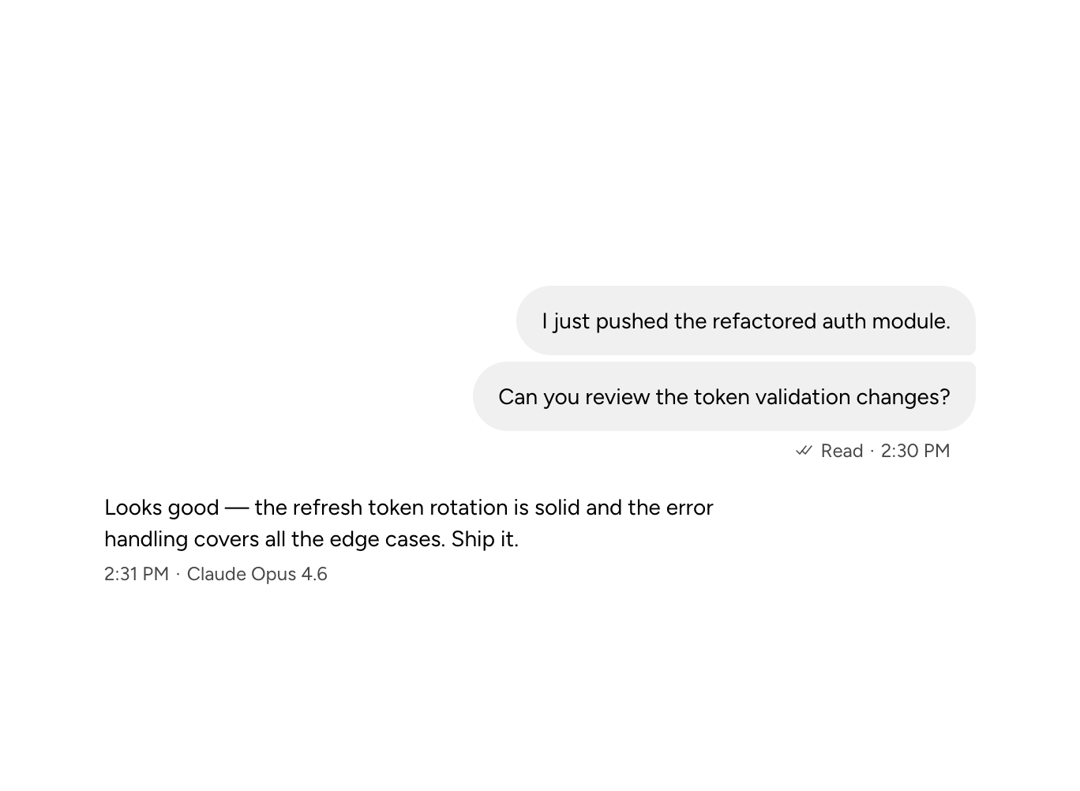
An Astryx sender context wrapper that controls message avatar, name, metadata, and alignment by sender role.
Built with React and Tailwind. Copy the prompt and paste it into Claude Code, Cursor or Lovable: your agent adds Astryx Chat Message to your project and fits it to your theme.
Code
How Astryx Chat Message is used: the demo's code. The component's own source comes with a free account.
Usage.tsx
// Copyright (c) Meta Platforms, Inc. and affiliates.

'use client';

import {
  ChatMessageList,
  ChatMessage,
  ChatMessageBubble,
  ChatMessageMetadata,
} from '@/components/ui/astryx-chat-message';
import {Timestamp} from '@astryxdesign/core/Timestamp';
import {Text} from '@astryxdesign/core/Text';

export default function ChatMessageShowcase() {
  return (
    <div
      data-astryx-theme="neutral"
      data-theme="light"
      style={{colorScheme: 'light', display: 'contents'}}>
      <ChatMessageList style={{maxWidth: 600}}>
        <ChatMessage sender="user">
          <ChatMessageBubble group="first">
            I just pushed the refactored auth module.
          </ChatMessageBubble>
          <ChatMessageBubble
            group="last"
            metadata={
              <ChatMessageMetadata
                timestamp={
                  <Timestamp value="2026-04-28T14:30:00" format="time" />
                }
                status="read"
              />
            }>
            Can you review the token validation changes?
          </ChatMessageBubble>
        </ChatMessage>
        <ChatMessage sender="assistant">
          <ChatMessageBubble
            variant="ghost"
            metadata={
              <ChatMessageMetadata
                timestamp={
                  <Timestamp value="2026-04-28T14:31:00" format="time" />
                }
                footer={
                  <Text type="supporting" color="secondary">
                    Claude Opus 4.6
                  </Text>
                }
              />
            }>
            Looks good — the refresh token rotation is solid and the error
            handling covers all the edge cases. Ship it.
          </ChatMessageBubble>
        </ChatMessage>
      </ChatMessageList>
    </div>
  );
}
Dependencies
More by Alok
View all

Glossy Slider Call Button
25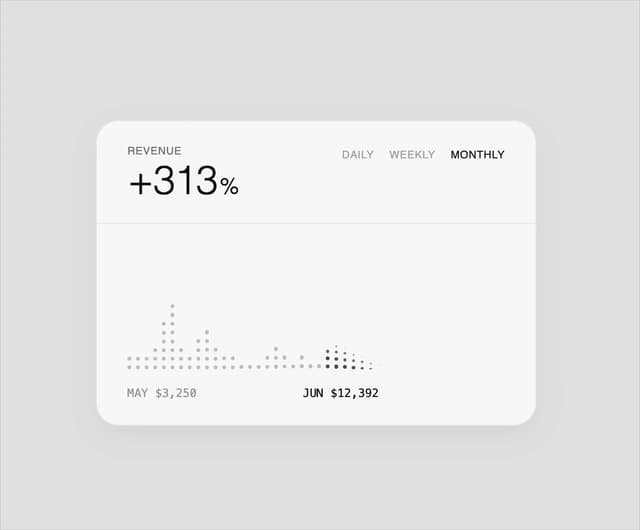
Dot Graph Card
22
Profile Menu Expander
4
Astryx Base Typeahead
2
Pixel Perfect Command Palette
2
Astryx Chat Composer Input
1
Astryx Chat Composer Drawer
1
Sticky Cascade Services & Timeline