About
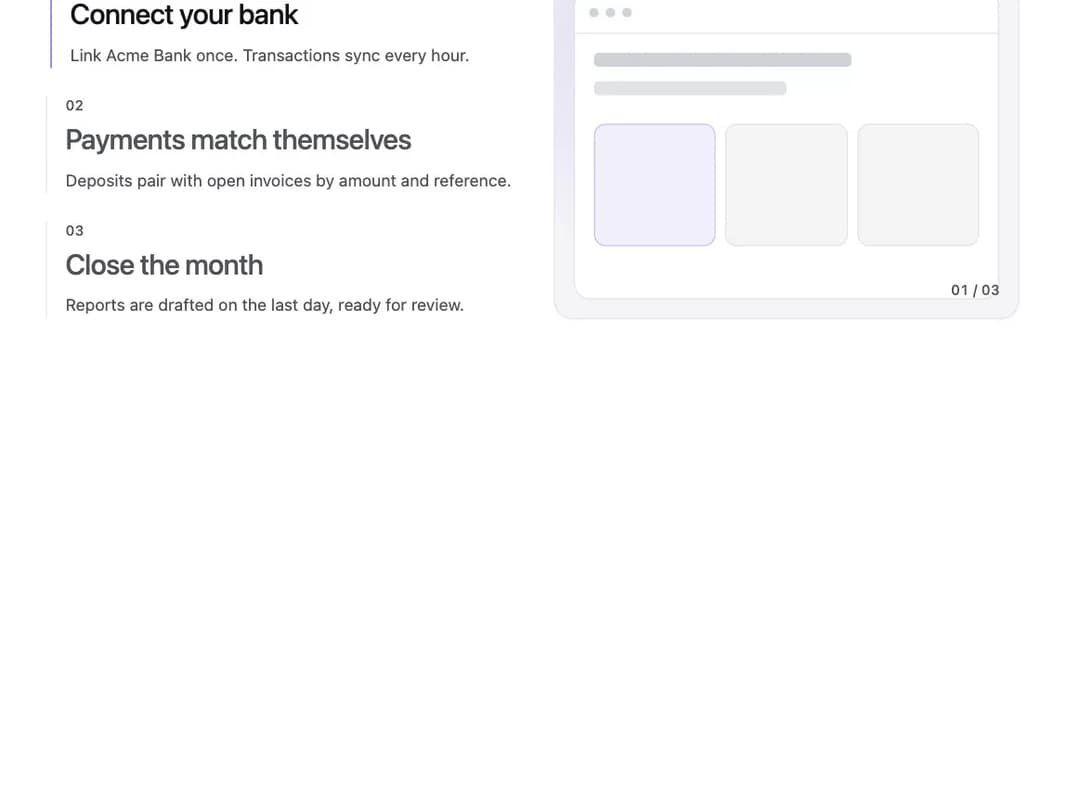
A pinned two-column scroll section that highlights each feature step as the user scrolls, with a mock preview panel that updates to match the active step.
Built with React and Tailwind. Copy the prompt and paste it into Claude Code, Cursor or Lovable: your agent adds Sticky Feature Story to your project and fits it to your theme.
Code
How Sticky Feature Story is used: the demo's code. The component's own source comes with a free account.
Usage.tsx
"use client";

import { StickyFeatureStory } from "@/components/ui/sticky-feature-story";

export default function StickyFeatureStoryDemo() {
  return (
    <StickyFeatureStory
      steps={[
        {
          label: "01",
          title: "Connect your bank",
          body: "Link Acme Bank once. Transactions sync every hour.",
        },
        {
          label: "02",
          title: "Payments match themselves",
          body: "Deposits pair with open invoices by amount and reference.",
        },
        {
          label: "03",
          title: "Close the month",
          body: "Reports are drafted on the last day, ready for review.",
        },
      ]}
    />
  );
}
Dependencies
More by amankaushik481
View all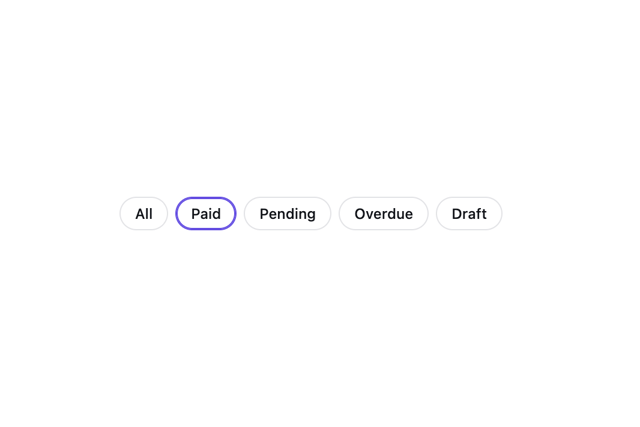

Chip Filter
7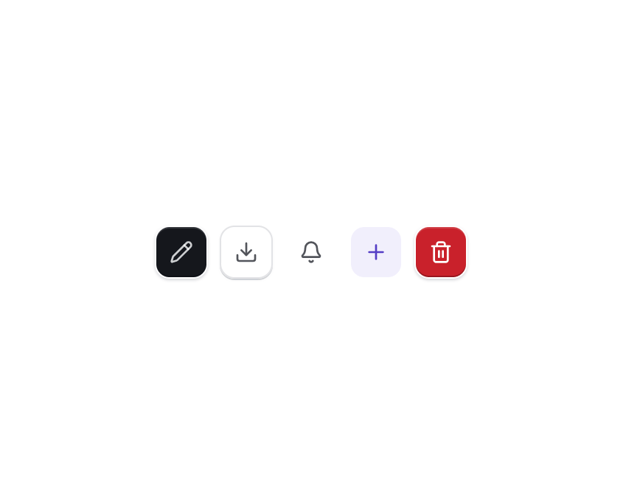
Icon Button
5
Background Boxes
4
Emoji Picker
4
Morphing Text
2
Typing Text
1
Treemap Chart
1
Particles
1