"use client";

import * as React from "react";
import {
  Autocomplete,
  AutocompleteInput,
  AutocompleteContent,
  AutocompleteEmpty,
  AutocompleteList,
  AutocompleteItem,
} from "@/components/ui/autocomplete";
import {
  LayoutDashboard,
  User,
  Settings,
  CreditCard,
  Bell,
  Mail,
} from "@appica/icons-react";

interface Command {
  label: string;
  icon: React.ElementType;
}

const commands: Command[] = [
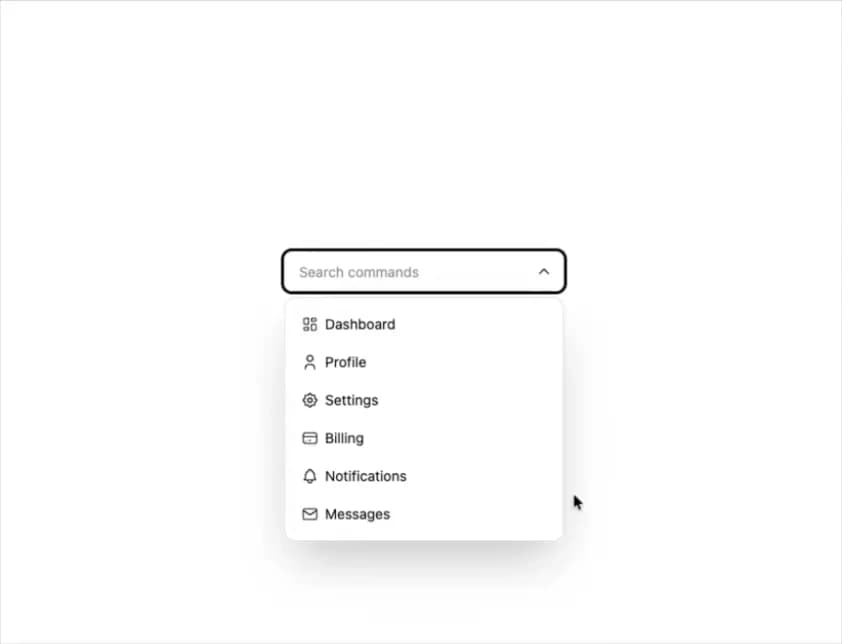
  { label: "Dashboard", icon: LayoutDashboard },
  { label: "Profile", icon: User },
  { label: "Settings", icon: Settings },
  { label: "Billing", icon: CreditCard },
  { label: "Notifications", icon: Bell },
  { label: "Messages", icon: Mail },
];

export default function AutocompleteWithIcons() {
  const [value, setValue] = React.useState("");
  const selected = commands.find((command) => command.label === value);

  return (
    <div className="w-full max-w-70">
      <Autocomplete
        items={commands}
        value={value}
        onValueChange={(v: string) => setValue(v)}
        itemToStringValue={(item) => (item as Command).label}
        clearable
        icon
      >
        <AutocompleteInput
          placeholder="Search commands"
          aria-label="Search commands"
          startSlot={selected ? <selected.icon aria-hidden /> : null}
        />
        <AutocompleteContent>
          <AutocompleteEmpty>No commands found.</AutocompleteEmpty>
          <AutocompleteList>
            {(command: Command) => (
              <AutocompleteItem key={command.label} value={command}>
                <command.icon data-icon="start" />
                {command.label}
              </AutocompleteItem>
            )}
          </AutocompleteList>
        </AutocompleteContent>
      </Autocomplete>
    </div>
  );
}