
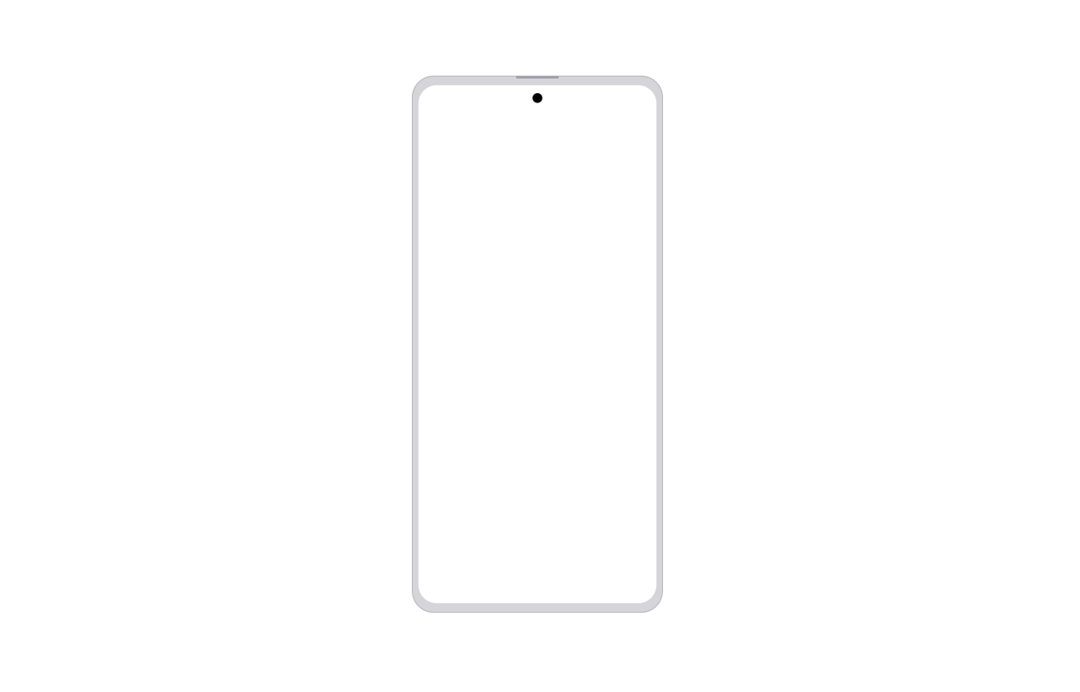
A polished, production-ready Android device mockup component for React. This SVG-based component is fully responsive, supporting light and dark themes, and adapts smoothly to its parent container. The screen area maintains consistent bezel thickness whether displaying an image, video, or blank background—ensuring visual accuracy for all UI demos. Key features: Scalable and responsive: SVG scales with its container while preserving the correct device aspect ratio and internal proportions. Realistic device chrome: Includes speaker and centered camera cutout at the top edge, styled for modern Android hardware. Flexible display: Easily showcase app screenshots, video walkthroughs, or a blank canvas in the main display region. Theming built-in: Works with Tailwind CSS utility classes for seamless light/dark switching. Clean code structure: Typed props, accessible labels, and maintainable design, following 21st.dev and shadcn/ui standards. Zero external dependencies and easy copy-paste integration. Ideal for product showcases, onboarding screens, mobile previews, and design system documentation.
Built with React and Tailwind. Copy the prompt and paste it into Claude Code, Cursor or Lovable: your agent adds Android Mockup to your project and fits it to your theme.
Code
How Android Mockup is used: the demo's code. The component's own source comes with a free account.
Usage.tsx
import React from "react";
import { AndroidMockup } from "@/components/ui/android-mockup";

const imageMockup = "https://cdn.21st.dev/assets/mirror/1f/1f08377b73db9a8703d4cb83ef1477e7e56cf1e45ee700f1000cd3f87369ecfe.png";
const videoMockup =
  "https://me7aitdbxq.ufs.sh/f/2wsMIGDMQRdYqvMy4kaWD2STgaJv9iAfGNzF5E06KYRULuoj";

const DemoDefault: React.FC = () => (
  <div className="flex flex-col gap-10 items-center p-8">
    <h2 className="text-2xl font-semibold text-gray-800 dark:text-gray-200">
      Android Device Mockup Demo
    </h2>
    <div>
      <h3 className="mb-3 text-lg font-medium text-gray-700 dark:text-gray-300 text-center">
        Empty Mockup
      </h3>
      <AndroidMockup />
    </div>
    <div>
      <h3 className="mb-3 text-lg font-medium text-gray-700 dark:text-gray-300 text-center">
        Screen with an Image
      </h3>
      <AndroidMockup screenImage={imageMockup} />
    </div>
    <div>
      <h3 className="mb-3 text-lg font-medium text-gray-700 dark:text-gray-300 text-center">
        Screen with a Demo Video
      </h3>
      <AndroidMockup screenVideo={videoMockup} />
    </div>
  </div>
);

export default DemoDefault;
More by Arunachalam
View all
Scroll media expansion hero
10.6K
Profile Card Testimonial Carousel
1.2K
Modern Animated Sign In
1.1K
Bottom Nav Bar
800
Toast
659
Adaptive Notch Navigation Bar
653
Connected Carousel
376
Animated File Tree
336