
About
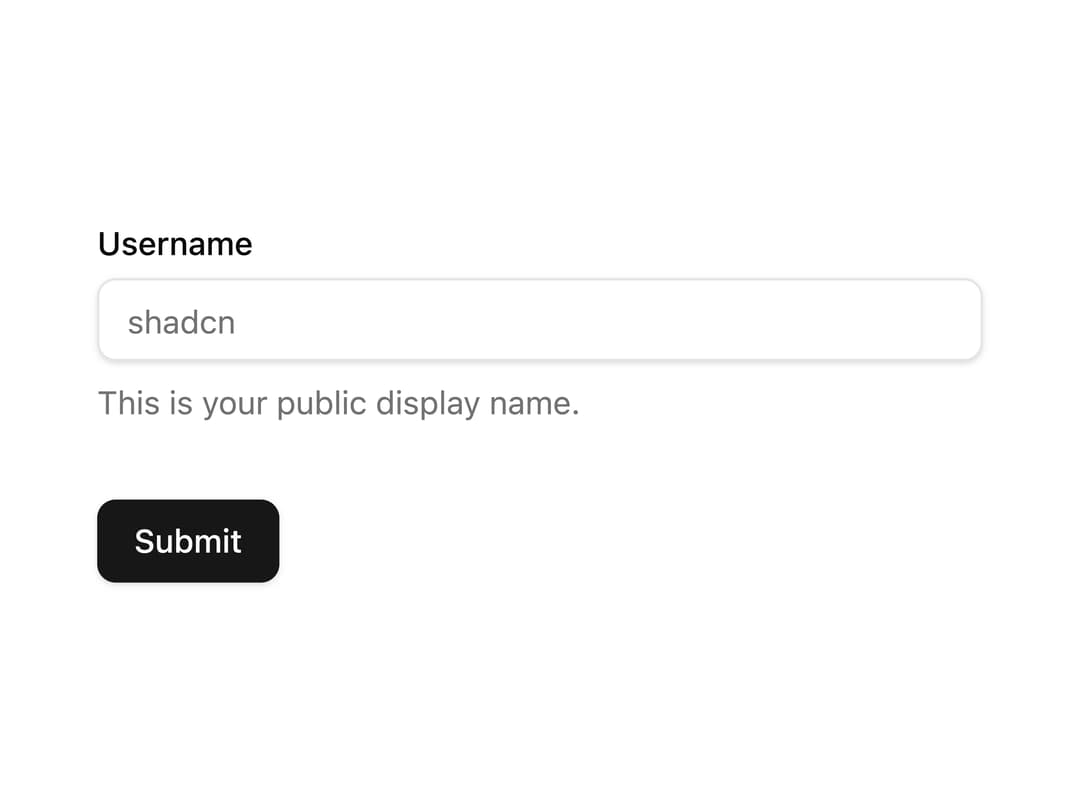
Composable, accessible form built with TanStack Form and Base UI, providing a useAppForm hook with field label, control, description, and validation message components.
Built with React and Tailwind. Copy the prompt and paste it into Claude Code, Cursor or Lovable: your agent adds Form (TanStack Form) to your project and fits it to your theme.
Code
How Form (TanStack Form) is used: the demo's code. The component's own source comes with a free account.
Usage.tsx
"use client";

import { z } from "zod";

import { Button } from "@/components/ui/button";
import { Input } from "@/components/ui/input";
import { useAppForm } from "@/components/ui/form-tanstack";

const formSchema = z.object({
  username: z.string().min(2, {
    message: "Username must be at least 2 characters.",
  }),
});

export default function ProfileForm() {
  const form = useAppForm({
    defaultValues: { username: "" } as z.infer<typeof formSchema>,
    validators: { onChange: formSchema },
    onSubmit({ value }) {
      // Do something with the form values.
      // ✅ This will be type-safe and validated.
      console.log(value);
    },
  });

  return (
    <form.AppForm>
      <form
        onSubmit={(e) => {
          e.preventDefault();
          form.handleSubmit();
        }}
        className="w-full max-w-sm space-y-8"
      >
        <form.AppField name="username">
          {(field) => (
            <form.Item>
              <field.Label>Username</field.Label>
              <field.Control>
                <Input
                  placeholder="shadcn"
                  name={field.name}
                  value={field.state.value}
                  onBlur={field.handleBlur}
                  onChange={(e) => field.handleChange(e.target.value)}
                />
              </field.Control>
              <field.Description>
                This is your public display name.
              </field.Description>
              <field.Message />
            </form.Item>
          )}
        </form.AppField>

        <Button type="submit">Submit</Button>
      </form>
    </form.AppForm>
  );
}
Dependencies
More by Base UI
View all

Drawer (Base UI)
3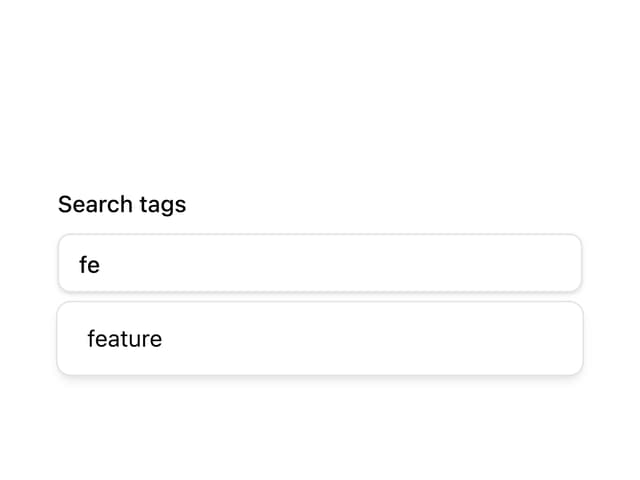
Autocomplete
More in Forms
View all

Premium Auth
498

Login 2
7

Login 1
52
Authentication Card
45

Contact Card
1K
Login Form
6

Form
16

Form
136
