
About
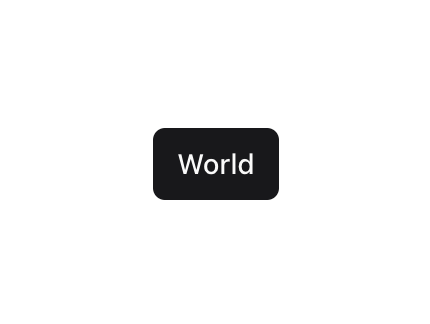
A cycle status button component made with framer motion and tailwind css.
Built with React and Tailwind. Copy the prompt and paste it into Claude Code, Cursor or Lovable: your agent adds Status Cycle Button to your project and fits it to your theme.
Code
How Status Cycle Button is used: the demo's code. The component's own source comes with a free account.
Usage.tsx
import StatusCycleButton from "@/components/ui/status-cycle-button"

const StatusCycleButtonDemo = ()=> {
    return (
          <div className="flex gap-4">
    <StatusCycleButton
      statuses={["Online", "Offline", "Away"]}
      cycleInterval={3000}
      variant="outline"
      size="sm"
    />
    <StatusCycleButton
      statuses={["Hello", "World"]}
      cycleInterval={4000}
      size="sm"
    />
    <StatusCycleButton
      statuses={["Test", "Test 2", "Test 3"]}
      cycleInterval={5000}
      variant="ghost"
      size="sm"
    />
    <StatusCycleButton
      statuses={["Link 1", "Link 2", "Link 3"]}
      cycleInterval={5000}
      variant="link"
      size="sm"
    />
  </div>
    )
}

export { StatusCycleButtonDemo }
Dependencies
More by Chetan Verma
View all
Floating Action Menu
1.5K
Animated Tabs
1.5K
Video Player
1.4K
Stacked Cards Interaction
803
Dropdowm Menu
565
Input With Tags
527
Avatar Group
507
Stacking Navbar
343
More in Buttons
View all
Texture Button
93

Eclipse Button
5

App Store Button
457

Button Group


Button
32

Button
14
Button
65

Astryx Button Group
22
