
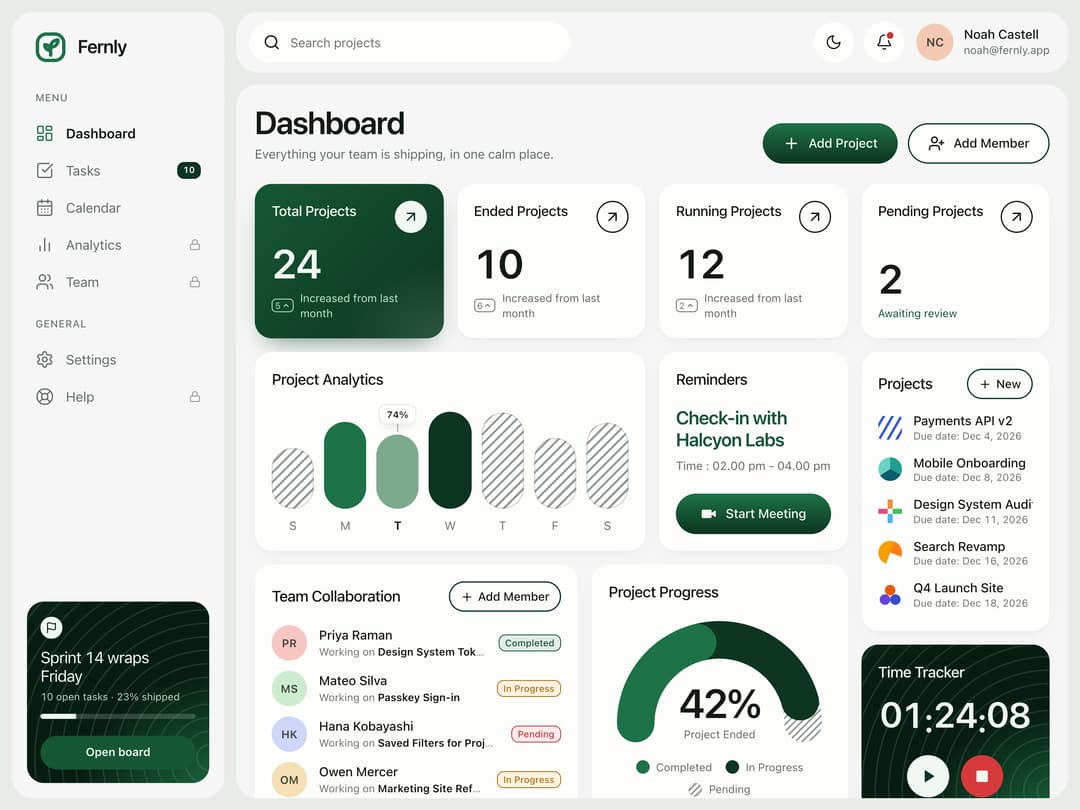
About
Settings is now a working page (profile, notifications, theme and accents); smoother motion; opens in light
Built with React and Tailwind. Copy the prompt and paste it into Claude Code, Cursor or Lovable: your agent adds Fernly Project Dashboard to your project and fits it to your theme.
Code
How Fernly Project Dashboard is used: the demo's code. The component's own source comes with a free account.
Usage.tsx
import { useEffect, useState } from "react";
import FernlyDashboard from "@/components/ui/fernly-project-dashboard";

const settings = {
  accent: "#1d7347",
  workspaceName: "Fernly",
  userName: "Noah Castell",
};

/** Opens light (Fernly's own default), then follows the page's `dark` class only when it changes. */
function usePageDark() {
  const [dark, setDark] = useState(false);
  useEffect(() => {
    const html = document.documentElement;
    let last = html.classList.contains("dark");
    const sync = () => {
      const now = html.classList.contains("dark");
      if (now !== last) setDark(now);
      last = now;
    };
    const mo = new MutationObserver(sync);
    mo.observe(html, { attributes: true, attributeFilter: ["class"] });
    return () => mo.disconnect();
  }, []);
  return dark;
}

export default function Demo(props: Partial<typeof settings> = {}) {
  const s = { ...settings, ...props };
  const dark = usePageDark();
  return (
    <div className="min-h-screen w-full bg-background">
      <FernlyDashboard accent={s.accent} workspaceName={s.workspaceName} userName={s.userName} theme={dark ? "dark" : "light"} />
    </div>
  );
}
Dependencies
More by Code And Chill
View all

Money River
5
Corbel Sales Dashboard
Kairo Revenue Analytics
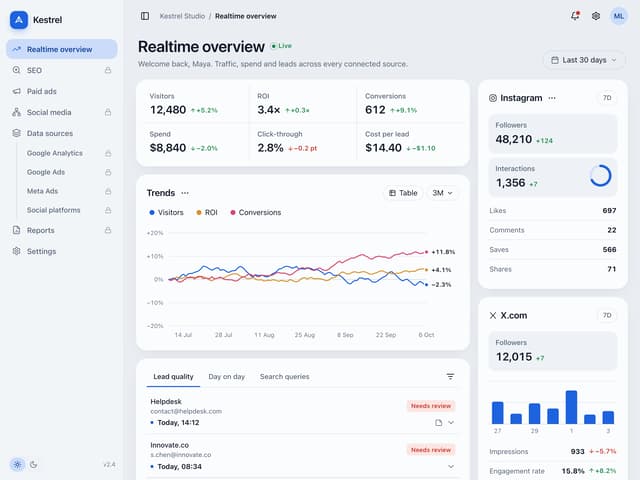
Kestrel Marketing Dashboard
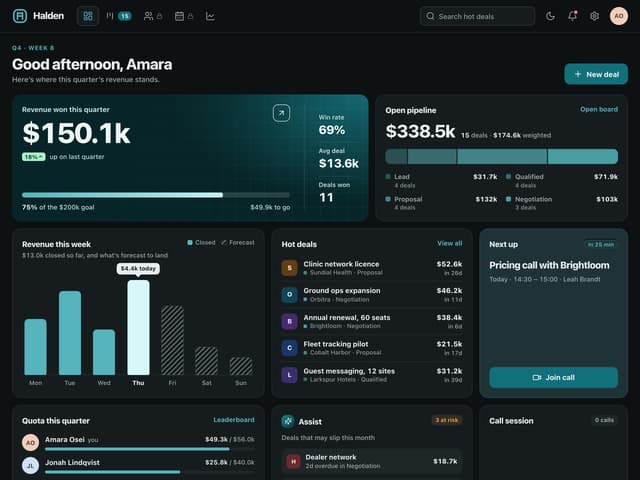
Halden Sales CRM
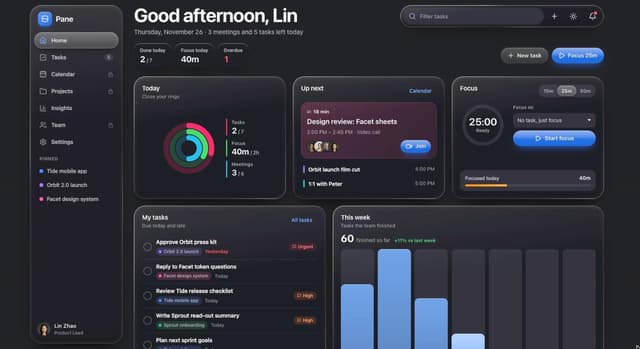
Pane Glass Workspace
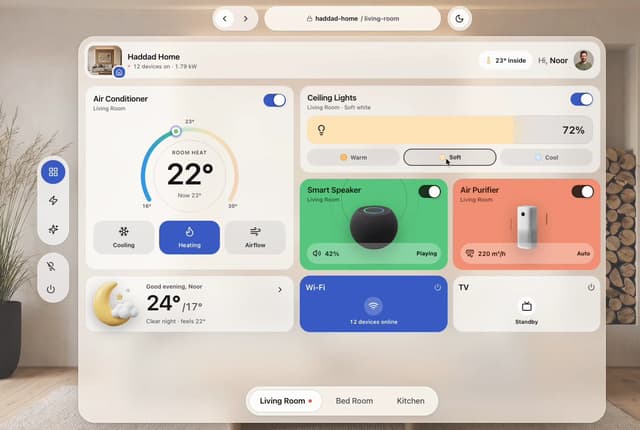
Glass Smart Home Dashboard