
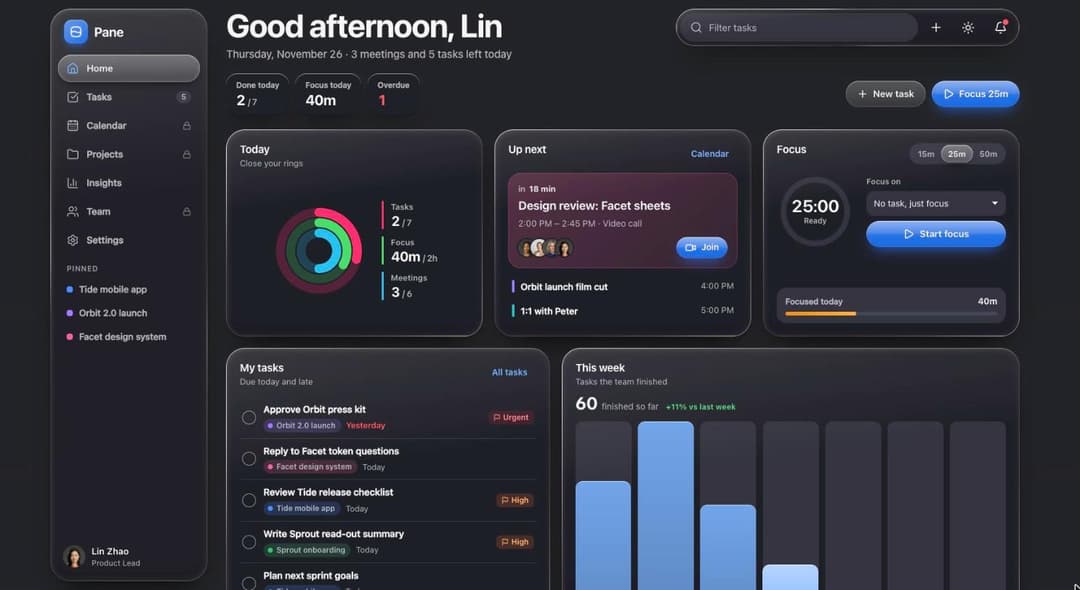
About
Clickable glass team workspace: home widgets with activity rings and focus timer, drag-and-drop task board, insights charts and live Settings with 10 wallpapers and accents. Full Pane app: codeandchill.store/templates/pane?utm_source=21st
Built with React and Tailwind. Copy the prompt and paste it into Claude Code, Cursor or Lovable: your agent adds Pane Glass Workspace to your project and fits it to your theme.
Code
How Pane Glass Workspace is used: the demo's code. The component's own source comes with a free account.
Usage.tsx
import { useEffect, useState } from "react";
import PaneDashboard, { type PaneGlass, type PaneWallpaper } from "@/components/ui/pane-glass-workspace";

const settings = {
  workspace: "Pane",
  userName: "Lin Zhao",
  userRole: "Product Lead",
  accent: "blue",
  wallpaper: "ash",
  glass: "tinted",
  solid: false,
};

const WALLPAPERS: PaneWallpaper[] = ["ash", "sand", "sage", "aurora", "smoke", "tide", "bloom", "ember", "grove", "dusk"];
const GLASS: PaneGlass[] = ["tinted", "clear"];

/** Opens dark (the template's default look), then follows the page's `dark` class whenever it changes. */
function usePageDark() {
  const [dark, setDark] = useState(true);
  useEffect(() => {
    const html = document.documentElement;
    const mo = new MutationObserver(() => setDark(html.classList.contains("dark")));
    mo.observe(html, { attributes: true, attributeFilter: ["class"] });
    return () => mo.disconnect();
  }, []);
  return dark;
}

export default function Demo(props: Partial<typeof settings> = {}) {
  const s = { ...settings, ...props };
  const dark = usePageDark();
  const wallpaper = WALLPAPERS.find((w) => w === s.wallpaper) ?? "ash";
  const glass = GLASS.find((g) => g === s.glass) ?? "tinted";
  return (
    <div className="min-h-screen w-full">
      <PaneDashboard workspace={s.workspace} userName={s.userName} userRole={s.userRole} accent={s.accent} wallpaper={wallpaper}
        glass={glass} solid={s.solid} theme={dark ? "dark" : "light"} />
    </div>
  );
}
Dependencies
More by Code And Chill
View all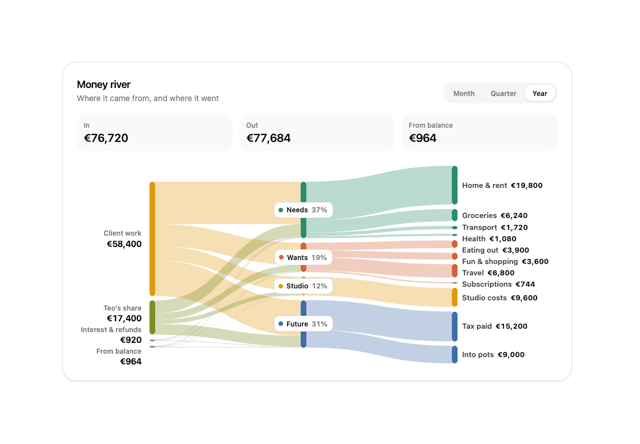

Money River
5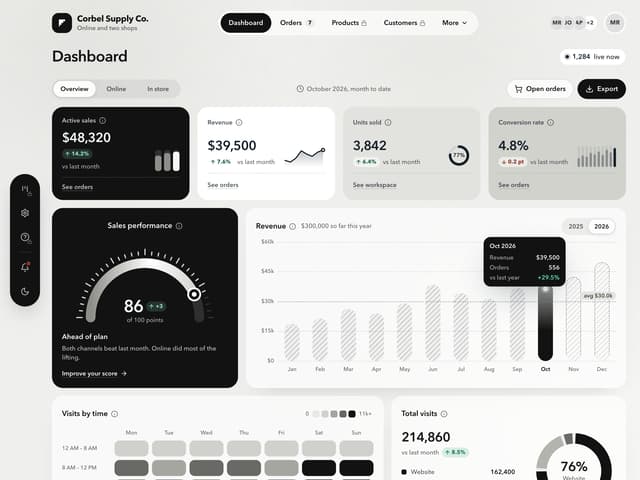
Corbel Sales Dashboard
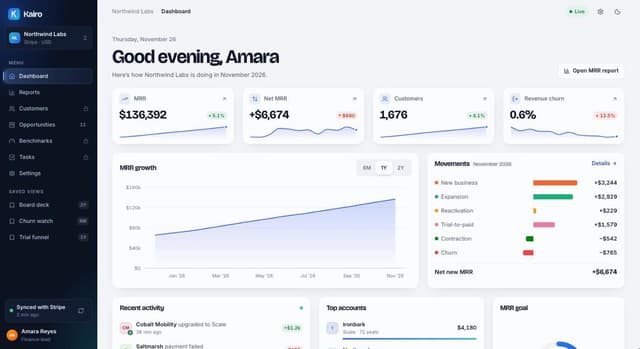
Kairo Revenue Analytics
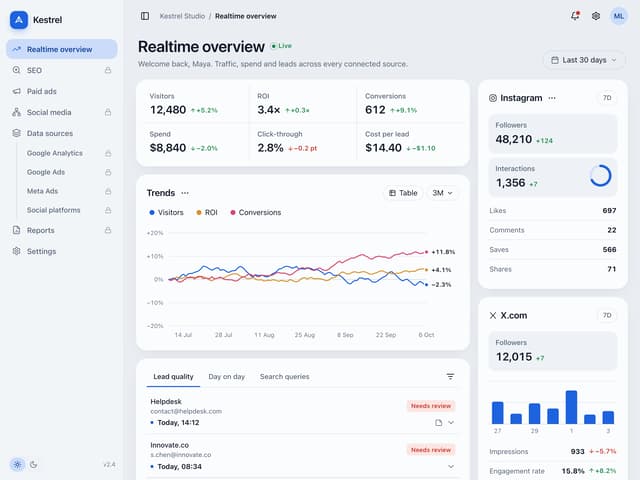
Kestrel Marketing Dashboard
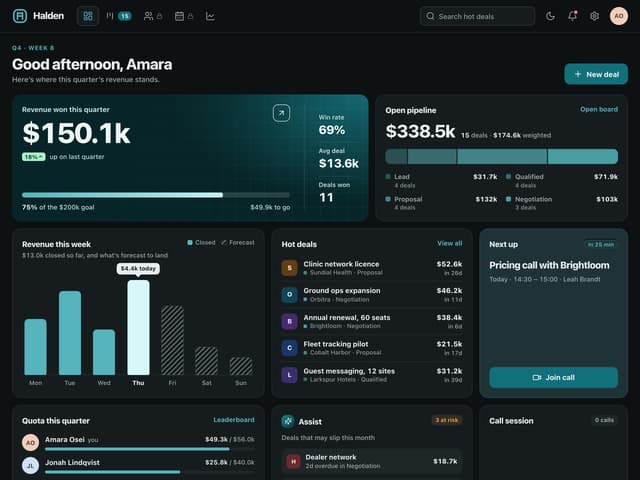
Halden Sales CRM
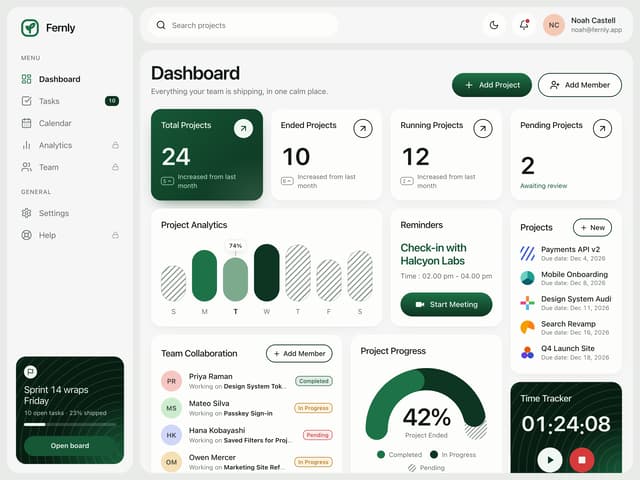
Fernly Project Dashboard
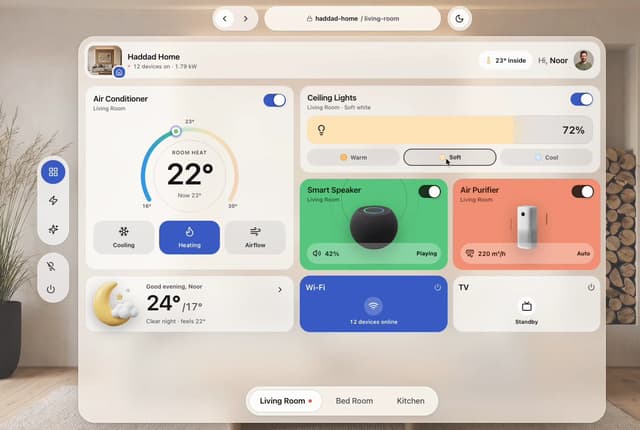
Glass Smart Home Dashboard
More in Dashboards
View all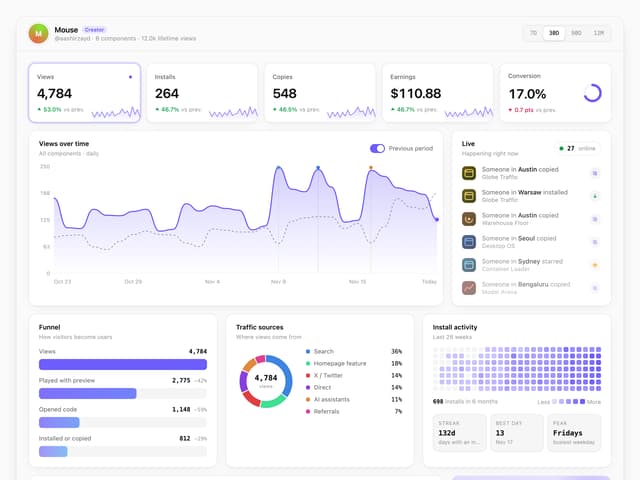
Creator Dashboard
84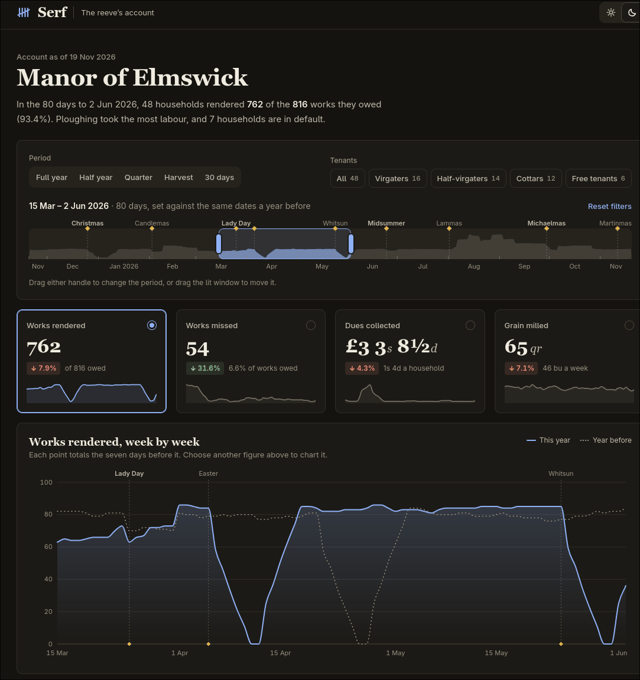
serf dashboard
78
Dashboard with Collapsible Sidebar
2.6K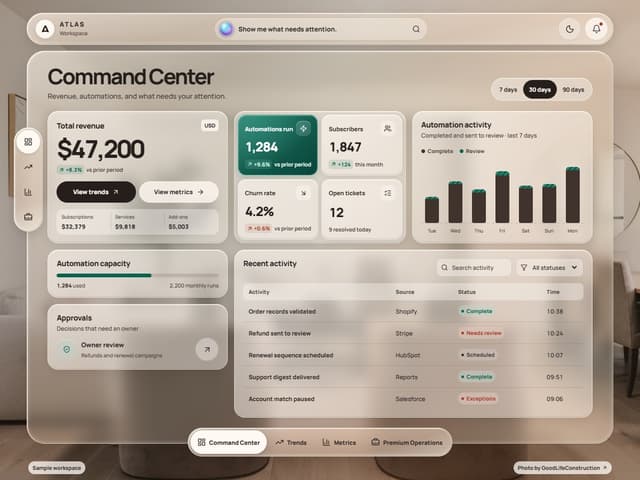

Glass Dashboard
1.1K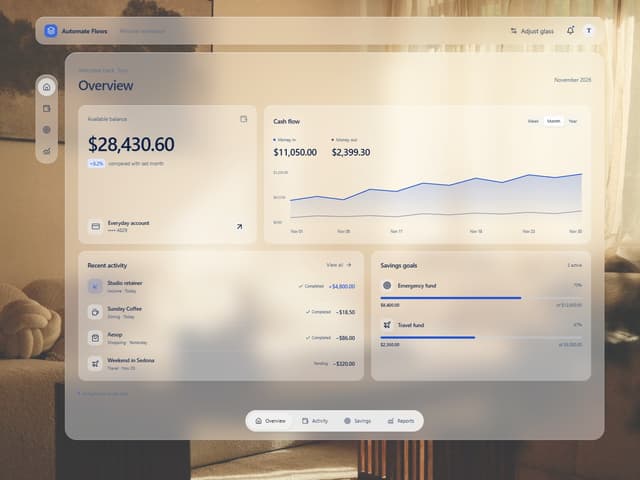
Adjustable Glass Dashboard
1.2K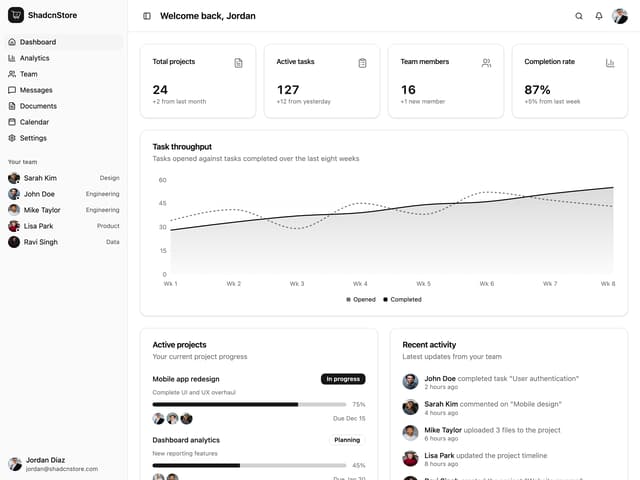

App Dashboard Layout
564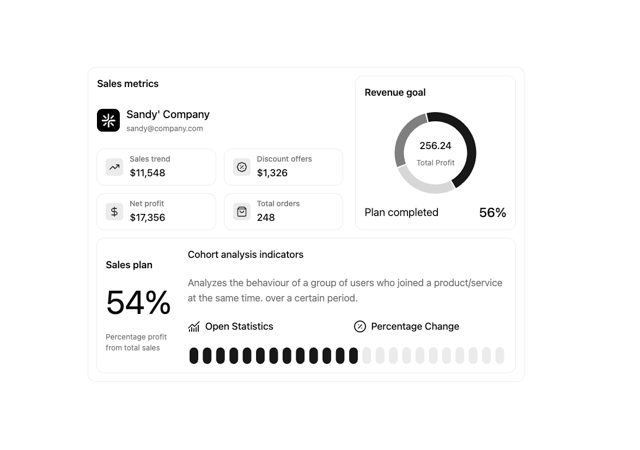

Chart Component
46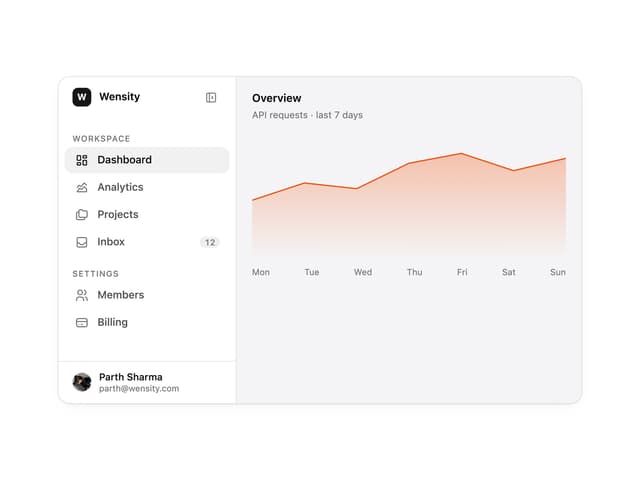

Sidebar
422


