
About
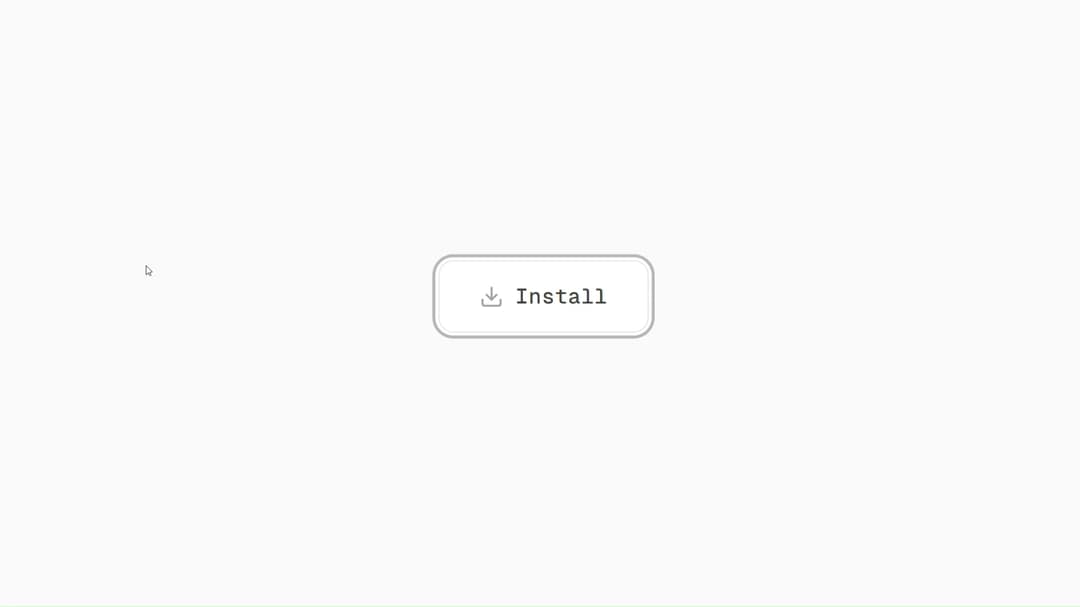
An interactive, animated button that transforms into a CLI snippet for quick copying.
Built with React and Tailwind. Copy the prompt and paste it into Claude Code, Cursor or Lovable: your agent adds Hover Terminal to your project and fits it to your theme.
Code
How Hover Terminal is used: the demo's code. The component's own source comes with a free account.
Usage.tsx
// This is a file with a demo for your component
// That's what users will see in the preview
// Create new files in this directory to add more demos

import HoverTerminal from "@/components/ui/hover-terminal";

// ONLY DEFAULT EXPORT WILL BE TREATED AS A DEMO
export default function DemoOne() {
  return (
    <main className="grid min-h-screen place-items-center bg-neutral-50 dark:bg-[#0A0A0A] transition-colors duration-300">
      <HoverTerminal />
    </main>
  );
}
Dependencies
More by Daiwiik Harihar
View all

Spatial Product Showcase
2.3K
Constellation Grid
1.1K
Perspective Tunnel Hero
1.1K
Focus Rail
1.1K
Elastic Gallery
943
Rolling List
927
Hero Shutter Text
902
Text Block Animation
855
More in Buttons
View all

Button Group
2

App Store Button
457

Eclipse Button
6
Texture Button
95

Button
5
Button Save
47
Base Button
3
Button
9

