
About
A modal dialog that traps keyboard focus, closes on Escape or backdrop click, and renders through a portal — ported from the RockSolid (SolidJS) design system's Dialog component by Darshan Rajadhyaksha, licensed MIT.
Built with React and Tailwind. Copy the prompt and paste it into Claude Code, Cursor or Lovable: your agent adds Accessible Dialog to your project and fits it to your theme.
Code
How Accessible Dialog is used: the demo's code. The component's own source comes with a free account.
Usage.tsx
"use client";

import Dialog from "@/components/ui/dialog";
import { useState } from "react";

export default function DialogDemo() {
  const [open, setOpen] = useState(false);

  return (
    <div className="flex min-h-[400px] w-full items-center justify-center">
      <button
        type="button"
        onClick={() => setOpen(true)}
        className="inline-flex items-center justify-center rounded-md bg-neutral-900 px-4 py-2 text-sm font-medium text-white hover:bg-neutral-800 dark:bg-white dark:text-neutral-900 dark:hover:bg-neutral-200"
      >
        Open dialog
      </button>
      <Dialog
        open={open}
        aria-labelledby="demo-dialog-title"
        onClose={() => setOpen(false)}
        className="p-6"
      >
        <h2
          id="demo-dialog-title"
          className="text-lg font-semibold text-neutral-900 dark:text-neutral-100"
        >
          Getting Started
        </h2>
        <p className="mt-2 text-sm text-neutral-600 dark:text-neutral-400">
          Complete the setup to access all available features.
        </p>
        <div className="mt-6 flex justify-end gap-2">
          <button
            type="button"
            className="rounded-md border border-neutral-300 px-3 py-1.5 text-sm font-medium text-neutral-900 hover:bg-neutral-100 dark:border-neutral-700 dark:text-neutral-100 dark:hover:bg-neutral-800"
          >
            Go to Setup
          </button>
          <button
            type="button"
            onClick={() => setOpen(false)}
            className="rounded-md bg-neutral-900 px-3 py-1.5 text-sm font-medium text-white hover:bg-neutral-800 dark:bg-white dark:text-neutral-900 dark:hover:bg-neutral-200"
          >
            Close
          </button>
        </div>
      </Dialog>
    </div>
  );
}
Dependencies
More by darshan-rajadhyaksha
View all
Backdrop
1
Switch

Avatar
Chip
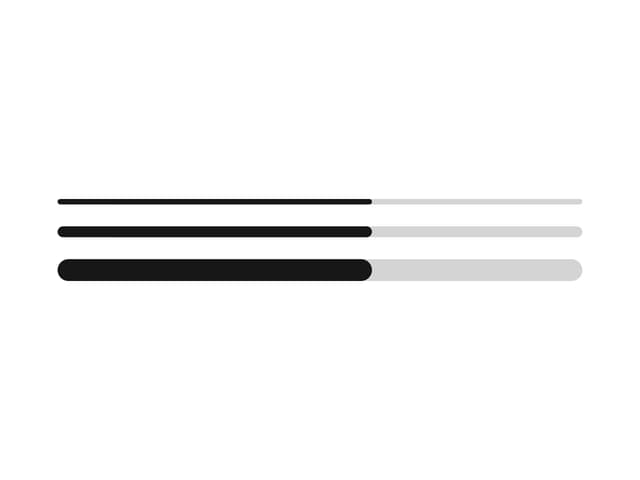
Progress Bar
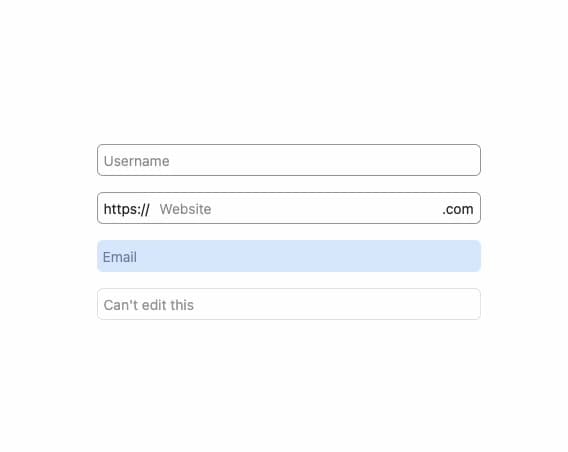
Input
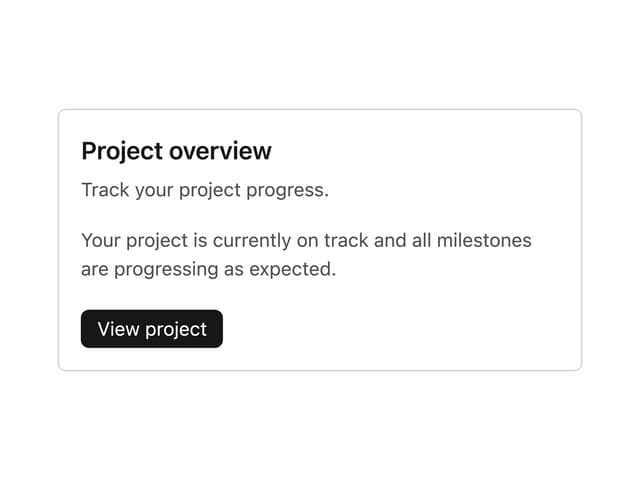
Card Content
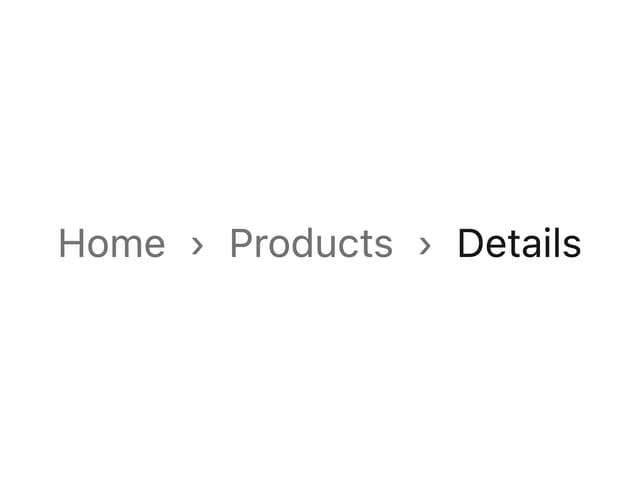
Breadcrumbs