
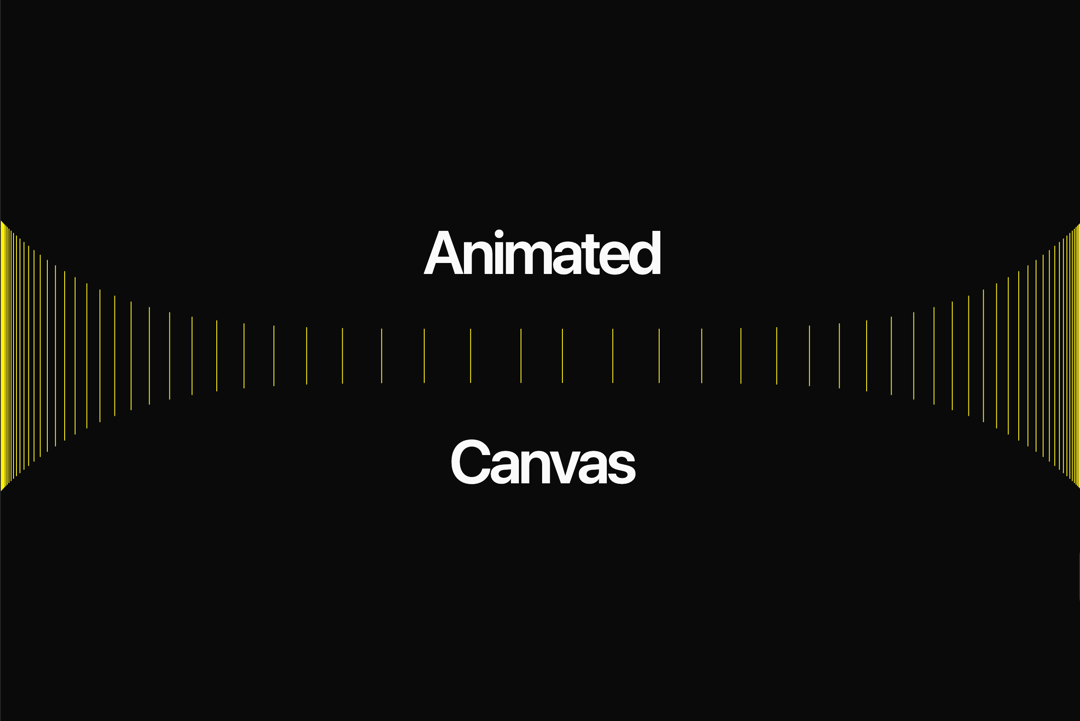
About
The component will use a canvas to render the animation with configurable parameters.
Built with React and Tailwind. Copy the prompt and paste it into Claude Code, Cursor or Lovable: your agent adds Animated Canvas to your project and fits it to your theme.
Code
How Animated Canvas is used: the demo's code. The component's own source comes with a free account.
Usage.tsx
import { AnimatedCanvas } from "@/components/ui/animated-canvas";

export default function DemoOne() {
  return (
    <div className="h-[400px] relative w-full flex items-center justify-center">
      <AnimatedCanvas
        count={50}
        lineColor={"#fff200"}
        heightMultiplier={0.4}
        speed={0.00002}
        lineWidth={2}
        className="h-80 w-full"
        direction={"right-to-left"}
      />
      <AnimatedCanvas
        count={50}
        lineColor={"#fff200"}
        heightMultiplier={0.4}
        speed={0.00002}
        lineWidth={2}
        className="h-80 w-full"
      />
      <span className="pointer-events-none top-10 absolute z-10 text-center text-7xl leading-none font-semibold tracking-tighter whitespace-pre-wrap">
        Animated
      </span>
       <span className="pointer-events-none bottom-10 absolute z-10 text-center text-7xl leading-none font-semibold tracking-tighter whitespace-pre-wrap">
        Canvas
      </span>
    </div>
  );
}