
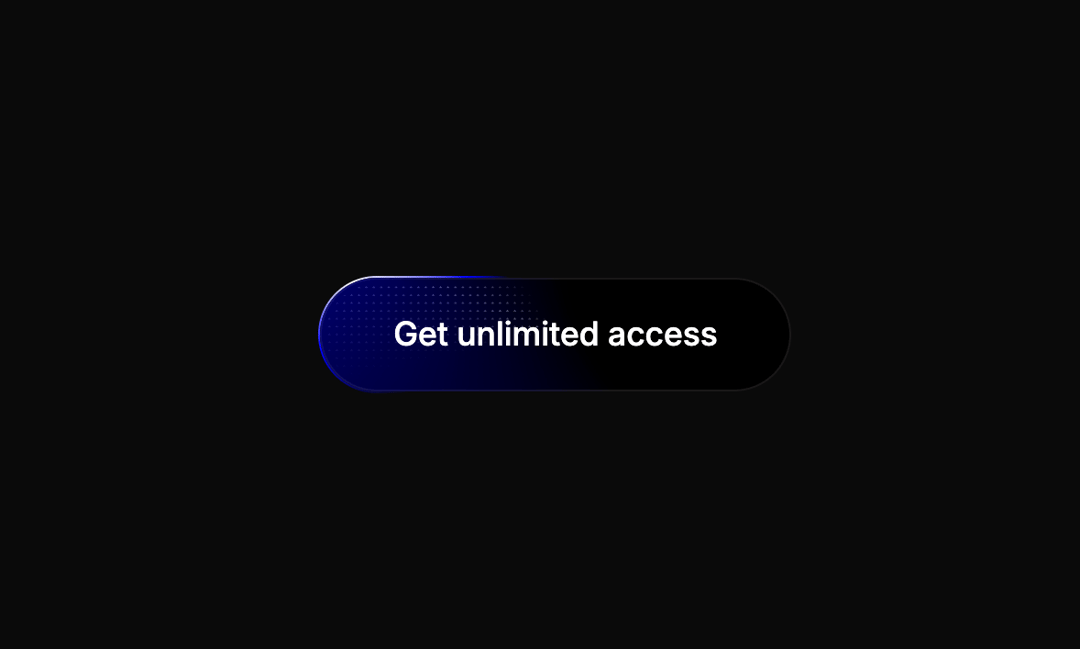
About
The component preserves all the original functionality including the animated conic gradients, shimmer effects, dot patterns, and hover states.
Built with React and Tailwind. Copy the prompt and paste it into Claude Code, Cursor or Lovable: your agent adds Shiny Button to your project and fits it to your theme.
Code
How Shiny Button is used: the demo's code. The component's own source comes with a free account.
Usage.tsx
import { ShinyButton } from "@/components/ui/shiny-button";

export default function DemoOne() {
  return (
    <div className="min-h-screen flex items-center justify-center">
      <ShinyButton onClick={() => alert("Button clicked!")}>Get unlimited access</ShinyButton>
    </div>
  )
}
More by Ali Imam
View all

Liquid Glass Button
6.7K
Shader Animation
3.7K
WebGL Shader
2.6K
Shader Lines
2.3K
GLSL Hills
2.1K
Canvas
1.8K
Gallery
1.5K
Glowing Shadow
1.5K
More in Buttons
View all
Texture Button
95

Eclipse Button
6

App Store Button
457

Button Group


Button
14

Button
32
Button
65

HeroUI Button Group
9
