
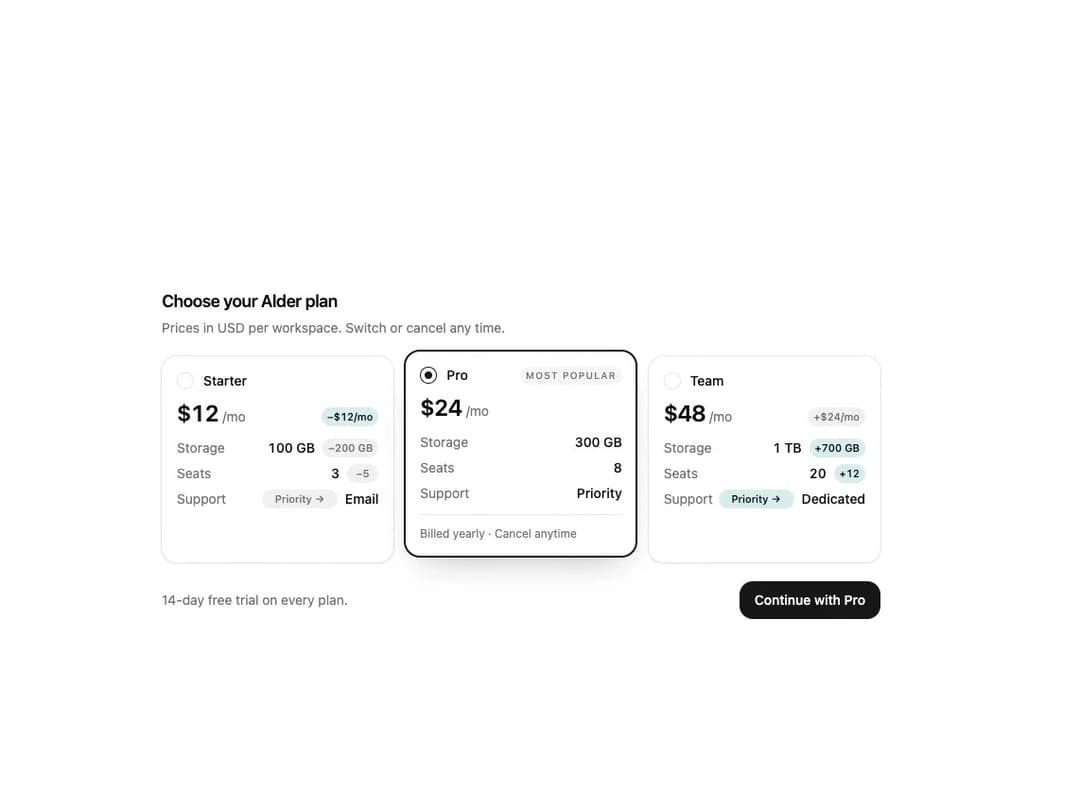
Comparing Radio Cards for React and Tailwind CSS (shadcn/ui): plan cards in a radio group where the selected card lifts forward and the others show their difference from it as chips (+$12/mo, +200 GB). It is built to answer "what changes if I pick this one" without a table. On a new pick the ring slides over, the detail unfolds and chips roll to the new baseline. Real radio inputs, controlled or uncontrolled value, numeric attributes with betterDirection, a live summary, light and dark, instant under reduced motion. Use it for pricing plans, storage tiers, shipping or seats. The included demo scripts three Alder plans and makes no requests. Requires React only, with no animation library.
Built with React and Tailwind. Copy the prompt and paste it into Claude Code, Cursor or Lovable: your agent adds Comparing Radio Cards – Plan Picker that Shows the Difference from Your Selection to your project and fits it to your theme.
Code
How Comparing Radio Cards – Plan Picker that Shows the Difference from Your Selection is used: the demo's code. The component's own source comes with a free account.
Usage.tsx
"use client";

import * as React from "react";
import { ComparingRadioCards } from "@/components/ui/comparing-radio-cards";
import type { RadioCardAttribute, RadioCardOption } from "@/components/ui/comparing-radio-cards";

const SUPPORT_TIERS = ["Email", "Priority", "Dedicated"];

const ATTRIBUTES: RadioCardAttribute[] = [
  { key: "storage", label: "Storage", format: (gb) => (gb >= 1000 ? `${gb / 1000} TB` : `${gb} GB`) },
  { key: "seats", label: "Seats" },
  { key: "support", label: "Support", kind: "level", format: (level) => SUPPORT_TIERS[level - 1] ?? `Tier ${level}` },
];

const PLANS: RadioCardOption[] = [
  {
    value: "starter",
    title: "Starter",
    price: { amount: 12, period: "mo" },
    attributes: [{ key: "storage", value: 100 }, { key: "seats", value: 3 }, { key: "support", value: 1 }],
    detail: "Billed monthly · Cancel anytime",
  },
  {
    value: "pro",
    title: "Pro",
    badge: "Most popular",
    price: { amount: 24, period: "mo" },
    attributes: [{ key: "storage", value: 300 }, { key: "seats", value: 8 }, { key: "support", value: 2 }],
    detail: "Billed yearly · Cancel anytime",
  },
  {
    value: "team",
    title: "Team",
    price: { amount: 48, period: "mo" },
    attributes: [{ key: "storage", value: 1000 }, { key: "seats", value: 20 }, { key: "support", value: 3 }],
    detail: "Billed yearly · Invoicing · SSO",
  },
];

const START = "starter";
const CYCLE = 9000;
const STEPS: { at: number; value: string }[] = [
  { at: 600, value: "pro" },
  { at: 2600, value: "team" },
  { at: 4400, value: "starter" },
  { at: 6200, value: "pro" },
  { at: 7600, value: "starter" },
];
const EASE = "cubic-bezier(0.22, 1, 0.36, 1)";

export default function Demo({ autoplay = true }: { autoplay?: boolean }) {
  const params = React.useMemo(() => new URLSearchParams(typeof window === "undefined" ? "" : window.location.search), []);
  const lock = params.get("lock");
  const uncontrolled = params.get("uncontrolled") === "1";
  const showDiffs = params.get("diffs") !== "0";
  const scripted = autoplay && lock === null && !uncontrolled;

  const [value, setValue] = React.useState(START);
  const [stopped, setStopped] = React.useState(false);
  const [requests, setRequests] = React.useState([] as string[]);
  const [motion, setMotion] = React.useState({ ready: false, reduced: true });
  const [entered, setEntered] = React.useState(!scripted);
  const stageRef = React.useRef(null as HTMLDivElement | null);

  React.useEffect(() => {
    const media = window.matchMedia("(prefers-reduced-motion: reduce)");
    const update = () => setMotion({ ready: true, reduced: media.matches });
    update();
    media.addEventListener("change", update);
    return () => media.removeEventListener("change", update);
  }, []);

  React.useEffect(() => {
    if (!motion.ready || !scripted) return;
    const node = stageRef.current;
    if (!motion.reduced && node && typeof node.animate === "function") {
      node.animate([{ opacity: 0, transform: "translateY(10px)" }, { opacity: 1, transform: "translateY(0)" }], { duration: 420, easing: EASE });
    }
    setEntered(true);
  }, [motion.ready, motion.reduced, scripted]);

  React.useEffect(() => {
    if (!scripted || stopped) return;
    const start = performance.now();
    let index = 0;
    let cycle = 0;
    let timer = 0;
    const schedule = () => {
      const step = STEPS[index];
      const at = cycle * CYCLE + (step ? step.at : CYCLE);
      timer = window.setTimeout(() => {
        if (step) {
          setValue(step.value);
          index += 1;
        } else {
          setValue(START);
          index = 0;
          cycle += 1;
        }
        schedule();
      }, Math.max(0, at - (performance.now() - start)));
    };
    schedule();
    return () => window.clearTimeout(timer);
  }, [scripted, stopped]);

  const stop = () => {
    if (scripted && !stopped) setStopped(true);
  };

  const handleChange = (next: string) => {
    stop();
    setRequests((current) => [...current, next]);
    if (lock === null) setValue(next);
  };

  const selected = PLANS.find((plan) => plan.value === (lock ?? value)) ?? PLANS[0]!;

  return (
    <main
      data-demo-root
      data-stopped={stopped ? "true" : "false"}
      data-requests={requests.join(" ")}
      onPointerDownCapture={stop}
      onKeyDownCapture={stop}
      className="flex w-full items-center justify-center overflow-hidden bg-background px-6 text-foreground"
      style={{ height: "min(100svh, 760px)" }}
    >
      <div ref={stageRef} data-stage className="w-full max-w-[760px]" style={{ opacity: entered ? 1 : 0 }}>
        <div className="flex flex-col gap-1">
          <h2 className="text-lg font-semibold tracking-tight">Choose your Alder plan</h2>
          <p className="text-sm text-muted-foreground">Prices in USD per workspace. Switch or cancel any time.</p>
        </div>
        <ComparingRadioCards
          className="mt-5"
          aria-label="Alder plans"
          name="alder-plan"
          options={PLANS}
          attributes={ATTRIBUTES}
          showDiffs={showDiffs}
          {...(uncontrolled ? { defaultValue: "pro" } : { value: lock ?? value })}
          onValueChange={handleChange}
        />
        <div className="mt-5 flex items-center justify-between gap-4">
          <p className="text-sm text-muted-foreground">14-day free trial on every plan.</p>
          <button
            type="button"
            data-continue
            className="inline-flex h-10 shrink-0 items-center rounded-xl bg-primary px-4 text-sm font-medium text-primary-foreground outline-none transition-opacity hover:opacity-90 focus-visible:ring-2 focus-visible:ring-ring focus-visible:ring-offset-2 focus-visible:ring-offset-background"
          >
            Continue with {selected.title}
          </button>
        </div>
      </div>
    </main>
  );
}
More by DHxWhy
View all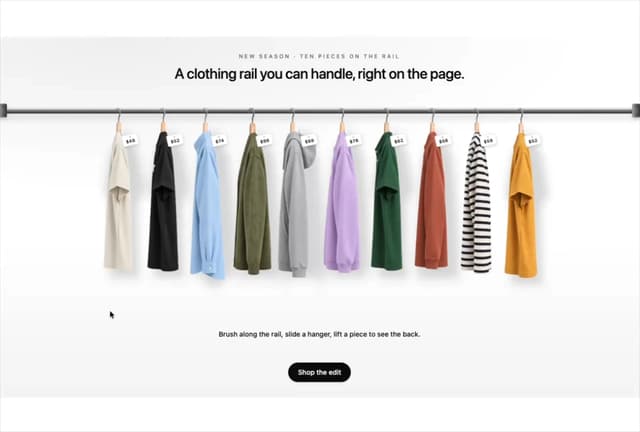

Product Rail Gallery – Fashion Store Hero Section
2.2K
Sushi Conveyor Belt Menu – Restaurant Hero Section
883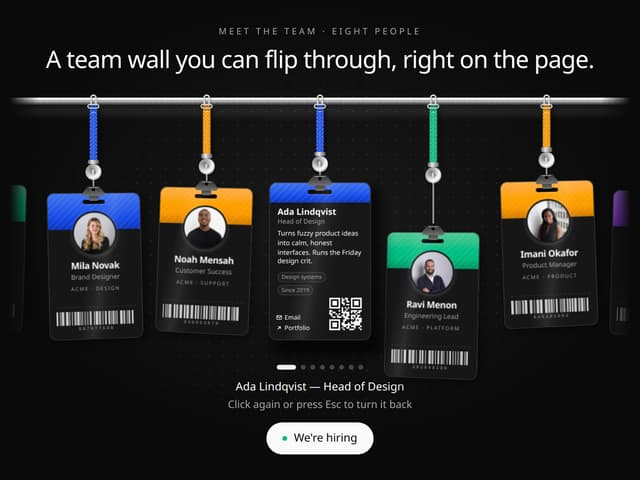
Team Lanyard Rail – Meet the Team Section with Flip Badges
830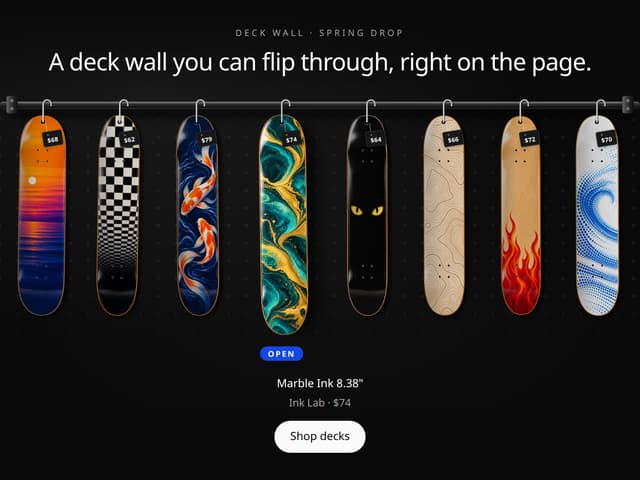
Skateboard Deck Rail Gallery – Skate Shop Hero Section
431
Sun Moon Dark Mode Theme Toggle
328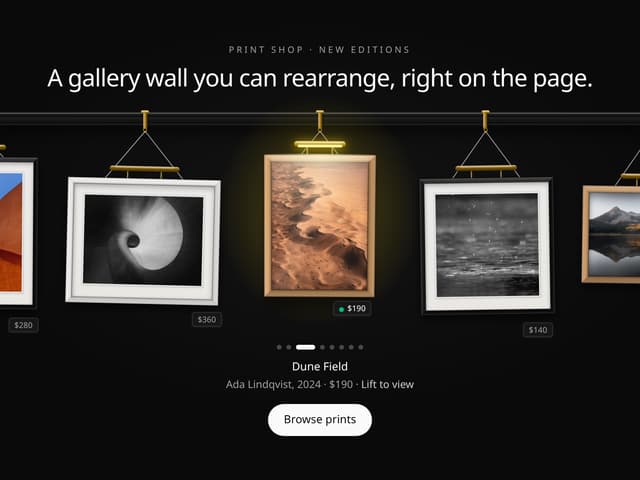
Picture Rail Image Gallery – Art Print Shop Hero Section
268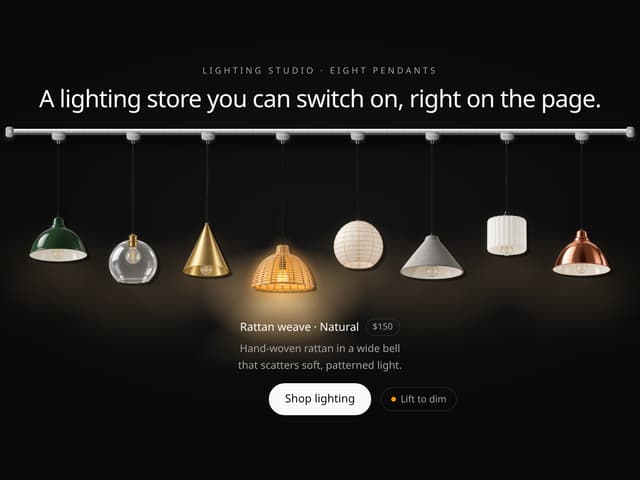
Pendant Lamp Rail Gallery – Lighting Store Hero Section
243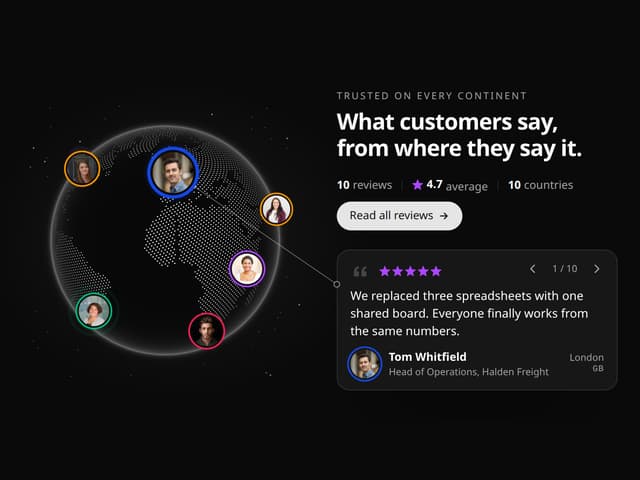
World Testimonials Globe – Social Proof Hero Section
217
More in Pricing
View all
Pricing Section
652

Pricing Section
190

Pricing Card
558

Pricing Cards
91

Boxly Pricing-1
93

RuixenPricing05
112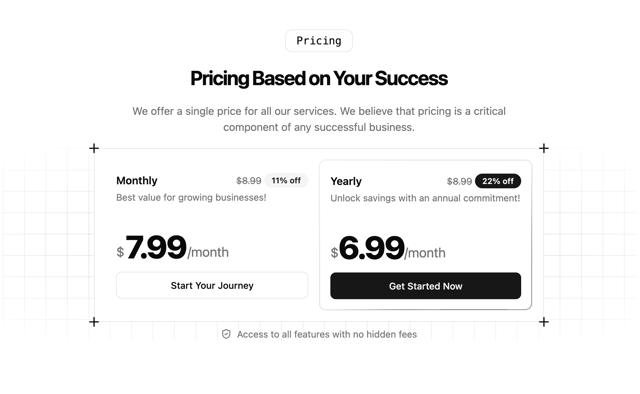
Single Pricing Card
809
Glowing Pricing Tiers
83

