
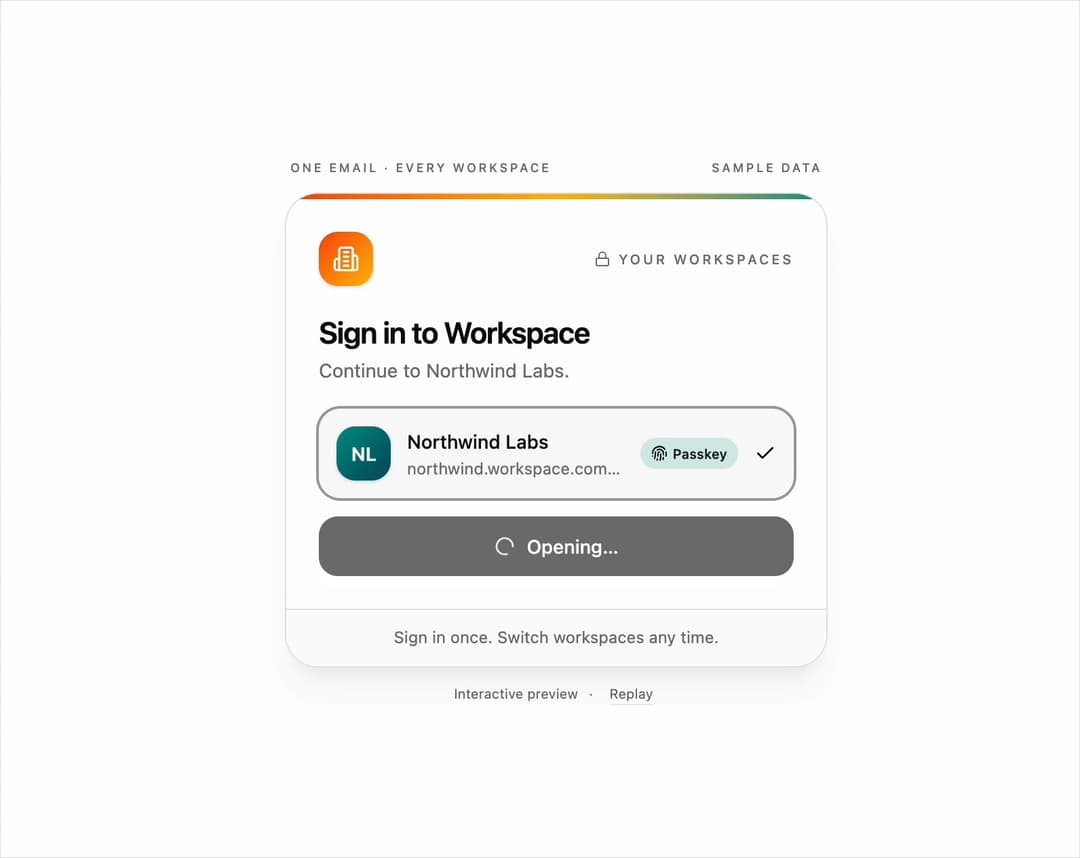
Workspace picker login form for React and Tailwind CSS (shadcn/ui) that turns one email into a colorful list of the workspaces a person belongs to, Slack-style. It is built to get people into the right workspace with one email and one tap, instead of remembering a URL. Type an email, see a looking-up skeleton, then a staggered list of workspaces with gradient initial tiles, addresses, member counts, last-used hints, and sign-in method badges (SSO, passkey, or password). Pick one and it rises to the top with a FLIP transition while the matching continue button appears; a lone workspace is chosen automatically, and "Not you?" returns to the email step. Supports controlled email, status, workspaces, and selection, lookup and continue callbacks, keyboard navigation with arrow keys, listbox semantics with live announcements, reduced motion, and light and dark themes. Use it for multi-tenant SaaS sign-in, team switchers, and enterprise login pages. The included demo scripts a sample flow; the component makes no requests. Requires React and lucide-react, with no animation library.
Built with React and Tailwind. Copy the prompt and paste it into Claude Code, Cursor or Lovable: your agent adds Workspace Picker Login Form to your project and fits it to your theme.
Code
How Workspace Picker Login Form is used: the demo's code. The component's own source comes with a free account.
Usage.tsx
"use client";

import * as React from "react";
import { WorkspacePickerLogin } from "@/components/ui/workspace-picker-login";
import type { Workspace, WorkspaceStatus } from "@/components/ui/workspace-picker-login";

const EMAIL = "maria@acme.com";
export const DEMO_WORKSPACES: Workspace[] = [
  { id: "acme", name: "Acme Design", address: "acme.workspace.com", members: 48, method: "sso", tone: 1 },
  { id: "northwind", name: "Northwind Labs", address: "northwind.workspace.com", members: 12, lastUsed: "2d ago", method: "passkey", tone: 2 },
  { id: "personal", name: "Maria's Notes", address: "maria.workspace.com", members: 1, method: "password", tone: 4 },
];

type DemoProps = { autoplay?: boolean; bare?: boolean };
type DemoState = { status: WorkspaceStatus; email: string; workspaces: Workspace[]; selected: string | null; welcome?: string };
const initial = (): DemoState => ({ status: "idle", email: "", workspaces: [], selected: null });

export default function WorkspacePickerDemo({ autoplay = true, bare = false }: DemoProps) {
  const [state, setState] = React.useState(initial);
  const [motion, setMotion] = React.useState({ ready: false, reduced: true });
  const [run, setRun] = React.useState({ id: 0, auto: true });
  const [paused, setPaused] = React.useState(false);

  React.useEffect(() => {
    const media = window.matchMedia("(prefers-reduced-motion: reduce)");
    const update = () => setMotion({ ready: true, reduced: media.matches });
    update();
    media.addEventListener("change", update);
    return () => media.removeEventListener("change", update);
  }, []);

  React.useEffect(() => {
    if (!motion.ready || !run.auto || !autoplay || motion.reduced || paused) return;
    const timers: number[] = [];
    const later = (ms: number, callback: () => void) => timers.push(window.setTimeout(callback, ms));
    setState(initial());
    for (let index = 1; index <= EMAIL.length; index += 1) later(400 + (index / EMAIL.length) * 1000, () => setState((previous) => ({ ...previous, email: EMAIL.slice(0, index) })));
    later(1700, () => setState((previous) => ({ ...previous, status: "looking" })));
    later(2400, () => setState((previous) => ({ ...previous, status: "ready", workspaces: DEMO_WORKSPACES })));
    later(4000, () => setState((previous) => ({ ...previous, selected: "northwind" })));
    later(5400, () => setState((previous) => ({ ...previous, status: "continuing" })));
    later(6100, () => setState((previous) => ({ ...previous, status: "done", welcome: "Welcome back, Maria" })));
    later(7600, () => setRun((previous) => ({ ...previous, id: previous.id + 1 })));
    return () => timers.forEach((timer) => window.clearTimeout(timer));
  }, [motion.ready, motion.reduced, autoplay, paused, run]);

  const takeOver = () => { setPaused(true); setRun((previous) => ({ ...previous, auto: false })); };

  return (
    <main className="flex min-h-svh w-full flex-col items-center justify-center gap-3 bg-background px-4 py-4 text-foreground">
      {!bare && <div className="flex w-full max-w-[400px] items-center justify-between px-1 text-[9px] font-medium uppercase tracking-[0.18em] text-muted-foreground"><span>One email · every workspace</span><span>Sample data</span></div>}
      <WorkspacePickerLogin
        appName="Workspace"
        email={state.email}
        onEmailChange={(email) => { takeOver(); setState((previous) => ({ ...previous, email })); }}
        status={state.status}
        workspaces={state.workspaces}
        selected={state.selected}
        onSelect={(selected) => { takeOver(); setState((previous) => ({ ...previous, selected })); }}
        onLookup={(email) => {
          takeOver();
          setState((previous) => ({ ...previous, email, status: "looking" }));
          window.setTimeout(() => setState((previous) => ({ ...previous, status: "ready", workspaces: email === EMAIL ? DEMO_WORKSPACES : [{ id: "personal", name: `${email.split("@")[0]}'s space`, members: 1, method: "password", tone: 3 }] })), 700);
        }}
        onContinue={(workspace) => {
          takeOver();
          setState((previous) => ({ ...previous, status: "continuing" }));
          window.setTimeout(() => setState((previous) => ({ ...previous, status: "done", welcome: `Welcome back to ${workspace.name}` })), 700);
        }}
        onChangeEmail={() => { takeOver(); setState(initial()); }}
        onCreateWorkspace={() => takeOver()}
        welcome={state.welcome}
        footer={<span>Sign in once. Switch workspaces any time.</span>}
      />
      {!bare && (
        <div className="flex items-center gap-2 text-[10px] text-muted-foreground">
          <span>{run.auto && !paused ? "Interactive preview" : "Try your own email"}</span>
          <span aria-hidden="true">·</span>
          <button type="button" data-replay onClick={() => { setPaused(false); setRun((previous) => ({ id: previous.id + 1, auto: true })); }} className="rounded px-1 underline decoration-border underline-offset-4 hover:text-foreground focus-visible:outline-none focus-visible:ring-2 focus-visible:ring-ring">Replay</button>
        </div>
      )}
    </main>
  );
}
Dependencies
More by DHxWhy
View all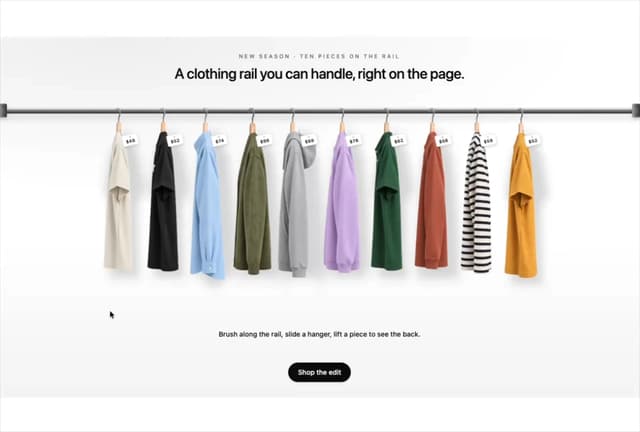

Product Rail Gallery – Fashion Store Hero Section
1.4K
Sushi Conveyor Belt Menu – Restaurant Hero Section
382
Sun Moon Dark Mode Theme Toggle
281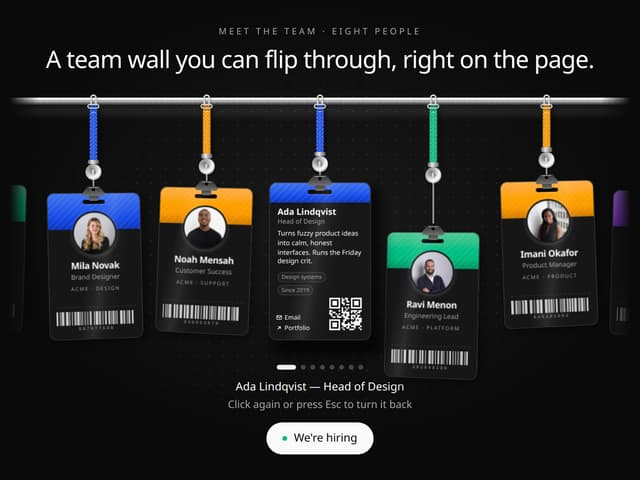
Team Lanyard Rail – Meet the Team Section with Flip Badges
237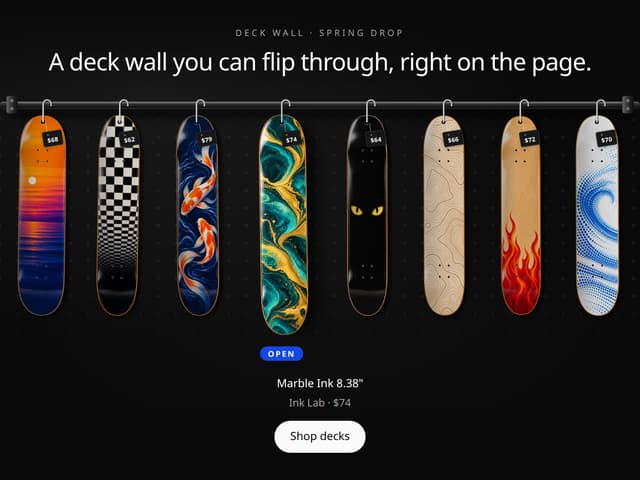
Skateboard Deck Rail Gallery – Skate Shop Hero Section
156
Live Notification Feed
151
Country Flags Globe
135
Airplane Window Gallery
125
More in Sign-in
View all

Modern & Stunning sign in
1.6K
SignInPage
675
Clean & Minimal sign in
633
Sign In
99

Sign In Form
208

Split Sign In Form
59
Sign In Card
18
Centered Social Login
54


