
About
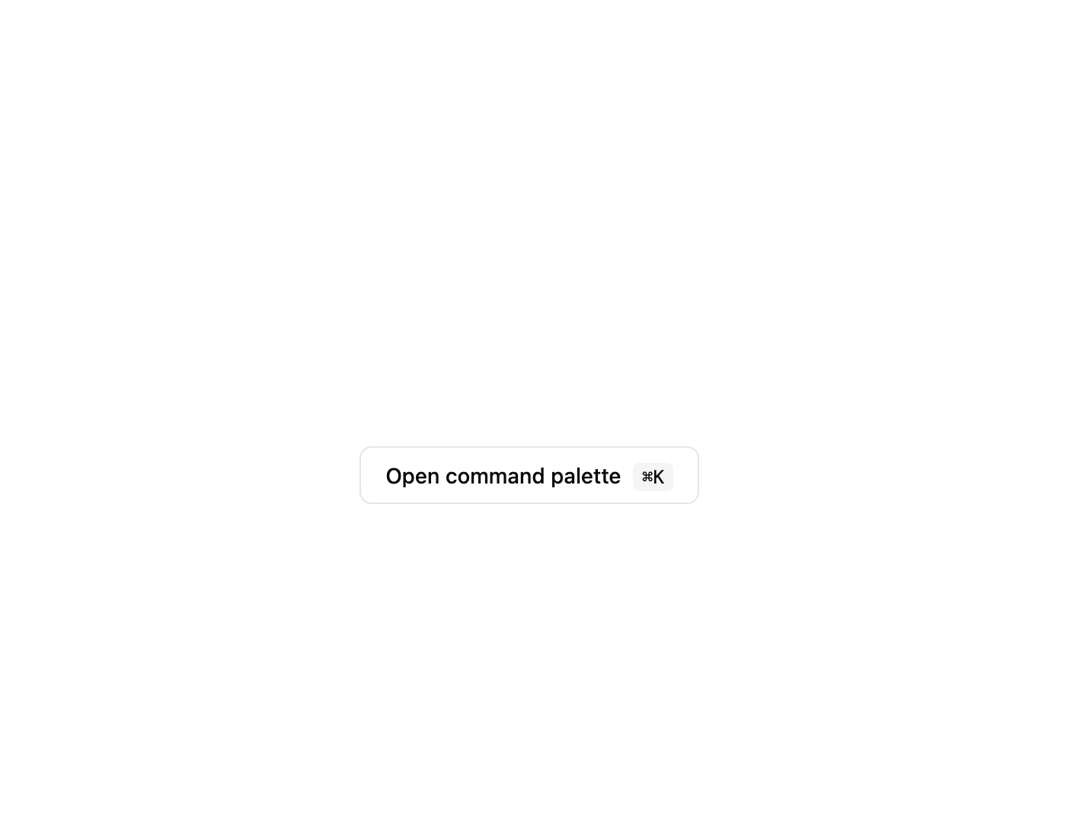
A ⌘K-style search dialog that lets users jump to grouped, keyword-searchable actions with the keyboard or mouse.
Built with React and Tailwind. Copy the prompt and paste it into Claude Code, Cursor or Lovable: your agent adds Command Palette to your project and fits it to your theme.
Code
How Command Palette is used: the demo's code. The component's own source comes with a free account.
Usage.tsx
"use client";

import CommandPalette, { type Command } from "@/components/ui/command-palette";
import { useState } from "react";
import {
  Home01Icon,
  Search01Icon,
  Settings01Icon,
  UserIcon,
} from "@hugeicons/core-free-icons";

export default function CommandPaletteDemo() {
  const [open, setOpen] = useState(false);

  const commands: Command[] = [
    {
      id: "dashboard",
      label: "Go to dashboard",
      group: "Navigate",
      keywords: ["home", "overview"],
      icon: Home01Icon,
      shortcut: ["⌘", "H"],
      onselect: () => setOpen(false),
    },
    {
      id: "search",
      label: "Search everything",
      group: "Navigate",
      keywords: ["find"],
      icon: Search01Icon,
      onselect: () => setOpen(false),
    },
    {
      id: "profile",
      label: "View profile",
      group: "Account",
      keywords: ["me", "avatar"],
      icon: UserIcon,
      onselect: () => setOpen(false),
    },
    {
      id: "preferences",
      label: "Open preferences",
      group: "Account",
      keywords: ["settings", "options"],
      icon: Settings01Icon,
      shortcut: ["⌘", ","],
      onselect: () => setOpen(false),
    },
  ];

  return (
    <div className="flex min-h-[28rem] w-full items-center justify-center bg-background p-10 text-foreground">
      <button
        type="button"
        onClick={() => setOpen(true)}
        className="rounded-md border px-4 py-2 text-sm font-medium"
      >
        Open command palette{" "}
        <kbd className="ml-1 rounded bg-muted px-1.5 py-0.5 text-xs">⌘K</kbd>
      </button>
      <CommandPalette commands={commands} open={open} onOpenChange={setOpen} />
    </div>
  );
}
Dependencies
More by ebnsina
View all
Countdown Timer
26
Video Player
19
Alarm Clock
19
Voice Note
12
Split Button
11
Sortable List
11
Code Block
8
Sign In Auth Card
6