About
Built with React and Tailwind. Copy the prompt and paste it into Claude Code, Cursor or Lovable: your agent adds Text Inertia to your project and fits it to your theme.
Code
How Text Inertia is used: the demo's code. The component's own source comes with a free account.
Usage.tsx
"use client";

import TextInertia from "@/components/ui/text-inertia";

export function KineticHeadline() {
  return (
    <TextInertia
      className="w-full max-w-4xl justify-start text-left text-lg leading-relaxed sm:text-xl"
      intensity={0.3}
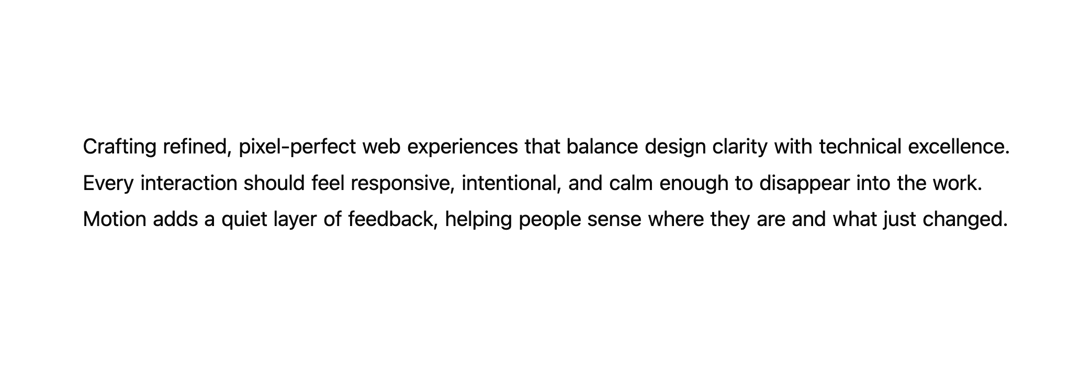
      text="Crafting refined, pixel-perfect web experiences that balance design clarity with technical excellence. Every interaction should feel responsive, intentional, and calm enough to disappear into the work. Motion adds a quiet layer of feedback, helping people sense where they are and what just changed."
    />
  );
}

export default KineticHeadline
Dependencies
More by Edwin Vakayil
View all
Origin Button
782
Infinite Ribbon
536
Shimmer Text
413
Dia Text
348
Icon Bar
246
FAQ Pro
227
Verified Badge
214
New Card
184
More in Text
View all

Vertical Cut Reveal Characters
107

Rainbow Text Effect
46

NeonRGBTextEffect
144
Motion Blur Text
37

Shine Border
964
Vapour Text Effect
2K
Apple Hello Effect
615

Text Skeleton
13

