
About
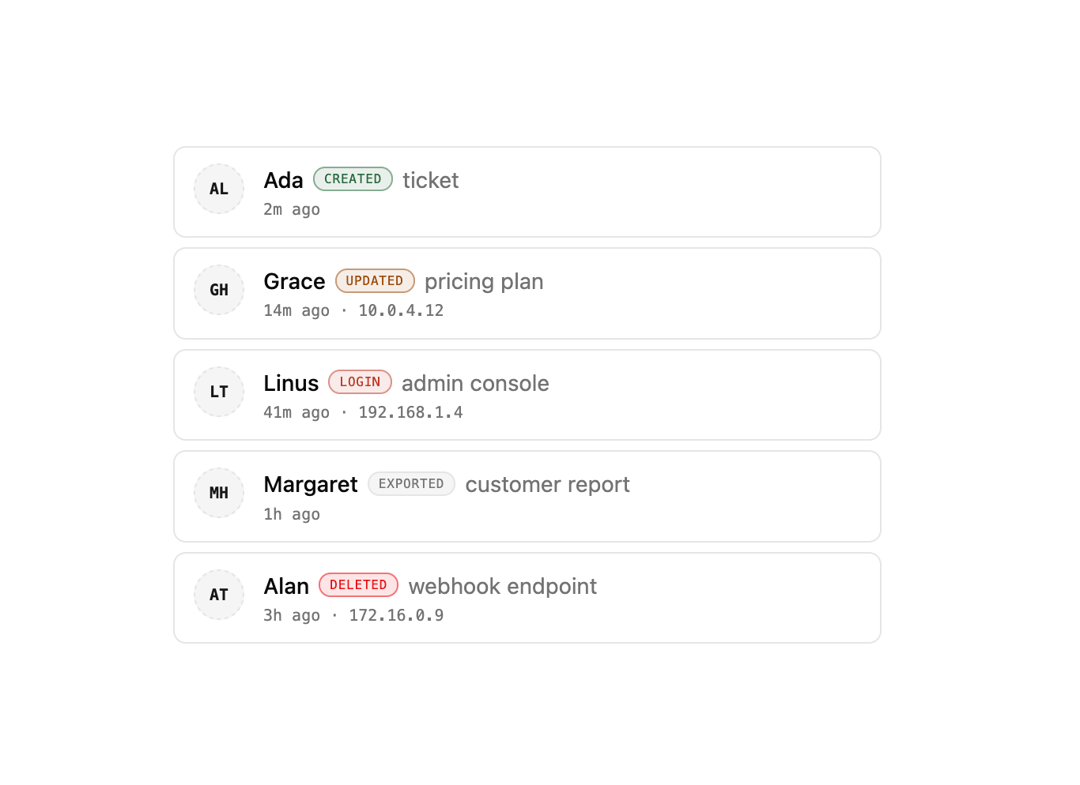
A list of audit trail entries showing an actor avatar, color-coded action badge, target, timestamp and optional IP address.
Built with React and Tailwind. Copy the prompt and paste it into Claude Code, Cursor or Lovable: your agent adds Audit Log to your project and fits it to your theme.
Code
How Audit Log is used: the demo's code. The component's own source comes with a free account.
Usage.tsx
import { AuditLog, type AuditEntry } from "@/components/ui/audit-log";

const entries: AuditEntry[] = [
  {
    id: "1",
    actor: "Ada",
    initials: "AL",
    action: "create",
    target: "ticket",
    time: "2m ago",
  },
  {
    id: "2",
    actor: "Grace",
    initials: "GH",
    action: "update",
    target: "pricing plan",
    time: "14m ago",
    ip: "10.0.4.12",
  },
  {
    id: "3",
    actor: "Linus",
    initials: "LT",
    action: "login",
    target: "admin console",
    time: "41m ago",
    ip: "192.168.1.4",
  },
  {
    id: "4",
    actor: "Margaret",
    initials: "MH",
    action: "export",
    target: "customer report",
    time: "1h ago",
  },
  {
    id: "5",
    actor: "Alan",
    initials: "AT",
    action: "delete",
    target: "webhook endpoint",
    time: "3h ago",
    ip: "172.16.0.9",
  },
];

export default function AuditLogDemo() {
  return (
    <div className="flex w-full items-center justify-center bg-background p-8">
      <AuditLog entries={entries} />
    </div>
  );
}
More by f0rextasy
View all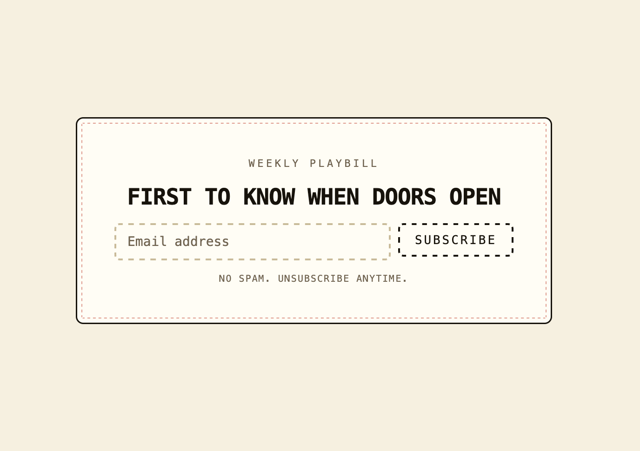
Newsletter Signup Card
1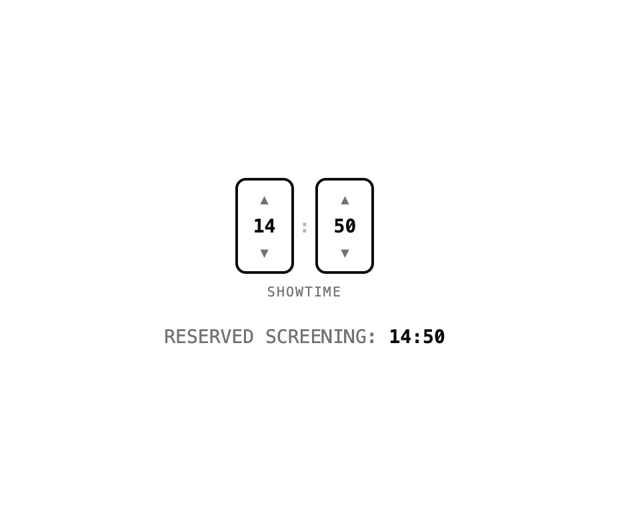
Time Input
1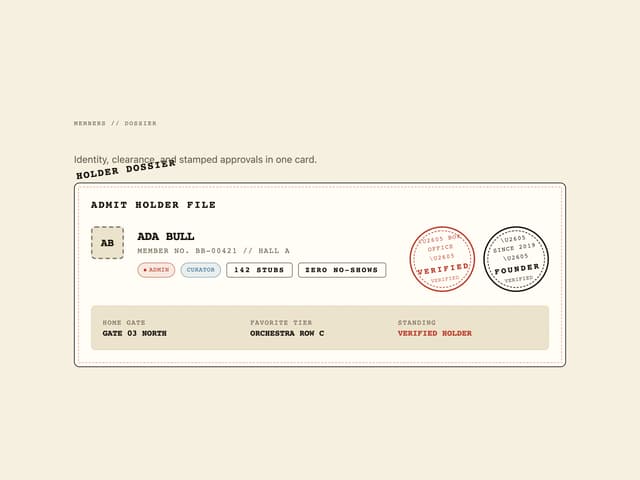
User Profile Dossier
Clinic Booking Block
Page About
Empty State Card
Emoji Picker
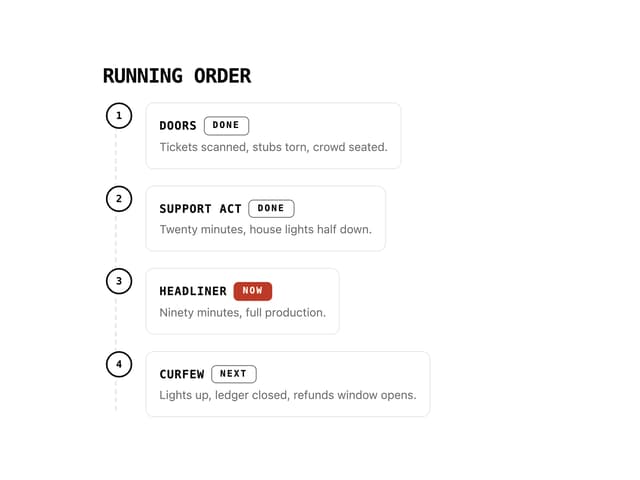
Running Order Timeline