
About
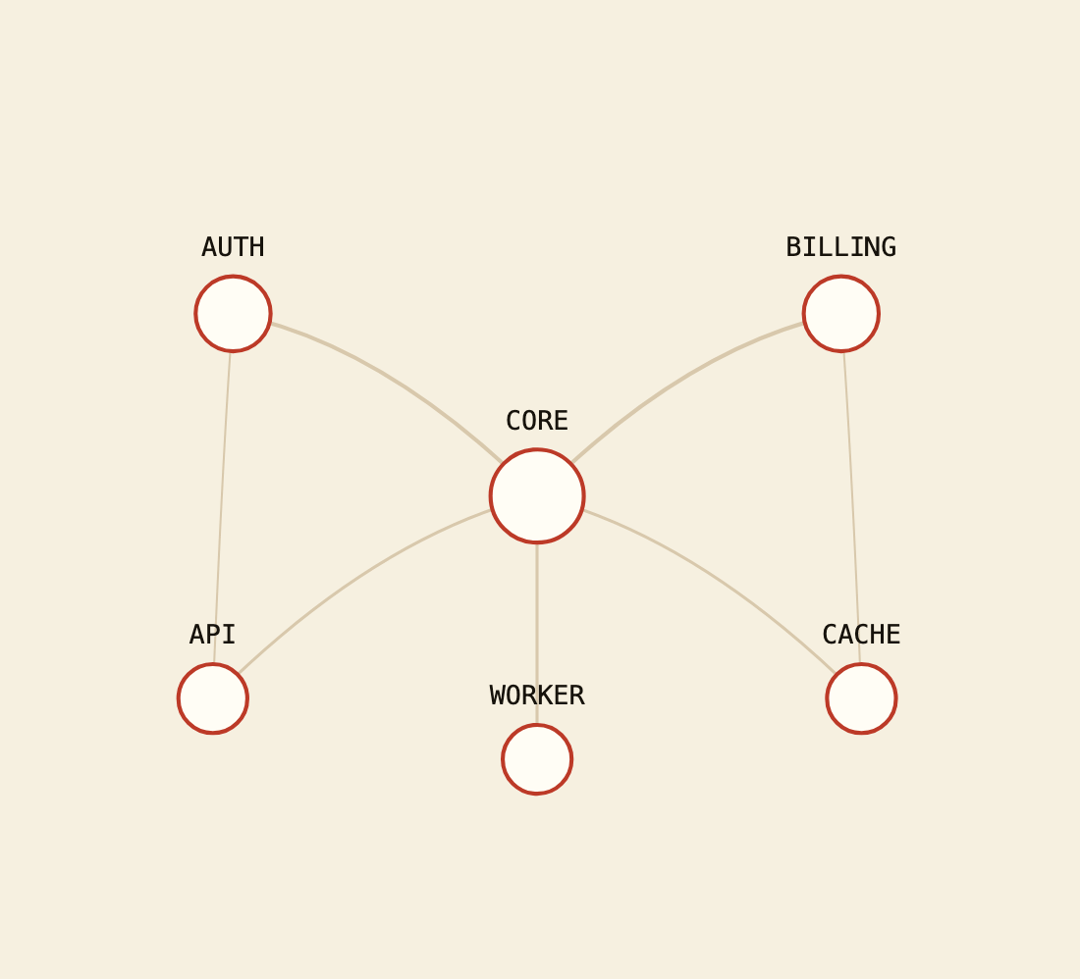
An SVG node-edge network diagram that draws animated bezier links between nodes and highlights connected nodes on hover.
Built with React and Tailwind. Copy the prompt and paste it into Claude Code, Cursor or Lovable: your agent adds Network Graph to your project and fits it to your theme.
Code
How Network Graph is used: the demo's code. The component's own source comes with a free account.
Usage.tsx
"use client";

import { NetworkGraph } from "@/components/ui/network-graph";

const nodes = [
  { id: "core", label: "CORE", x: 50, y: 30, size: 1.4 },
  { id: "auth", label: "AUTH", x: 20, y: 12, size: 0.8 },
  { id: "billing", label: "BILLING", x: 80, y: 12, size: 0.8 },
  { id: "api", label: "API", x: 18, y: 50, size: 0.6 },
  { id: "worker", label: "WORKER", x: 50, y: 56, size: 0.6 },
  { id: "cache", label: "CACHE", x: 82, y: 50, size: 0.6 },
];

const edges = [
  { from: "core", to: "auth", weight: 0.4 },
  { from: "core", to: "billing", weight: 0.4 },
  { from: "core", to: "api", weight: 0.3 },
  { from: "core", to: "worker", weight: 0.3 },
  { from: "core", to: "cache", weight: 0.3 },
  { from: "auth", to: "api", weight: 0.2 },
  { from: "billing", to: "cache", weight: 0.2 },
];

export default function NetworkGraphDemo() {
  return (
    <div className="flex w-full items-center justify-center bg-background p-8">
      <div className="w-full max-w-xl">
        <NetworkGraph nodes={nodes} edges={edges} height={320} />
      </div>
    </div>
  );
}
More by f0rextasy
View all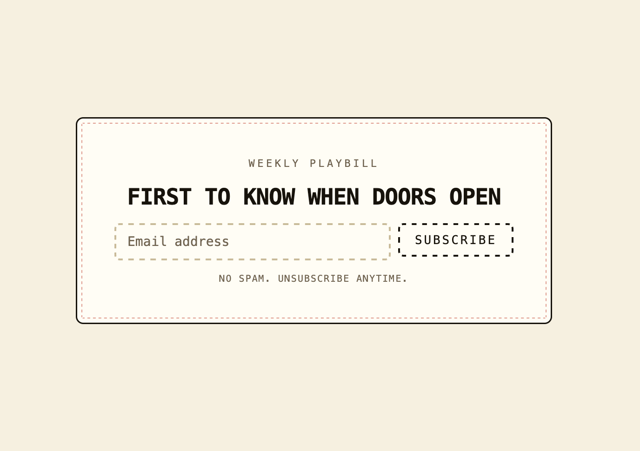
Newsletter Signup Card
3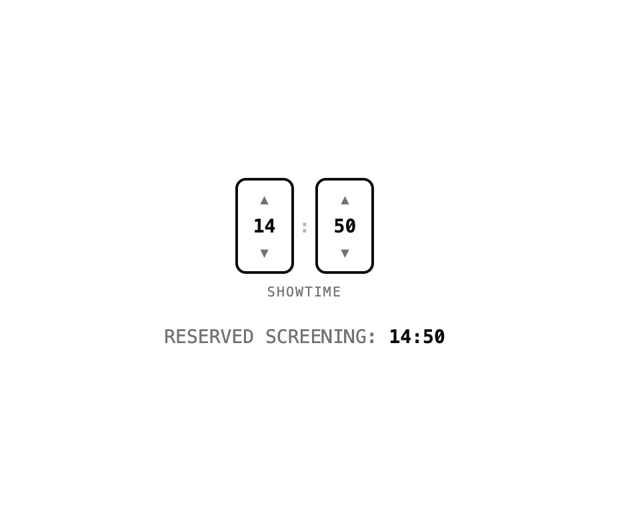
Time Input
3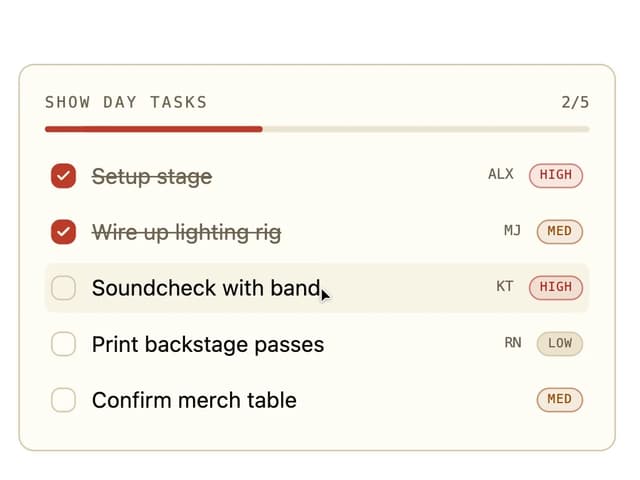
Board Checklist
2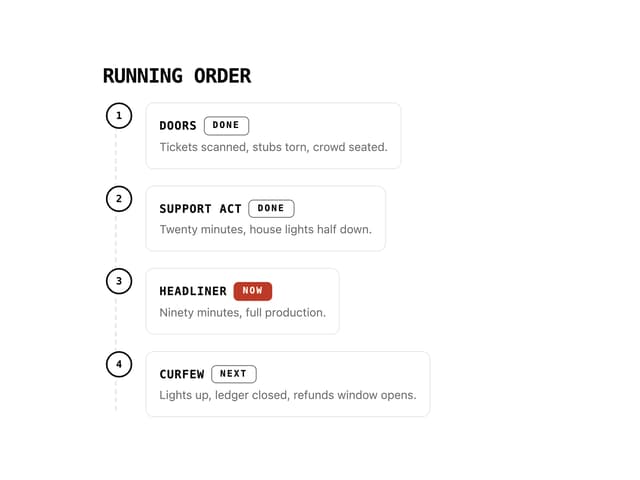
Running Order Timeline
1
Invite Modal
1
Stamp Seal
1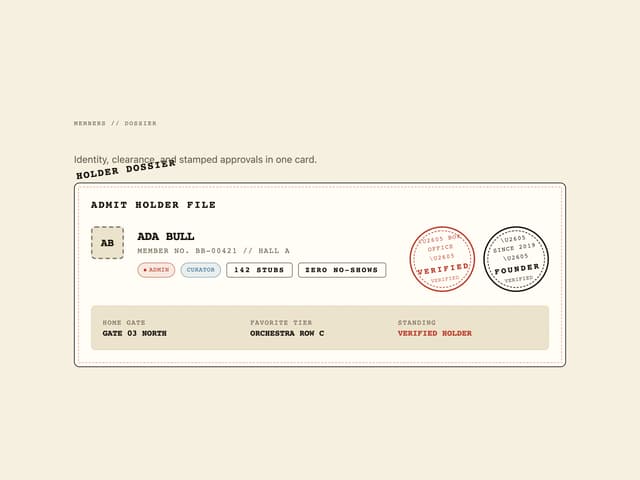
User Profile Dossier
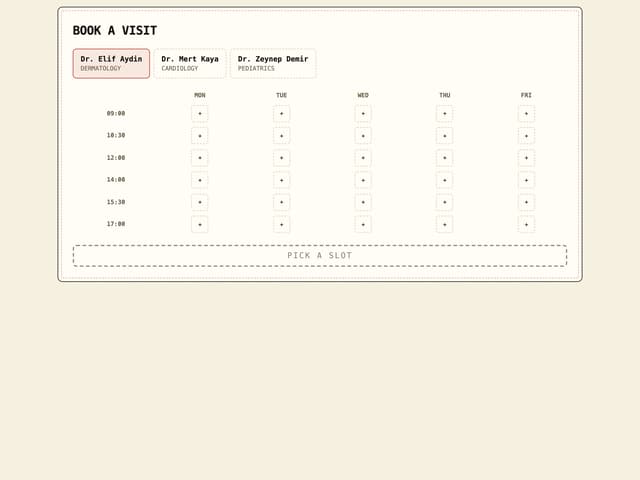
Clinic Booking Block