
About
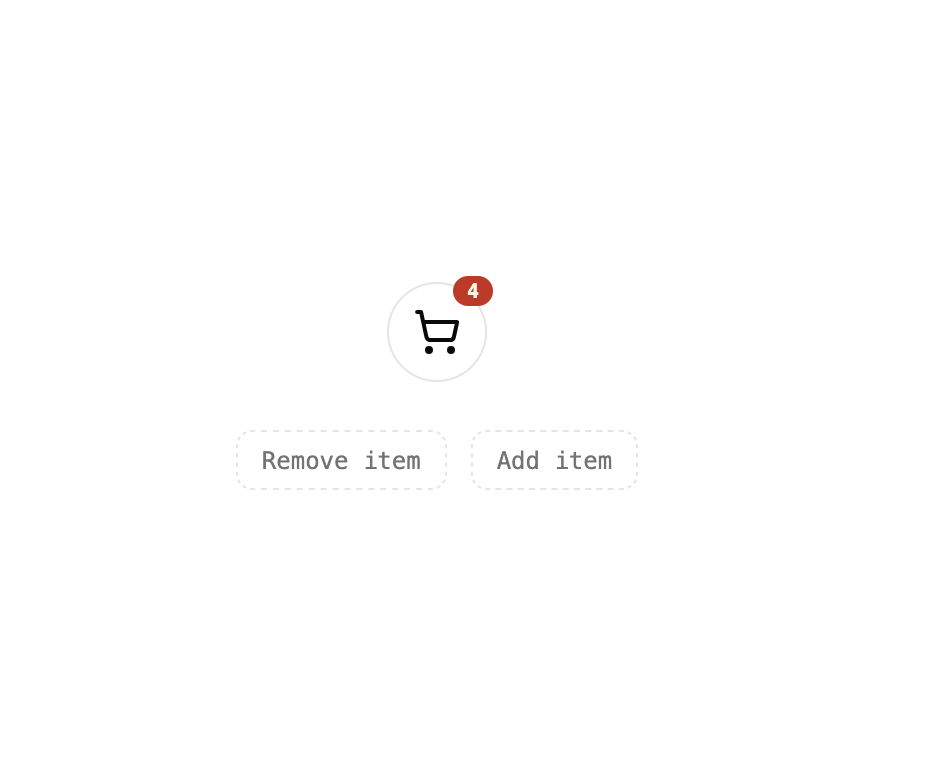
A small animated count badge for a cart or notification icon that pulses whenever the count changes.
Built with React and Tailwind. Copy the prompt and paste it into Claude Code, Cursor or Lovable: your agent adds Cart Badge to your project and fits it to your theme.
Code
How Cart Badge is used: the demo's code. The component's own source comes with a free account.
Usage.tsx
"use client";

import * as React from "react";
import { CartBadge } from "@/components/ui/cart-badge";

function ShoppingCartIcon(props: React.SVGProps<SVGSVGElement>) {
  return (
    <svg
      {...props}
      viewBox="0 0 24 24"
      fill="none"
      stroke="currentColor"
      strokeWidth="2"
      strokeLinecap="round"
      strokeLinejoin="round"
    >
      <circle cx="8" cy="21" r="1" />
      <circle cx="19" cy="21" r="1" />
      <path d="M2.05 2.05h2l2.66 12.42a2 2 0 0 0 2 1.58h9.78a2 2 0 0 0 1.95-1.57l1.65-7.43H5.12" />
    </svg>
  );
}

export default function CartBadgeDemo() {
  const [count, setCount] = React.useState(2);

  return (
    <div className="flex min-h-[320px] w-full flex-col items-center justify-center gap-6 bg-background p-10">
      <button
        type="button"
        onClick={() => setCount((c) => c + 1)}
        className="relative inline-flex items-center justify-center rounded-full border border-border bg-card p-3 text-foreground transition-colors hover:bg-secondary"
        aria-label="Add item to cart"
      >
        <ShoppingCartIcon className="h-6 w-6" />
        <CartBadge count={count} className="absolute -right-1 -top-1" />
      </button>
      <div className="flex items-center gap-3">
        <button
          type="button"
          onClick={() => setCount((c) => Math.max(0, c - 1))}
          className="rounded-md border border-dashed border-border px-3 py-1.5 font-mono text-xs text-muted-foreground transition-colors hover:bg-secondary"
        >
          Remove item
        </button>
        <button
          type="button"
          onClick={() => setCount((c) => c + 1)}
          className="rounded-md border border-dashed border-border px-3 py-1.5 font-mono text-xs text-muted-foreground transition-colors hover:bg-secondary"
        >
          Add item
        </button>
      </div>
    </div>
  );
}
More by f0rextasy
View all
Newsletter Signup Card
1
Time Input
1
User Profile Dossier
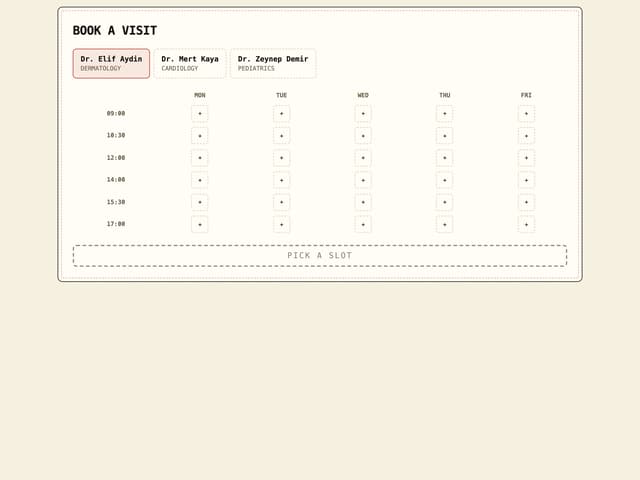
Clinic Booking Block
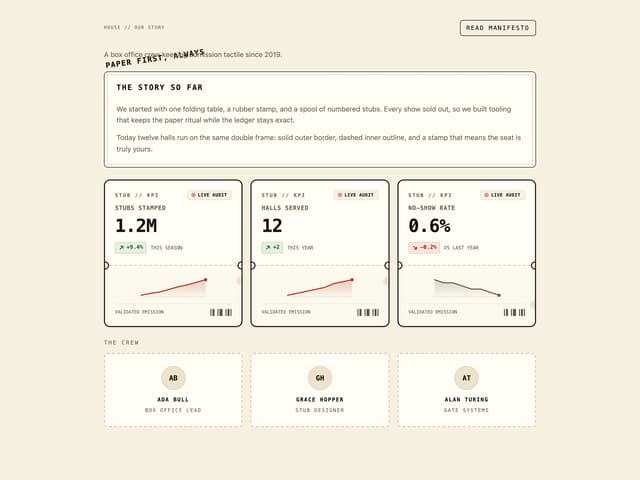
Page About
Empty State Card
Emoji Picker
Running Order Timeline