
About
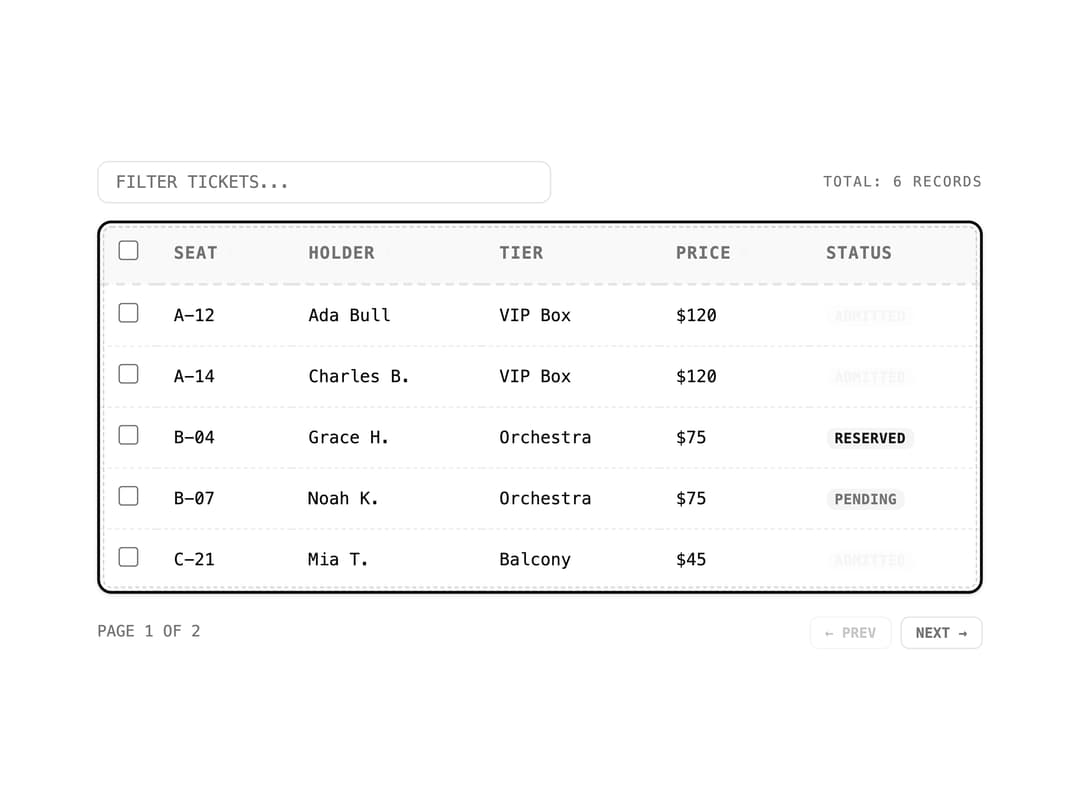
A sortable, searchable data table with row selection and pagination for lists of tabular records.
Built with React and Tailwind. Copy the prompt and paste it into Claude Code, Cursor or Lovable: your agent adds Data Table to your project and fits it to your theme.
Code
How Data Table is used: the demo's code. The component's own source comes with a free account.
Usage.tsx
"use client";

import { DataTable, type Column } from "@/components/ui/data-table";

interface TicketRow {
  id: string;
  seat: string;
  holder: string;
  tier: string;
  price: string;
  status: "Admitted" | "Reserved" | "Pending";
}

const tickets: TicketRow[] = [
  {
    id: "1",
    seat: "A-12",
    holder: "Ada Bull",
    tier: "VIP Box",
    price: "$120",
    status: "Admitted",
  },
  {
    id: "2",
    seat: "A-14",
    holder: "Charles B.",
    tier: "VIP Box",
    price: "$120",
    status: "Admitted",
  },
  {
    id: "3",
    seat: "B-04",
    holder: "Grace H.",
    tier: "Orchestra",
    price: "$75",
    status: "Reserved",
  },
  {
    id: "4",
    seat: "B-07",
    holder: "Noah K.",
    tier: "Orchestra",
    price: "$75",
    status: "Pending",
  },
  {
    id: "5",
    seat: "C-21",
    holder: "Mia T.",
    tier: "Balcony",
    price: "$45",
    status: "Admitted",
  },
  {
    id: "6",
    seat: "C-22",
    holder: "Leo F.",
    tier: "Balcony",
    price: "$45",
    status: "Reserved",
  },
];

const columns: Column<TicketRow>[] = [
  { key: "seat", header: "Seat", sortable: true },
  { key: "holder", header: "Holder", sortable: true },
  { key: "tier", header: "Tier" },
  { key: "price", header: "Price", sortable: true },
  {
    key: "status",
    header: "Status",
    render: (row) => (
      <span
        className={
          "rounded-sm px-1.5 py-0.5 text-[10px] font-bold uppercase tracking-wide " +
          (row.status === "Admitted"
            ? "bg-accent/15 text-accent"
            : row.status === "Reserved"
              ? "bg-secondary text-secondary-foreground"
              : "bg-muted text-muted-foreground")
        }
      >
        {row.status}
      </span>
    ),
  },
];

export default function DataTableDemo() {
  return (
    <div className="w-full max-w-2xl p-6">
      <DataTable
        data={tickets}
        columns={columns}
        searchKey="holder"
        pageSize={5}
      />
    </div>
  );
}
More by f0rextasy
View all
Newsletter Signup Card
5
Board Checklist
3
Time Input
3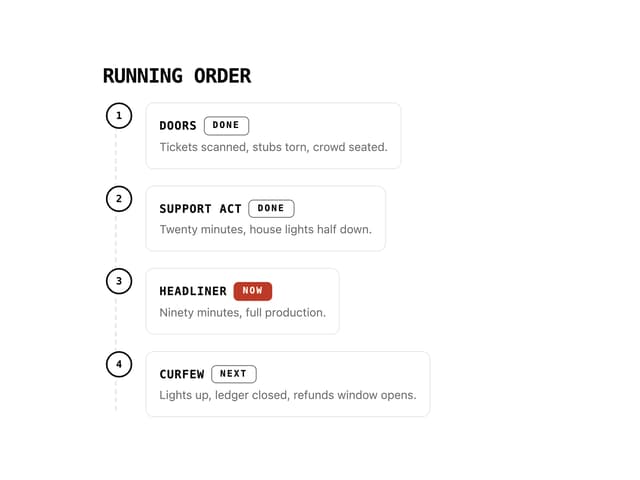
Running Order Timeline
2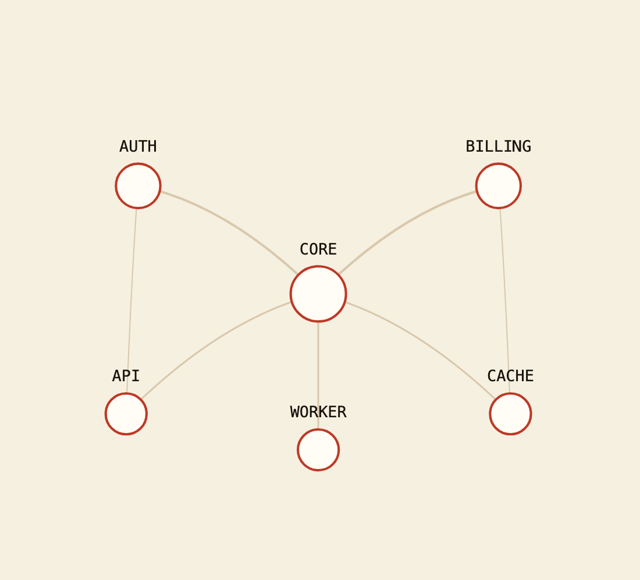
Network Graph
2
Invite Modal
1
Striped Progress Bar
1
Badge Printer Template
1