
About
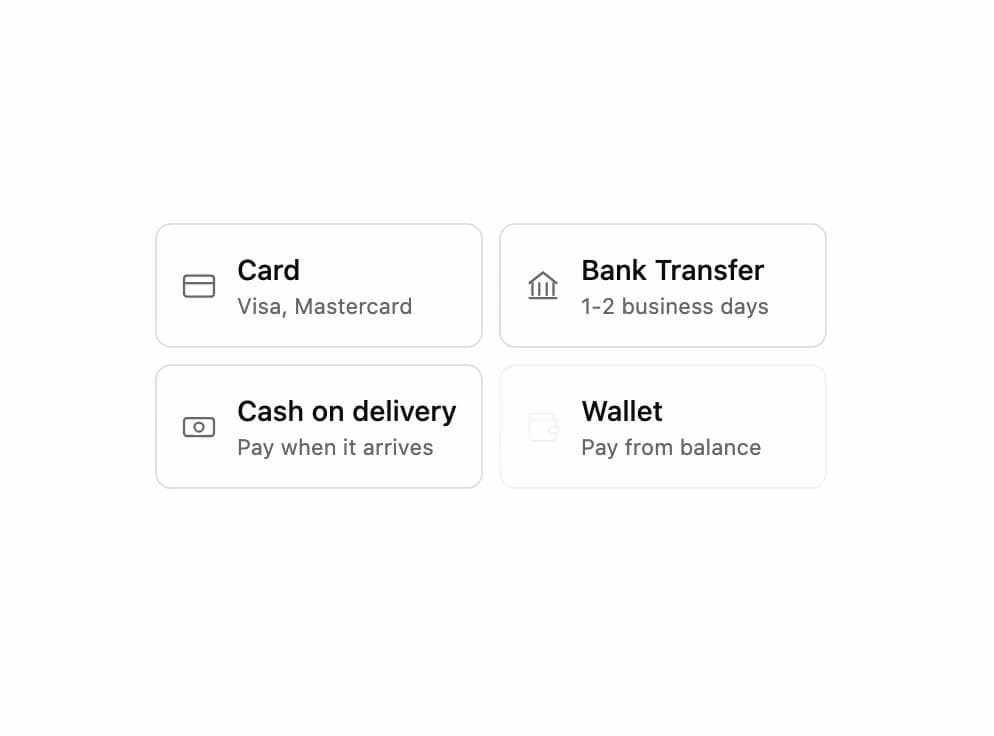
A radio-group tile selector for choosing a payment method, such as card, bank transfer, cash on delivery, or wallet.
Built with React and Tailwind. Copy the prompt and paste it into Claude Code, Cursor or Lovable: your agent adds Payment Methods to your project and fits it to your theme.
Code
How Payment Methods is used: the demo's code. The component's own source comes with a free account.
Usage.tsx
import * as React from "react";
import {
  PaymentMethods,
  type PaymentMethod,
} from "@/components/ui/payment-methods";

const methods: PaymentMethod[] = [
  { id: "card", label: "Card", description: "Visa, Mastercard", icon: "card" },
  {
    id: "bank",
    label: "Bank Transfer",
    description: "1-2 business days",
    icon: "bank",
  },
  {
    id: "cash",
    label: "Cash on delivery",
    description: "Pay when it arrives",
    icon: "cash",
  },
  {
    id: "wallet",
    label: "Wallet",
    description: "Pay from balance",
    icon: "wallet",
  },
];

export default function PaymentMethodsDemo() {
  const [selected, setSelected] = React.useState("card");

  return (
    <div className="w-full max-w-sm bg-background p-6">
      <PaymentMethods
        methods={methods}
        value={selected}
        onValueChange={setSelected}
      />
    </div>
  );
}
More by f0rextasy
View all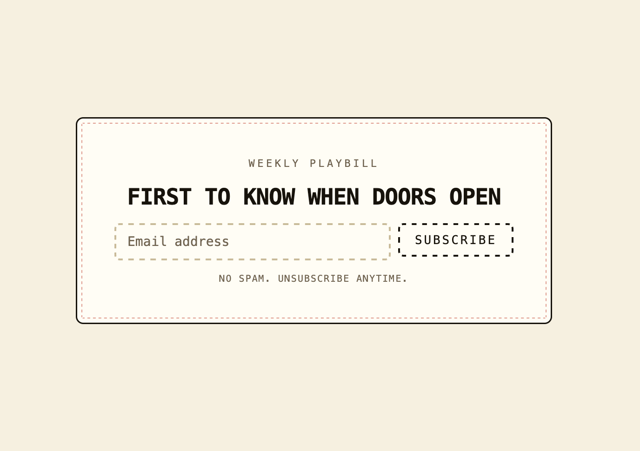
Newsletter Signup Card
5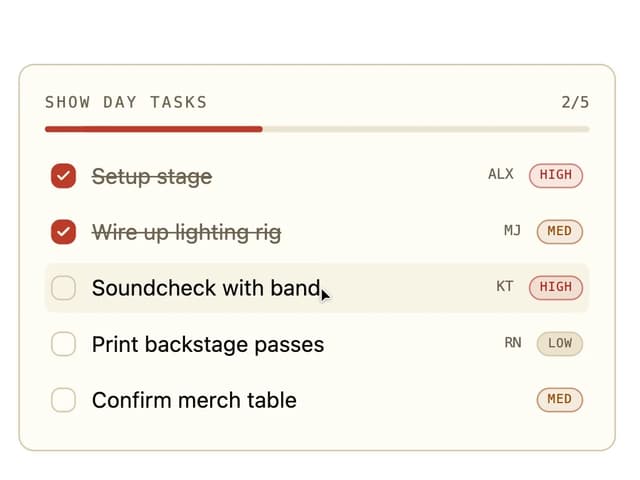
Board Checklist
3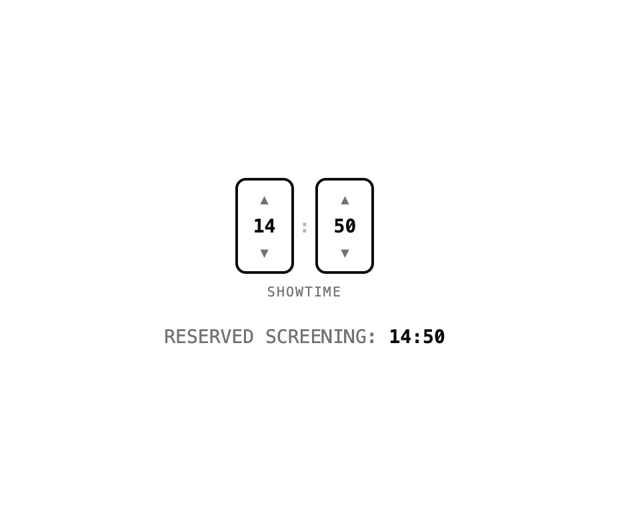
Time Input
3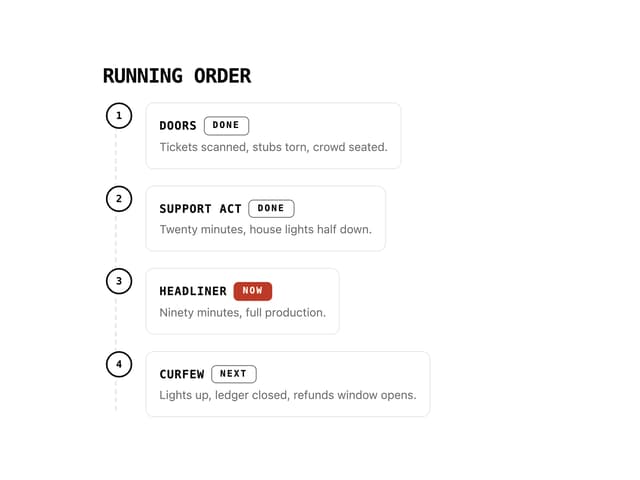
Running Order Timeline
2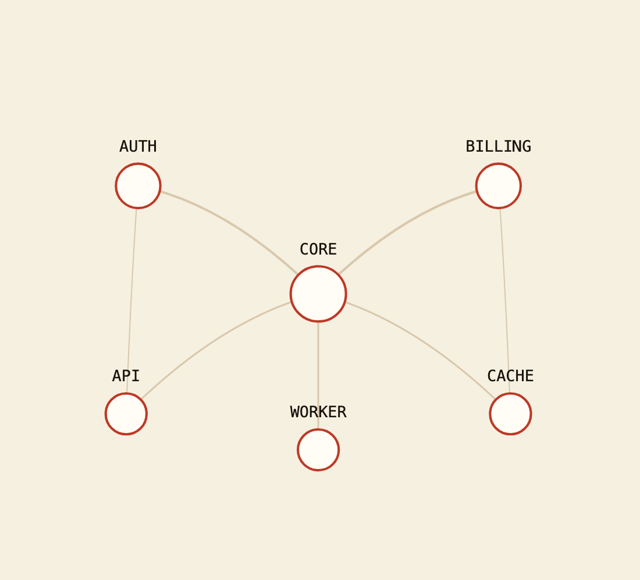
Network Graph
2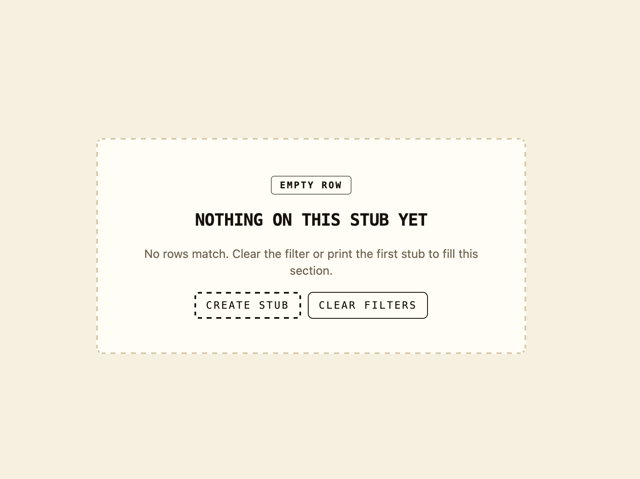
Empty State Card
1
Invite Modal
1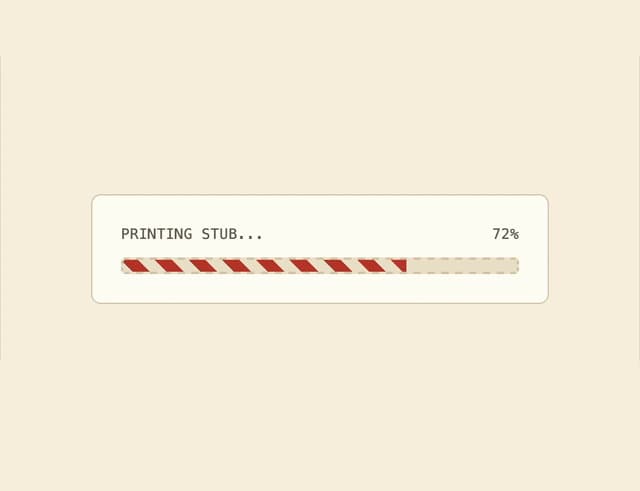
Striped Progress Bar
1
More in Forms
View all

Premium Auth
512

Contact Card
1K

Book A Demo 1
70

Login 1
52
Authentication Card
47
Login Card
26

Login 2
7
Login Form
6

