
About
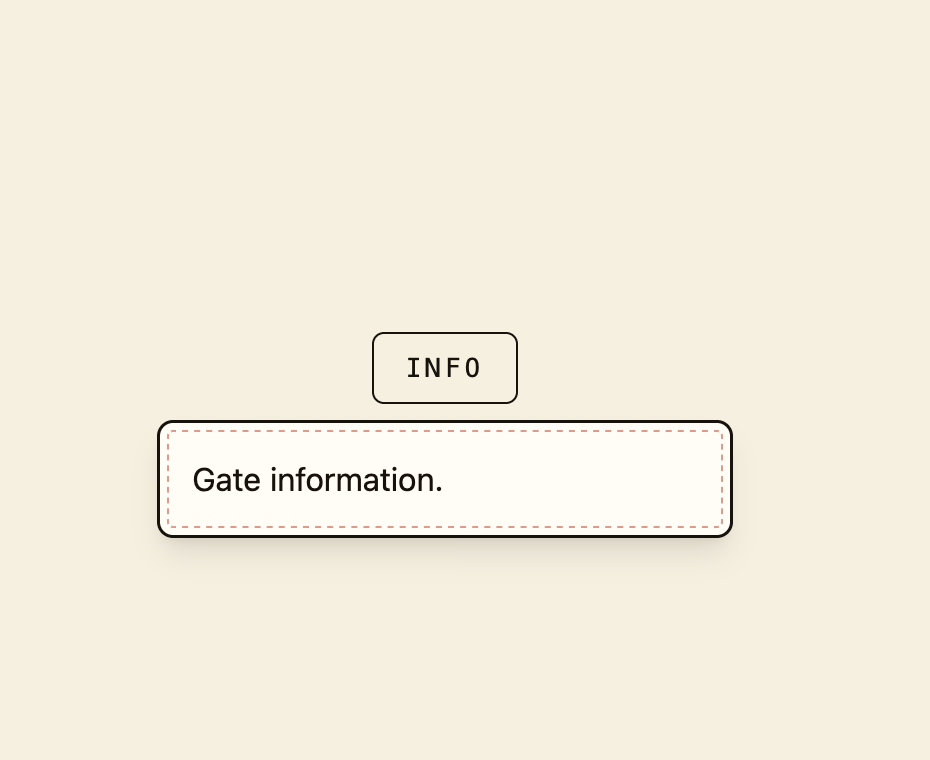
A small floating panel that toggles open next to a trigger button to show contextual info, with click-outside and Escape-to-close behavior.
Built with React and Tailwind. Copy the prompt and paste it into Claude Code, Cursor or Lovable: your agent adds Popover to your project and fits it to your theme.
Code
How Popover is used: the demo's code. The component's own source comes with a free account.
Usage.tsx
"use client";

import {
  Popover,
  PopoverTrigger,
  PopoverContent,
} from "@/components/ui/popover";
import Button from "@/components/ui/popover-utils/button";

export default function PopoverDemo() {
  return (
    <div className="flex min-h-[260px] w-full items-center justify-center bg-background p-8">
      <Popover>
        <PopoverTrigger>
          <Button variant="outline">Info</Button>
        </PopoverTrigger>
        <PopoverContent>Gate information.</PopoverContent>
      </Popover>
    </div>
  );
}
More by f0rextasy
View all
Newsletter Signup Card
5
Board Checklist
3
Time Input
3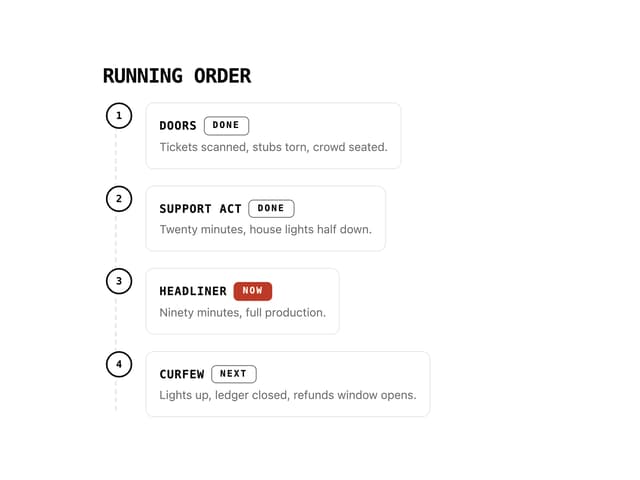
Running Order Timeline
2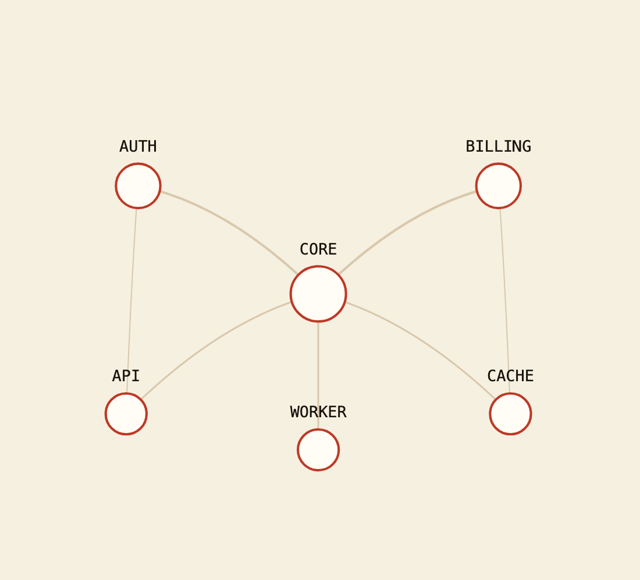
Network Graph
2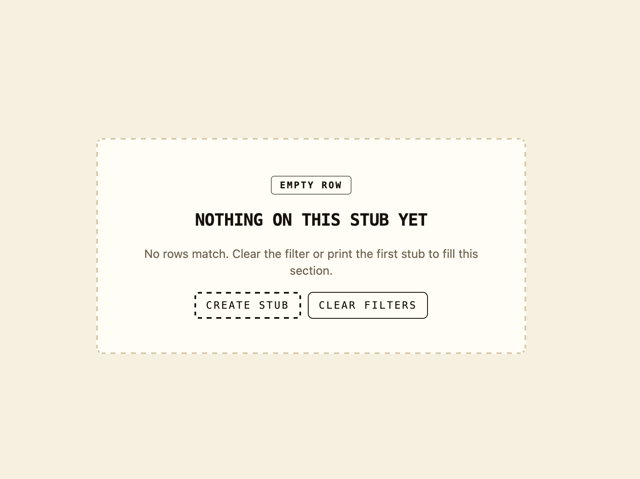
Empty State Card
1
Invite Modal
1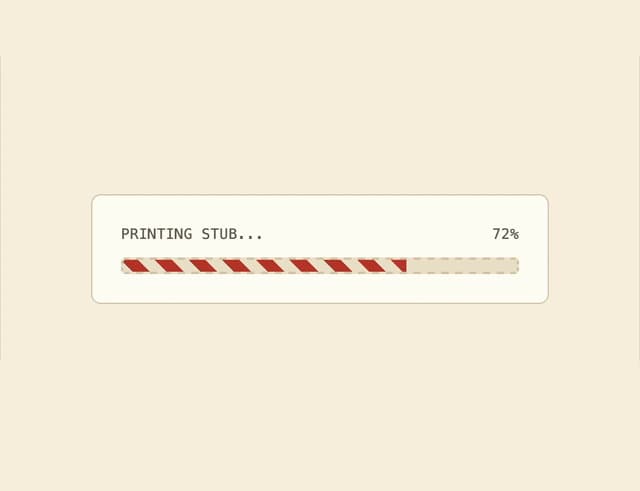
Striped Progress Bar
1