
About
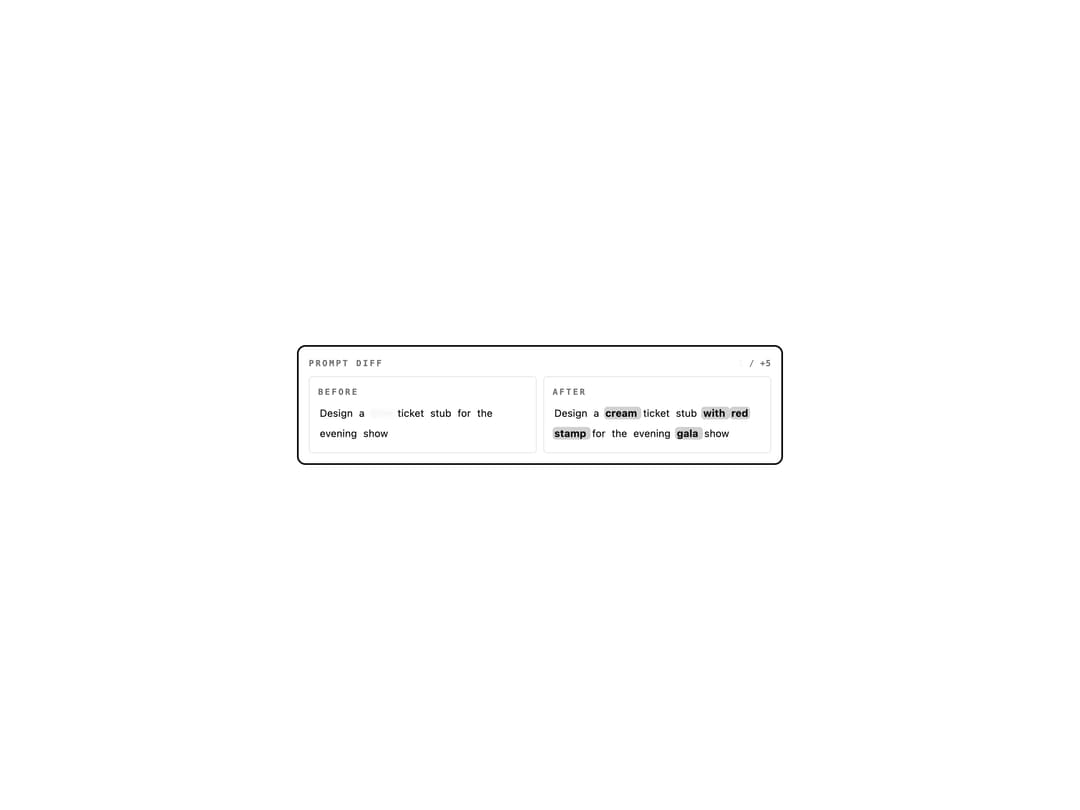
A side-by-side text panel that highlights the words added or removed between two prompt versions.
Built with React and Tailwind. Copy the prompt and paste it into Claude Code, Cursor or Lovable: your agent adds Prompt Diff Compare to your project and fits it to your theme.
Code
How Prompt Diff Compare is used: the demo's code. The component's own source comes with a free account.
Usage.tsx
import { PromptDiffCompare } from "@/components/ui/prompt-diff-compare";

export default function PromptDiffCompareDemo() {
  return (
    <div className="flex w-full items-center justify-center bg-background p-8">
      <PromptDiffCompare
        before="Design a blue ticket stub for the evening show"
        after="Design a cream ticket stub with red stamp for the evening gala show"
        className="max-w-xl"
      />
    </div>
  );
}
More by f0rextasy
View all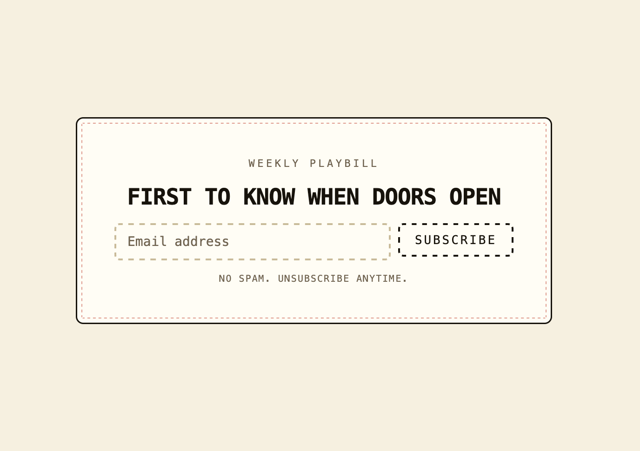
Newsletter Signup Card
21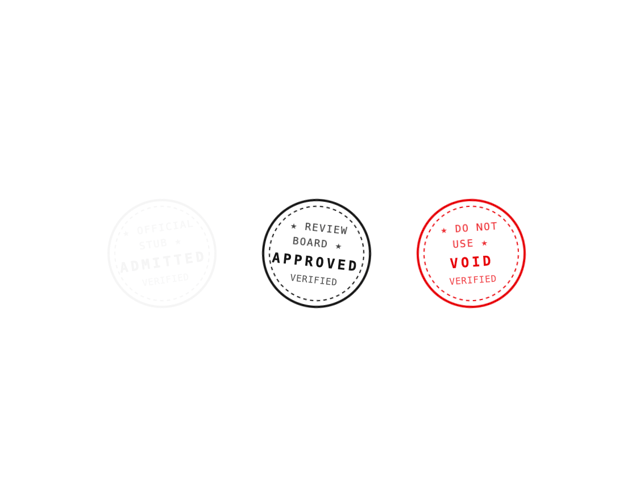
Stamp Seal
18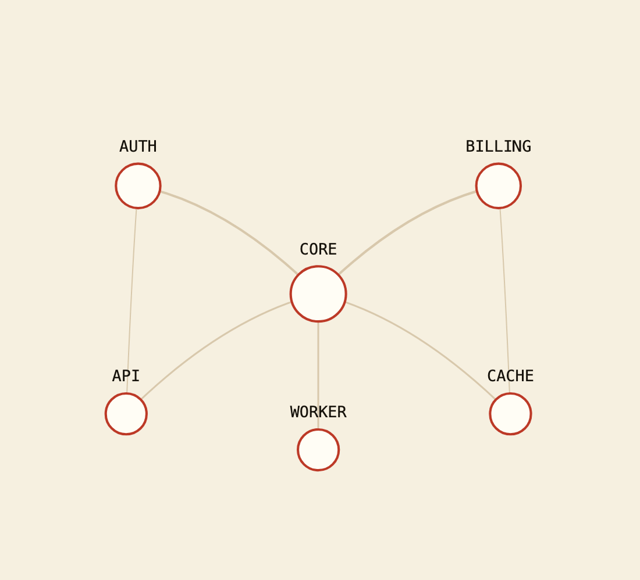
Network Graph
18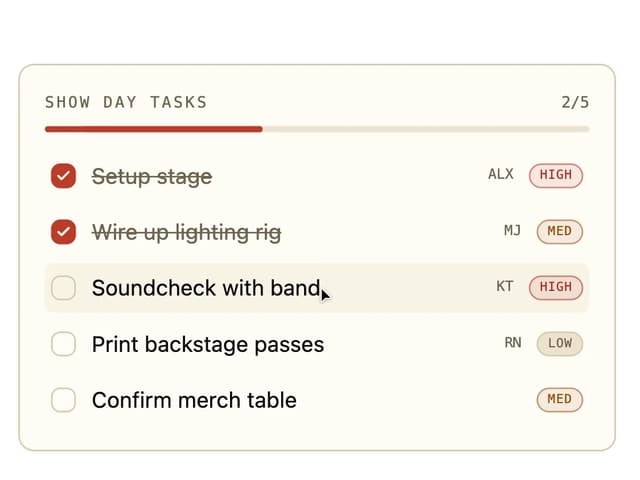
Board Checklist
17
Navbar
14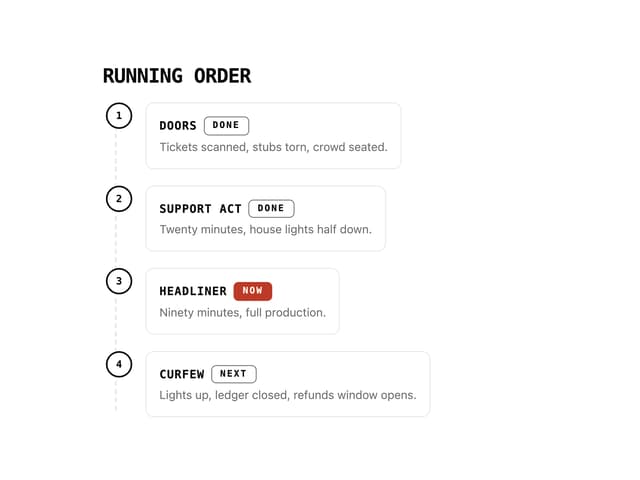
Running Order Timeline
13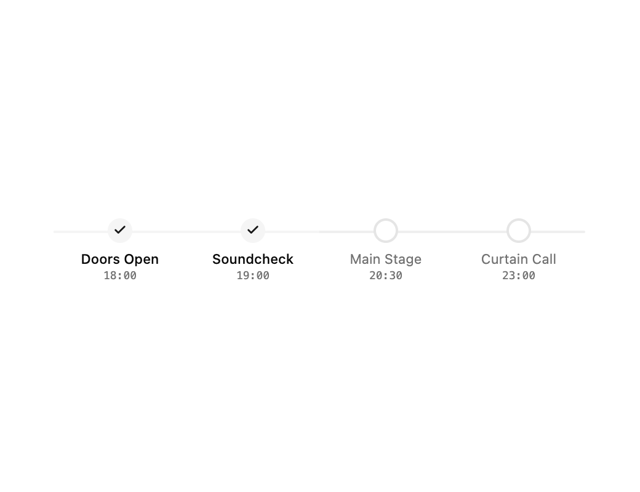
Milestone Chart
11
Empty State Card
9