
About
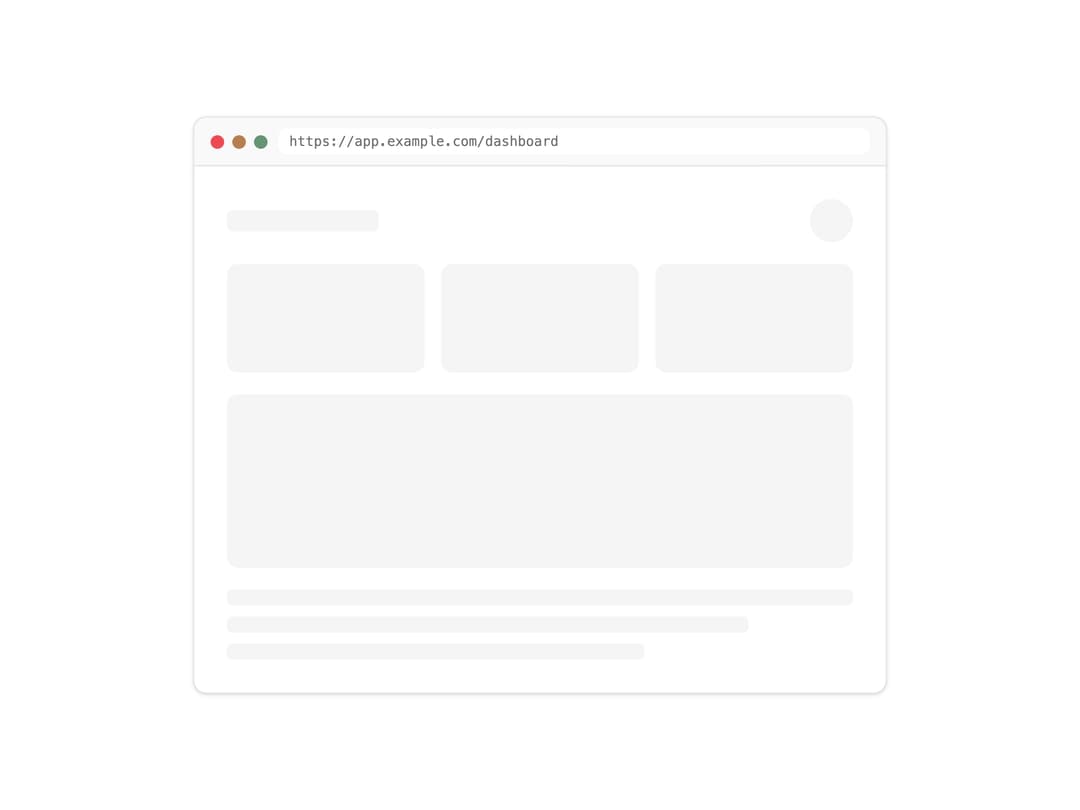
A browser-chrome mockup wrapper with a URL address bar and traffic-light window controls, used to frame screenshots or UI previews.
Built with React and Tailwind. Copy the prompt and paste it into Claude Code, Cursor or Lovable: your agent adds Screenshot Frame to your project and fits it to your theme.
Code
How Screenshot Frame is used: the demo's code. The component's own source comes with a free account.
Usage.tsx
import { ScreenshotFrame } from "@/components/ui/screenshot-frame";

export default function ScreenshotFrameDemo() {
  return (
    <div className="w-full max-w-xl mx-auto bg-background p-8">
      <ScreenshotFrame url="https://app.example.com/dashboard">
        <div className="space-y-4 p-6">
          <div className="flex items-center justify-between">
            <div className="h-4 w-28 rounded bg-muted" />
            <div className="h-8 w-8 rounded-full bg-muted" />
          </div>
          <div className="grid grid-cols-3 gap-3">
            <div className="h-20 rounded-md bg-muted" />
            <div className="h-20 rounded-md bg-muted" />
            <div className="h-20 rounded-md bg-muted" />
          </div>
          <div className="h-32 rounded-md bg-muted" />
          <div className="space-y-2">
            <div className="h-3 w-full rounded bg-muted" />
            <div className="h-3 w-5/6 rounded bg-muted" />
            <div className="h-3 w-2/3 rounded bg-muted" />
          </div>
        </div>
      </ScreenshotFrame>
    </div>
  );
}
More by f0rextasy
View all
Newsletter Signup Card
6
Stamp Seal
6
Network Graph
5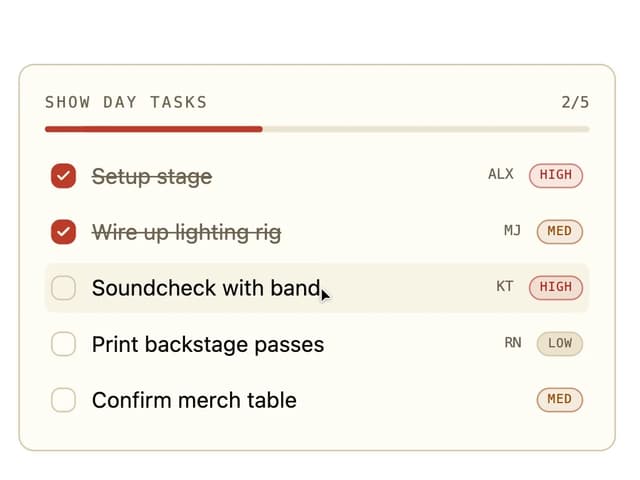
Board Checklist
4
Time Input
3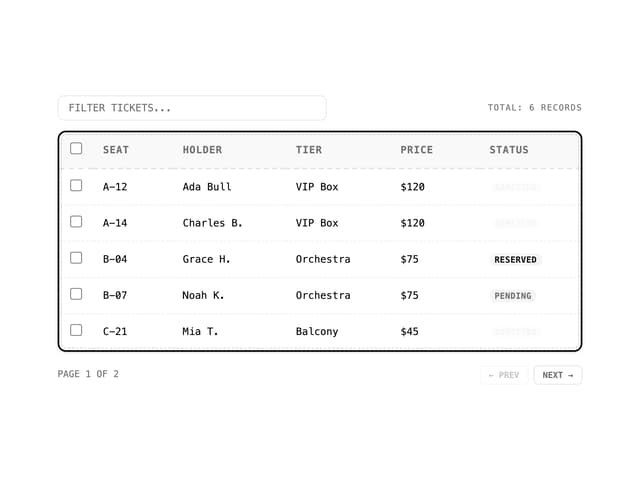
Data Table
3
Empty State Card
2
Running Order Timeline
2