
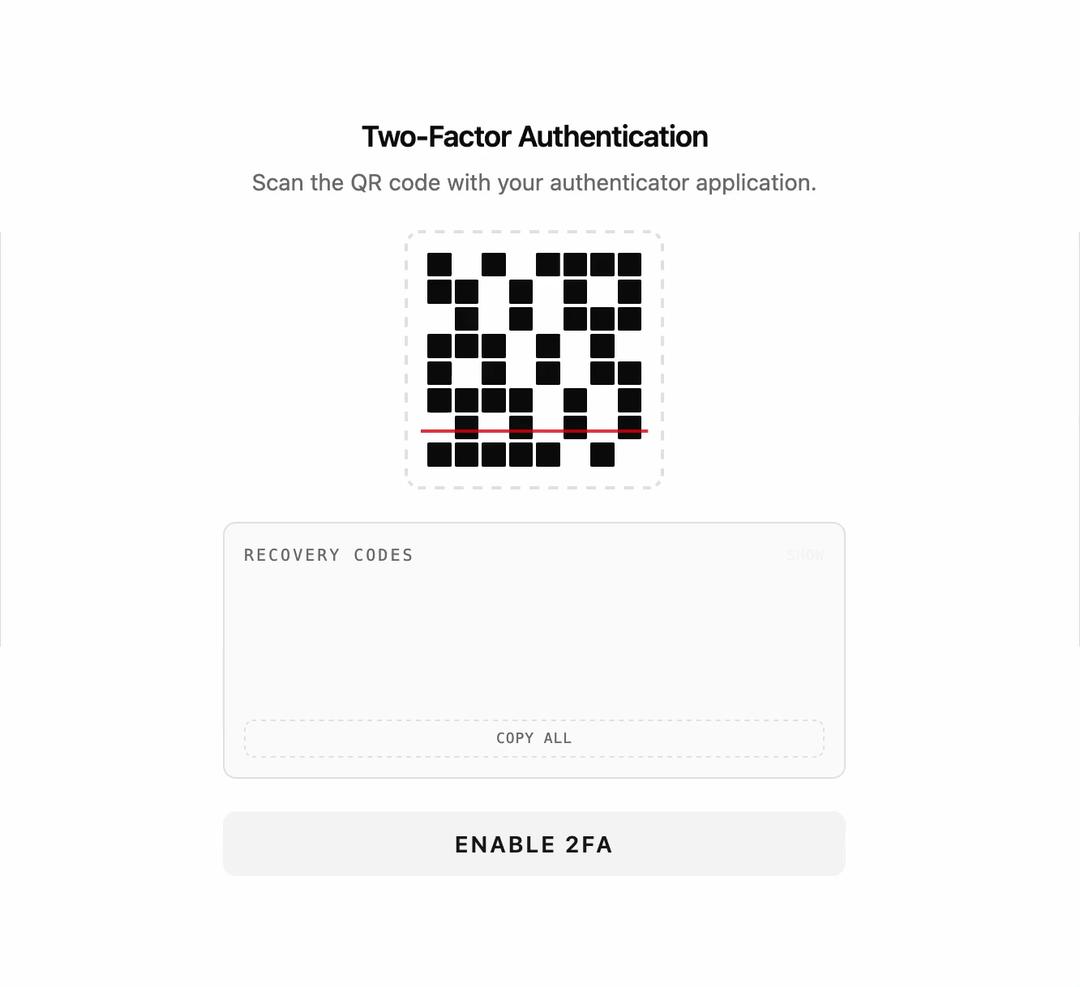
About
A two-factor authentication setup panel showing an animated QR code scanner and a reveal/copy list of backup recovery codes, with a button to confirm enabling 2FA.
Built with React and Tailwind. Copy the prompt and paste it into Claude Code, Cursor or Lovable: your agent adds Two Factor to your project and fits it to your theme.
Code
How Two Factor is used: the demo's code. The component's own source comes with a free account.
Usage.tsx
import { TwoFactor } from "@/components/ui/two-factor";

export default function TwoFactorDemo() {
  return (
    <div className="flex min-h-screen w-full items-center justify-center bg-background p-6">
      <TwoFactor onConfirm={() => console.log("2FA enabled")} />
    </div>
  );
}
More by f0rextasy
View all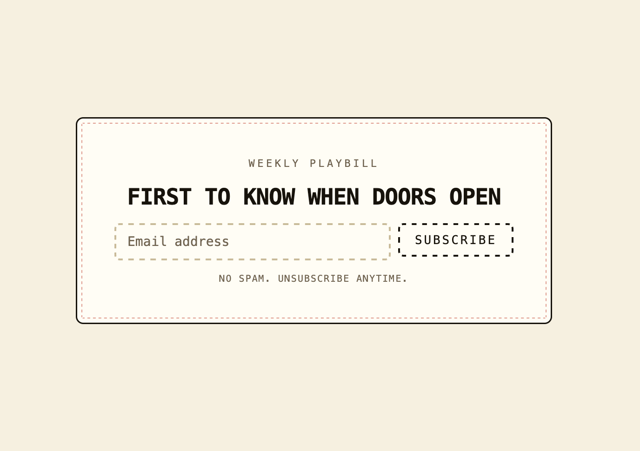
Newsletter Signup Card
4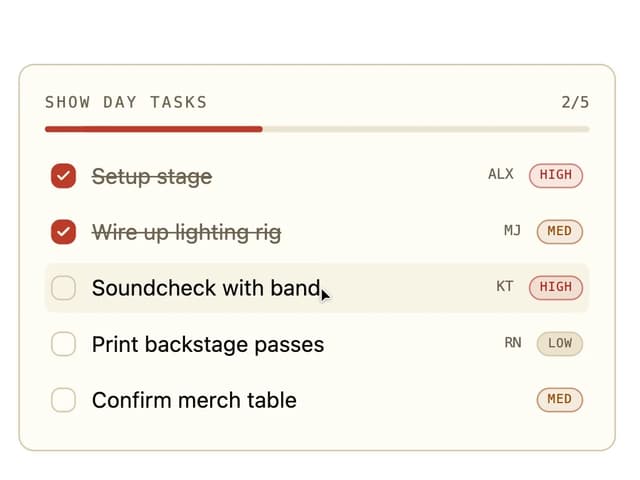
Board Checklist
3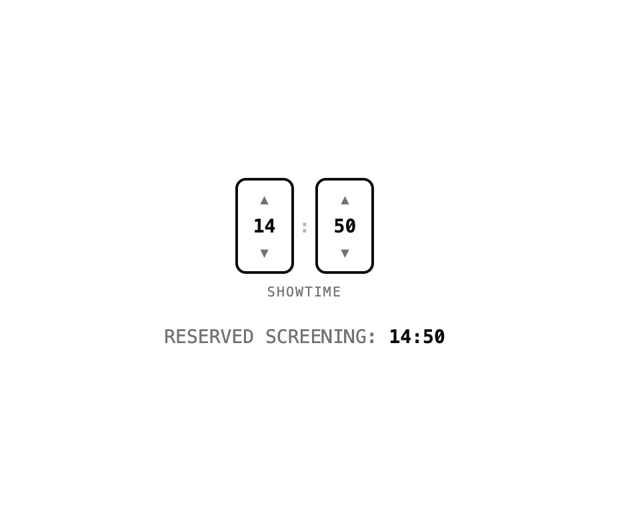
Time Input
3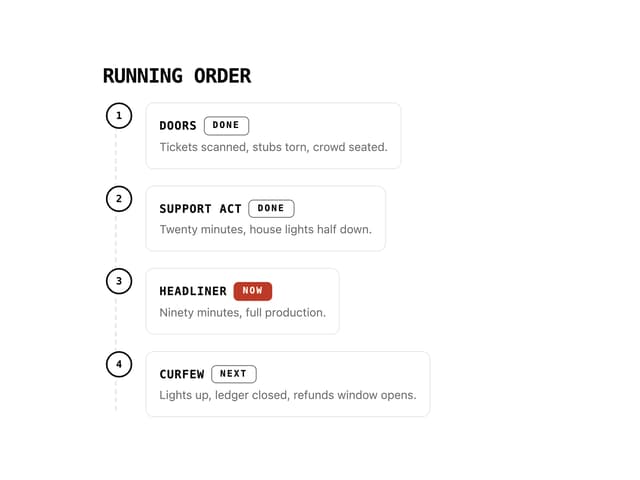
Running Order Timeline
2
Invite Modal
1
Striped Progress Bar
1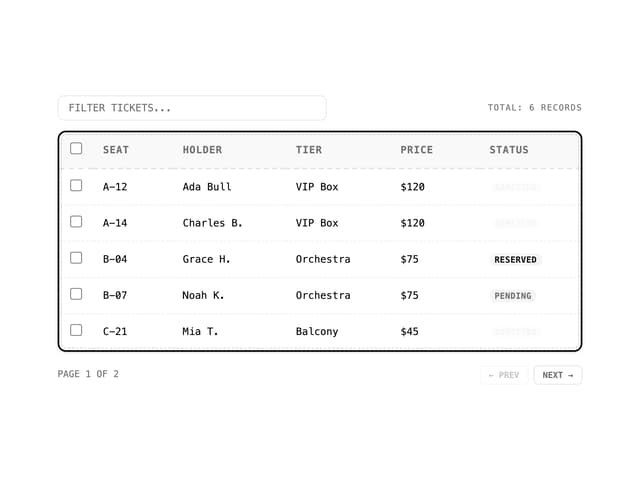
Data Table
1
Badge Printer Template
1