About
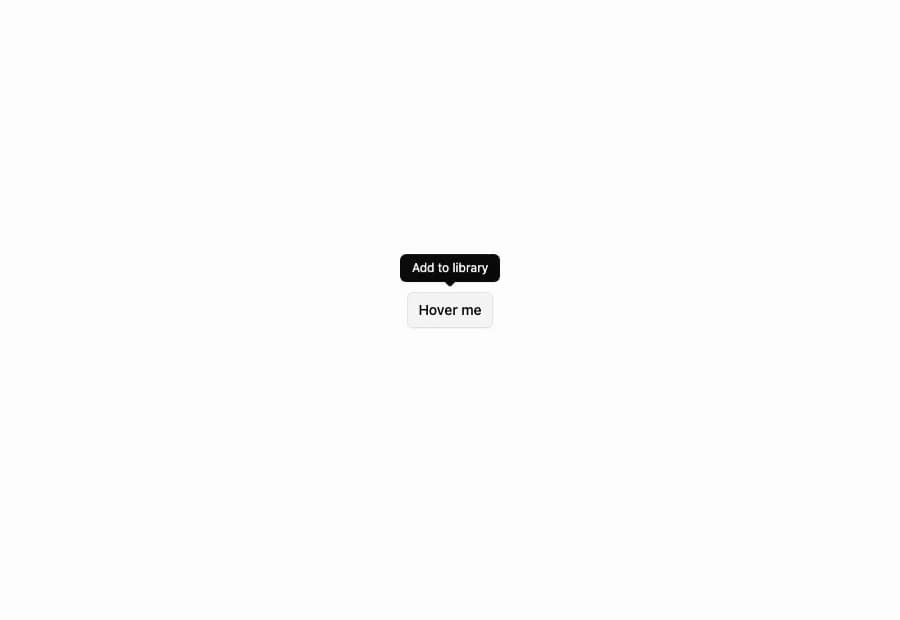
A Tooltip from the Flexnative UI registry with 10 variants: basic hover, four-side positioning, keyboard shortcut hint, icon-button trigger, custom open delay, rich multi-line content, light-on-dark theming, colored variants, arrow-less, and adjustable side offset. Built on Radix Tooltip.
Built with React and Tailwind. Copy the prompt and paste it into Claude Code, Cursor or Lovable: your agent adds Flexnative Tooltip to your project and fits it to your theme.
Code
How Flexnative Tooltip is used: the demo's code. The component's own source comes with a free account.
Usage.tsx
'use client'

import { TooltipProvider } from '@/components/ui/flexnative-tooltip'
import { Button } from '@/components/ui/button'
import {
  Tooltip,
  TooltipContent,
  TooltipTrigger,
} from '@/components/ui/flexnative-tooltip'

export function Tooltip01() {
  return (
    <Tooltip>
      <TooltipTrigger asChild>
        <Button variant="outline">Hover me</Button>
      </TooltipTrigger>
      <TooltipContent>Add to library</TooltipContent>
    </Tooltip>
  )
}

export default function Default() {
  return (
    <TooltipProvider>
      <div className="flex min-h-screen w-full items-center justify-center bg-background p-10">
        <Tooltip01 />
      </div>
    </TooltipProvider>
  )
}
Dependencies
More by felipemenezes098
View all
Centered Hero with Image Fan
958
Editorial Collage Hero
453
Split Hero With Image Cards
409
Editorial Image Hero
392
Scroll 01
359
Real Estate Search Hero
196
Editorial Hero
175
Hero with Dashboard Mockup
125
More in Buttons
View all

Button Group
2

App Store Button
457

Eclipse Button
6
Texture Button
95

Button
5
Button Save
47
Base Button
3

HeroUI Button Group

