
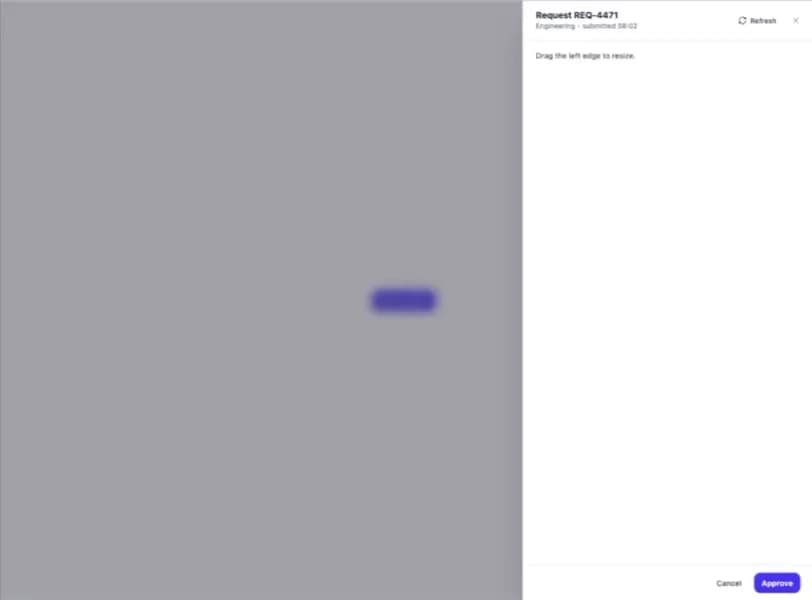
About
A resizable side panel that slides in from the right edge of the screen for viewing or editing a record's details without leaving the page.
Built with React and Tailwind. Copy the prompt and paste it into Claude Code, Cursor or Lovable: your agent adds Resizable Drawer to your project and fits it to your theme.
Code
How Resizable Drawer is used: the demo's code. The component's own source comes with a free account.
Usage.tsx
"use client";

import Drawer from "@/components/ui/drawer-panel";
import { useState } from "react";
import { RefreshCw } from "lucide-react";

export default function DrawerPanelDemo() {
  const [open, setOpen] = useState(false);
  return (
    <>
      <button
        type="button"
        onClick={() => setOpen(true)}
        className="inline-flex items-center justify-center rounded-lg bg-indigo-600 px-3 py-2 text-xs font-semibold text-white hover:bg-indigo-700"
      >
        Open drawer
      </button>
      <Drawer
        open={open}
        onClose={() => setOpen(false)}
        title="Request REQ-4471"
        subtitle="Engineering - submitted 08:02"
        maxWidth={0.6}
        headerActions={
          <button
            type="button"
            onClick={(e) => e.stopPropagation()}
            className="inline-flex items-center gap-1.5 rounded-lg px-2.5 py-1 text-[11px] font-medium text-slate-600 hover:bg-slate-100 dark:text-slate-300 dark:hover:bg-slate-800"
          >
            <RefreshCw className="h-3.5 w-3.5" />
            Refresh
          </button>
        }
        footer={
          <div className="flex justify-end gap-2">
            <button
              type="button"
              onClick={() => setOpen(false)}
              className="inline-flex items-center justify-center rounded-lg px-3 py-2 text-xs font-medium text-slate-600 hover:bg-slate-100 dark:text-slate-300 dark:hover:bg-slate-800"
            >
              Cancel
            </button>
            <button
              type="button"
              onClick={() => setOpen(false)}
              className="inline-flex items-center justify-center rounded-lg bg-indigo-600 px-3 py-2 text-xs font-semibold text-white hover:bg-indigo-700"
            >
              Approve
            </button>
          </div>
        }
      >
        <p className="text-xs text-slate-600 dark:text-slate-300">
          Drag the left edge to resize.
        </p>
      </Drawer>
    </>
  );
}
Dependencies
More by haassiib
View all
Tabs
18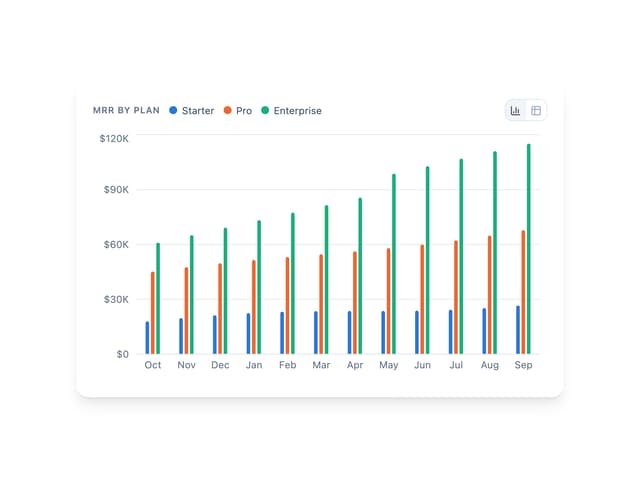
Bar Chart
7
Month Range Picker
6
Checkbox
2
Condition Groups Builder
1
Month Picker
Account Cell
Split Button