

About
An animated canvas background of monospaced glyphs on a grid, where ripples of denser characters and brighter ink swell outward from the pointer, clicks, or idle random cells.
Built with React and Tailwind. Copy the prompt and paste it into Claude Code, Cursor or Lovable: your agent adds Glyph Swell to your project and fits it to your theme.
Code
How Glyph Swell is used: the demo's code. The component's own source comes with a free account.
Usage.tsx
"use client";

import GlyphSwell from "@/components/ui/glyph-swell";

const THEMES: Record<string, { c: [string, string, string]; light: boolean }> =
  {
    terminal: { c: ["#07090a", "#9fe6b0", "#e9fff0"], light: false },
    paper: { c: ["#f3efe6", "#3d3a34", "#a8432f"], light: true },
    ember: { c: ["#0d0806", "#c9773f", "#ffd9a0"], light: false },
  };

export default function Demo({ variant = "terminal" }: { variant?: string }) {
  const t = THEMES[variant] ?? THEMES.terminal;
  return (
    <div className="relative h-screen w-full">
      <GlyphSwell colors={t.c} className="h-full min-h-full w-full">
        <div className="pointer-events-none flex h-full flex-col justify-end p-6 sm:p-10">
          <p
            className={`max-w-md rounded-md px-0 font-mono text-[11px] uppercase tracking-[0.16em] ${t.light ? "text-black/55" : "text-white/55"}`}
          >
            vitrine-cli 4.2 · build passed in 38s
          </p>
          <p
            className={`mt-2 max-w-lg text-2xl font-semibold tracking-tight sm:text-4xl ${t.light ? "text-[#1b1a17]" : "text-white"}`}
          >
            Ship from the terminal.
          </p>
        </div>
      </GlyphSwell>
    </div>
  );
}
More by ham7a311
View all
Route Globe
6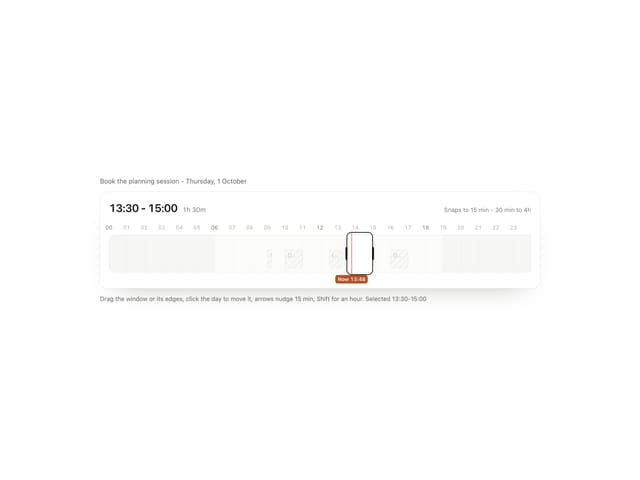
Time Window
4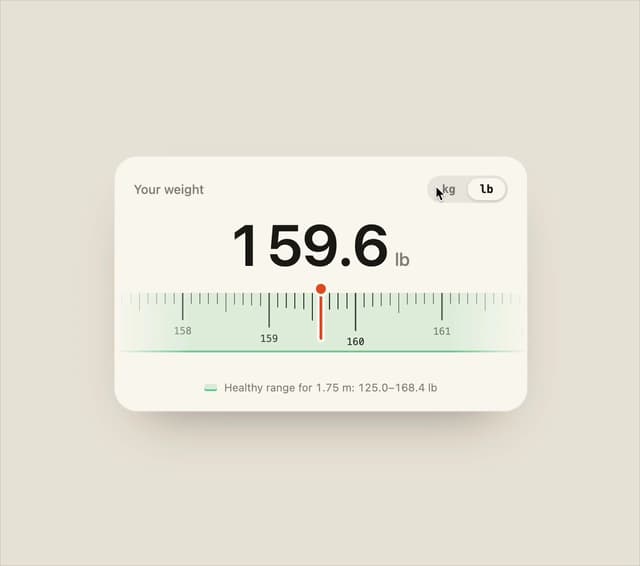
Ruler Picker
4
Wave Mesh
4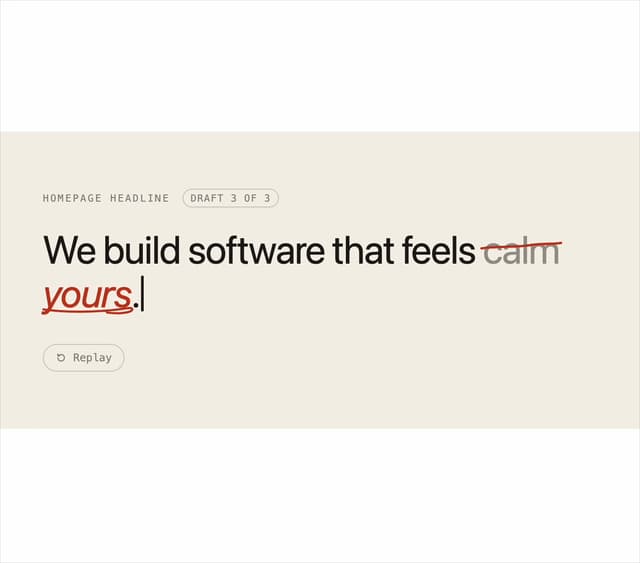
Second Draft Text
3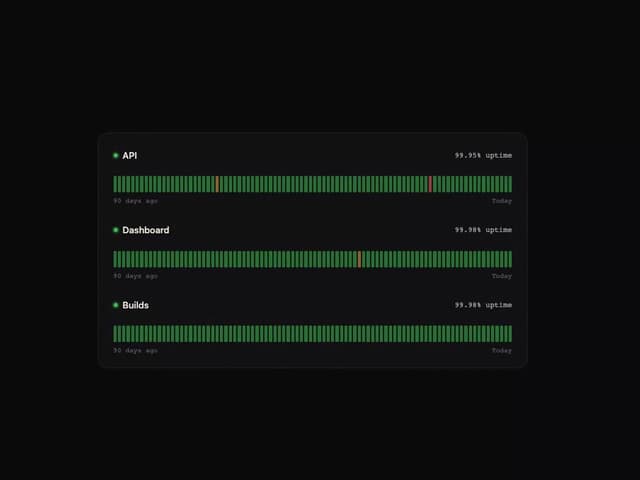
Uptime Ribbon
3
Glass Carousel
3
Liquid Chrome
3
More in Backgrounds
View all
Elegant Dark Pattern
805

Background snippets
63

Background Components
16
Light theme Tailwind CSS Background Snippet
220
Gradient Backgrounds
23
Tailwind CSS Background Snippet
528
Cotton Bubblegum Lilac
5
Glass Fold
187


