
About
Built with React and Tailwind. Copy the prompt and paste it into Claude Code, Cursor or Lovable: your agent adds Rating to your project and fits it to your theme.
Code
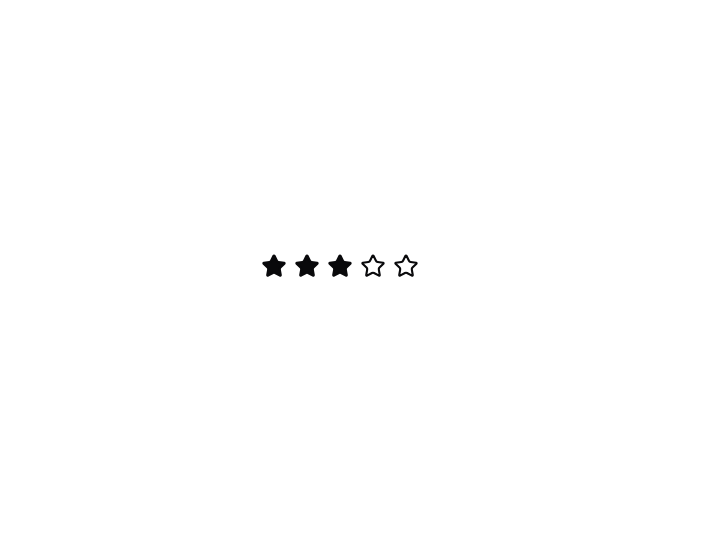
How Rating is used: the demo's code. The component's own source comes with a free account.
Usage.tsx
import { Rating, RatingButton } from '@/components/ui/rating';

const Demo = () => (
  <Rating defaultValue={3}>
    {Array.from({ length: 5 }).map((_, index) => (
      <RatingButton key={index} />
    ))}
  </Rating>
);

export default { Demo }
Dependencies
More in Buttons
View all
Texture Button
105
Button
12

Notification Button
115

HeroUI Button Group
2
Button
78

App Store Button
481
Split Button
16

Button Group
14


