
About
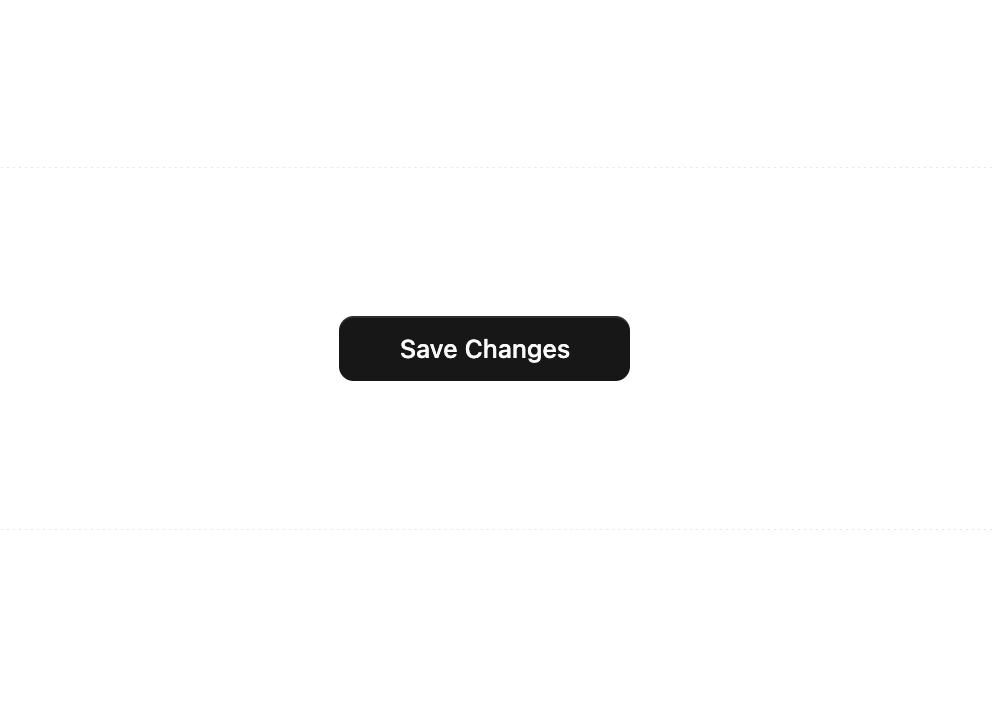
Here is Prime Button component
Built with React and Tailwind. Copy the prompt and paste it into Claude Code, Cursor or Lovable: your agent adds Prime Button to your project and fits it to your theme.
Code
How Prime Button is used: the demo's code. The component's own source comes with a free account.
Usage.tsx
'use client';

import { useState } from 'react';
import { PrimeButton } from '@/components/ui/prime-button';

export default function DemoPrimeButtonBasic() {
const [status, setStatus] = useState<'idle' | 'loading' | 'success' | 'error'>('idle');

const handleClick = () => {
  setStatus('loading');

  // Simulate an async API call
  setTimeout(() => {
    setStatus('success');
  }, 2000);
};

return (
  <div className="flex min-h-[200px] w-full items-center justify-center rounded-lg border border-dashed bg-background p-8">
    <PrimeButton
      actionState={status}
      onClick={handleClick}
      className="w-40"
    >
      Save Changes
    </PrimeButton>
  </div>
);
}