
About
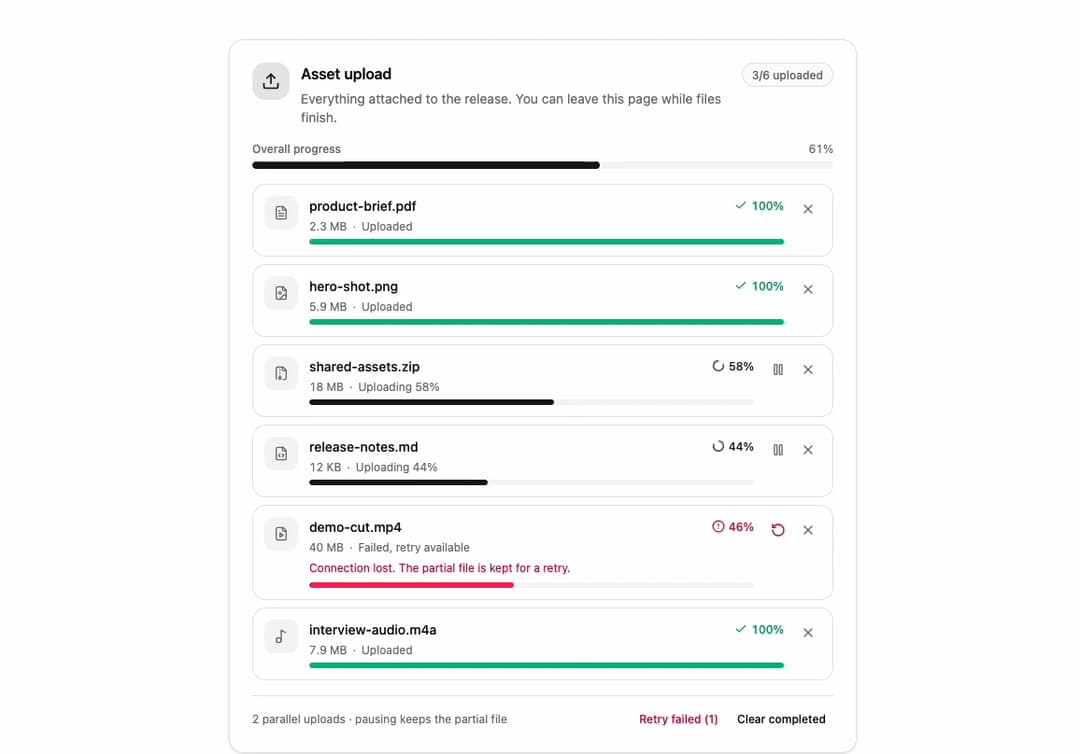
An upload queue with simulated parallel progress, per-file pause, resume, retry and remove actions, per-file error messages, a retry-all action, weighted overall progress, animated status reflow, file-type icons, byte-aware formatting and live completion announcements. Includes empty, paused, failed and completed states.
Built with React and Tailwind. Copy the prompt and paste it into Claude Code, Cursor or Lovable: your agent adds Upload Queue to your project and fits it to your theme.
Code
How Upload Queue is used: the demo's code. The component's own source comes with a free account.
Usage.tsx
"use client";

/**
 * PrequelUI Animate — MIT — https://prequeluianimate.terravidhal.me
 */

import { UploadQueue, type UploadFile } from "@/components/ui/upload-queue";

const FILES: UploadFile[] = [
  {
    id: "brief",
    name: "product-brief.pdf",
    size: 2_460_000,
    kind: "document",
    status: "uploading",
    progress: 62,
  },
  {
    id: "hero",
    name: "hero-shot.png",
    size: 6_140_000,
    kind: "image",
    status: "uploading",
    progress: 28,
  },
  {
    id: "assets",
    name: "shared-assets.zip",
    size: 18_700_000,
    kind: "archive",
    status: "queued",
  },
  {
    id: "notes",
    name: "release-notes.md",
    size: 12_400,
    kind: "code",
    status: "queued",
  },
  {
    id: "demo",
    name: "demo-cut.mp4",
    size: 42_300_000,
    kind: "video",
    status: "error",
    progress: 46,
    error: "Connection lost. The partial file is kept for a retry.",
  },
  {
    id: "interview",
    name: "interview-audio.m4a",
    size: 8_300_000,
    kind: "audio",
    status: "done",
    progress: 100,
  },
];

export default function UploadQueueDemo() {
  return (
    <main className="flex min-h-screen w-full items-center justify-center bg-background px-6 py-12">
      <UploadQueue
        files={FILES}
        title="Asset upload"
        description="Everything attached to the release. You can leave this page while files finish."
        concurrency={2}
        speed={1.2}
      />
    </main>
  );
}
Dependencies
More by terra vidhal
View all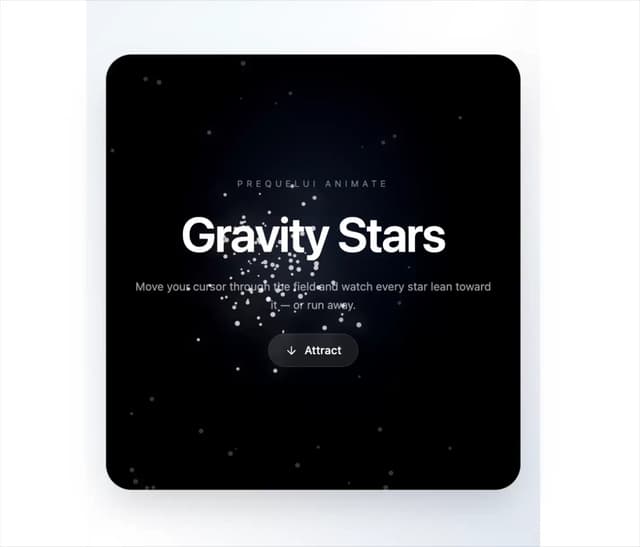

Gravity Stars Background
13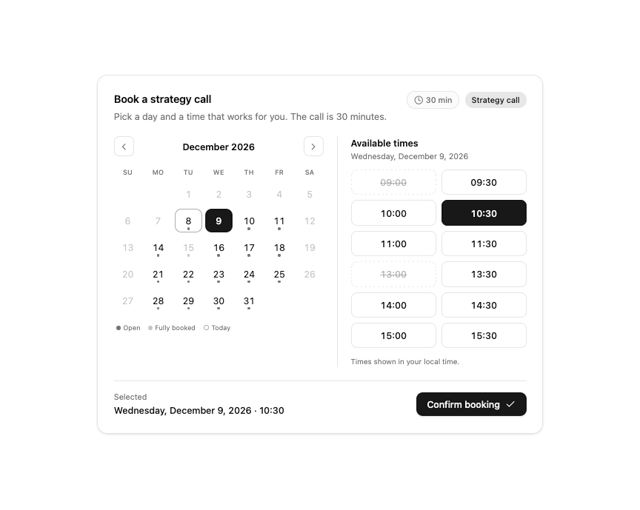
Booking Calendar
10
Topographic Lines
8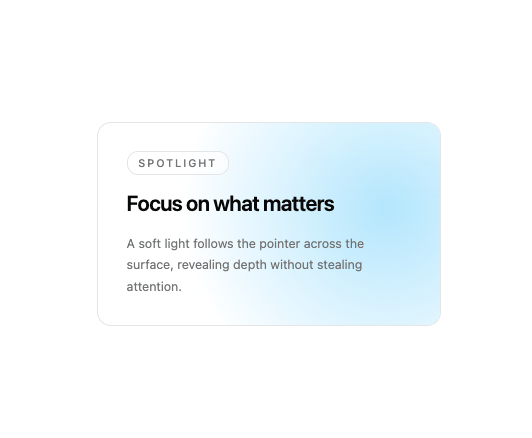
Spotlight Card
8
Audio Waveform
7
Command Palette
6
Kpi Counter
6
Notification Center
5