
About
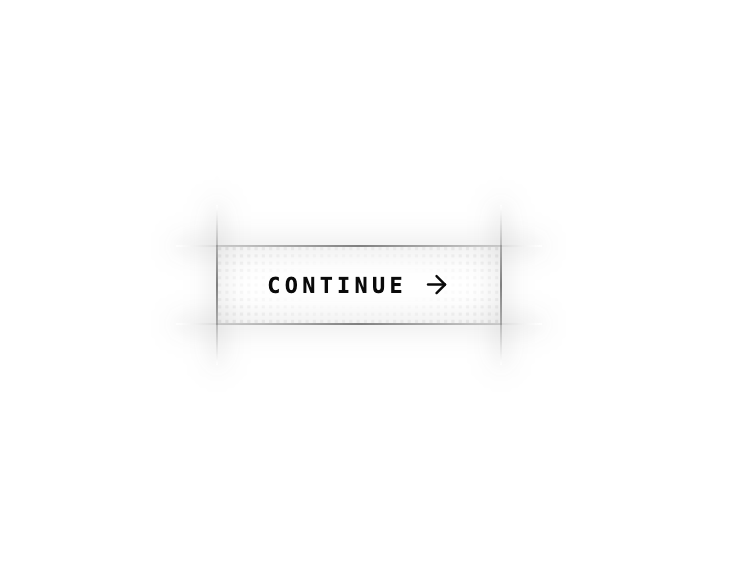
Brutalist cyberpunk button with a glowing scanline edge frame, dotted texture and hover halo. Token-driven for light/dark, with shadcn variants & asChild.
Built with React and Tailwind. Copy the prompt and paste it into Claude Code, Cursor or Lovable: your agent adds Cyber Button to your project and fits it to your theme.
Code
How Cyber Button is used: the demo's code. The component's own source comes with a free account.
Usage.tsx
import { ArrowRight } from "lucide-react";
import { CyberButton } from "@/components/ui/cyber-button";

const PRODUCT_URL =
  "https://contra.com/products/kOgRgKDs-img2-m3-react-gsap-landing-template";
const PRODUCT_IMG = "https://cdn.21st.dev/assets/mirror/b0/b02ad72aa18e5c478cc826fca67e0cace856ffdfbc1f5aedcb2b88b1268ba4c8.png";

export default function Demo() {
  return (
    <div className="relative flex min-h-screen w-full items-center justify-center bg-background p-10 text-foreground">
      {/* The component */}
      <CyberButton>
        Continue
        <ArrowRight className="size-4 transition-transform duration-300 group-hover:translate-x-1" />
      </CyberButton>

      {/* Extra sauce — collapsed: one-line pill · expanded: text on top,
          4:3 preview below it, one-line subtext under the image */}
      <a
        href={PRODUCT_URL}
        target="_blank"
        rel="noopener noreferrer"
        className="group fixed bottom-6 right-6 z-50 block w-32 overflow-hidden rounded-2xl border border-border bg-background/90 shadow-lg backdrop-blur transition-[width,border-color,box-shadow] duration-500 hover:w-60 hover:border-[var(--primary)] hover:shadow-[0_0_24px_-6px_var(--primary)]"
      >
        <div className="px-4 py-2.5 font-mono text-[10px] font-bold uppercase tracking-[0.25em] text-muted-foreground transition-colors duration-300 group-hover:text-primary">
          extra sauce
        </div>
        <div className="grid grid-rows-[0fr] transition-all duration-500 group-hover:grid-rows-[1fr]">
          <div className="overflow-hidden">
            <div className="w-60 p-3 pt-0 opacity-0 transition-opacity duration-500 group-hover:opacity-100">
              <img
                src={PRODUCT_IMG}
                alt="IMG2M3 — React + GSAP Landing Template"
                className="aspect-[4/3] w-full rounded-md border border-border object-cover"
              />
              <p className="mt-2 text-[10px] leading-snug text-muted-foreground">
                The landing template behind this button.
              </p>
            </div>
          </div>
        </div>
      </a>
    </div>
  );
}
Dependencies
More by Hossain Jahed
View all

Spotlight Card
8.7K
Cinematic landing Hero
5.6K
Motion Footer
5.6K
Sign In
4.6K
AI prompt Box
3K
Glassmorphism Trust Hero
2.8K
Limelight Nav
2K
Ai chat input
1.7K
More in Buttons
View all

Button
4

App Store Button
452

Button
47

Button
4
Texture Button
92
Split Button
14

Eclipse Button
39
Native Button
12


