
About
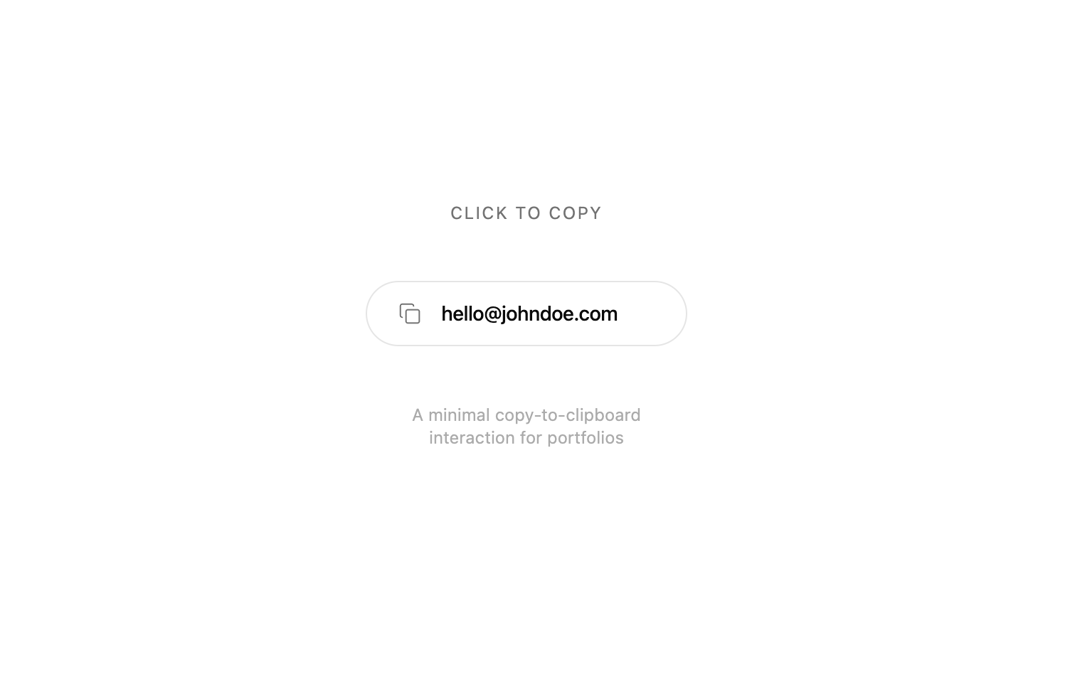
Click to copy component - a minimal copy-to-clipboard interaction for portfolios
Built with React and Tailwind. Copy the prompt and paste it into Claude Code, Cursor or Lovable: your agent adds Copy Button to your project and fits it to your theme.
Code
How Copy Button is used: the demo's code. The component's own source comes with a free account.
Usage.tsx
import { CopyEmailButton } from "@/components/ui/copy-button";

export default function Page() {
  return (
    <main className="flex min-h-screen flex-col items-center justify-center gap-10 bg-background p-8">
      <div className="text-center space-y-2">
        <p className="text-xs uppercase tracking-widest text-muted-foreground">
          Click to copy
        </p>
      </div>

      <CopyEmailButton email="hello@johndoe.com" />

      <p className="text-xs text-muted-foreground/60 max-w-[200px] text-center text-pretty">
        A minimal copy-to-clipboard interaction for portfolios
      </p>
    </main>
  );
}
Dependencies
More by Jatin Yadav
View all
Radial Orbital Timeline
7.7K
Expand Map
3K
Sign In Card
2.8K
Project Showcase
2.3K
Etheral Shadow
2.1K
Vapour Text Effect
2.1K
Animated AI Chat
1.7K
3D Folder
1.6K
More in Buttons
View all
Texture Button
107

Notification Button
116

Button
2
Base Button
2
Button
13

HeroUI Button Group
1

App Store Button
484

Button
36

