
About
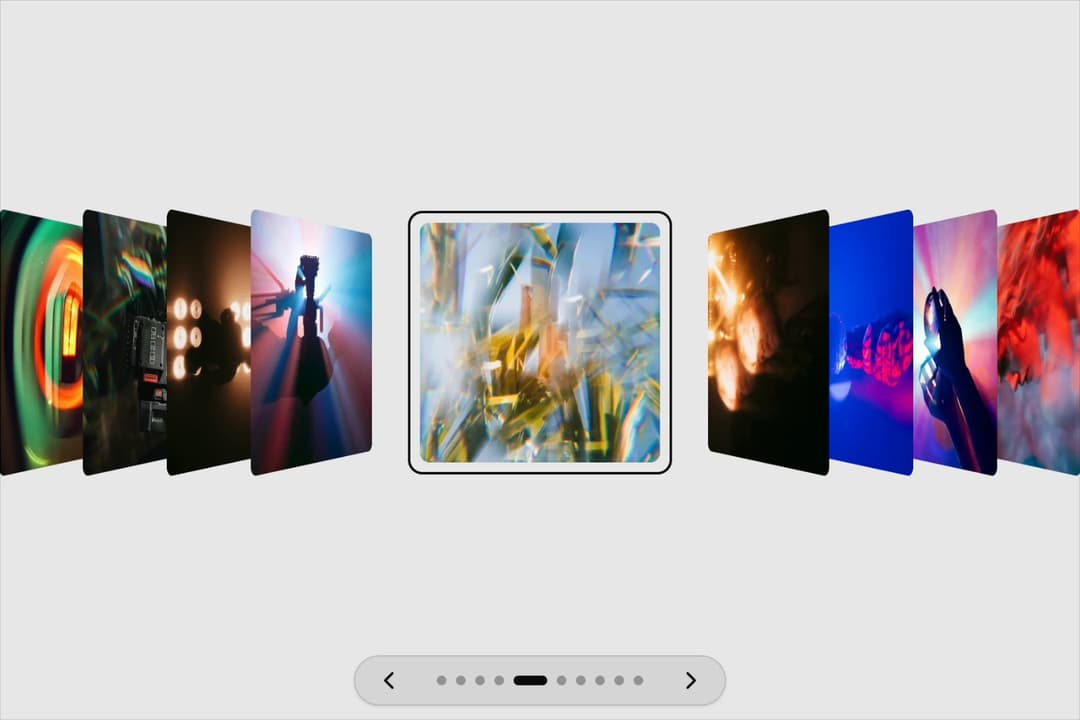
3D flip image carousel for React: only the photo in the viewfinder frame lies flat while the rest fold away on their edges in perspective, opening out of the stack as you move, with a small frame pulse as each lands. Dark stage, titles, keyboard arrows and swipe, reduced-motion aware. Use for camera rolls, photo galleries and portfolios.
Built with React and Tailwind. Copy the prompt and paste it into Claude Code, Cursor or Lovable: your agent adds 3D Flip Image Carousel to your project and fits it to your theme.
Code
How 3D Flip Image Carousel is used: the demo's code. The component's own source comes with a free account.
Usage.tsx
"use client"

import ViewfinderFlipCarousel, { type ViewfinderFlipItem } from "@/components/ui/viewfinder-flip-carousel"

const u = (id: string) =>
  "https://images.unsplash.com/photo-" + id + "?q=80&w=500&auto=format&fit=crop&ixlib=rb-4.1.0"

const photos: ViewfinderFlipItem[] = [
  { title: "A blurry photo of a car's tail light", src: u("1644186171024-1bacda31db33") },
  { title: "Shallow focus photo of person holding video camera", src: u("1573750328968-179cc634660a") },
  { title: "Silhouette of man sitting on chair", src: u("1611518757417-b5fa0838b12e") },
  { title: "Black and gray camera tripod", src: u("1625690303837-654c9666d2d0") },
  { title: "A blurry photo of a tree with a blue sky in the background", src: u("1541869440787-abe7669a951a") },
  { title: "Woman in black and white floral shirt", src: u("1611518050831-f945a6f6a1b3") },
  { title: "Person holding silver round ornament", src: u("1602043469092-aa55df5a8aae") },
  { title: "Person holding clear glass ball", src: u("1603993138561-9151852b44e1") },
  { title: "Woman in red and black dress", src: u("1611518016416-b544a3ee13ce") },
  { title: "Man in black jacket holding camera", src: u("1603993097397-89c963e325c7") },
]

export default function Demo() {
  // w-full is load-bearing: 21st centres every demo in a flex wrapper, and a
  // flex item left at width:auto shrinks to fit its contents.
  return (
    <div className="w-full">
      <ViewfinderFlipCarousel items={photos} />
    </div>
  )
}
More by Kedhareswer Naidu
View all

Glassmorphism Folder Cards
2.6K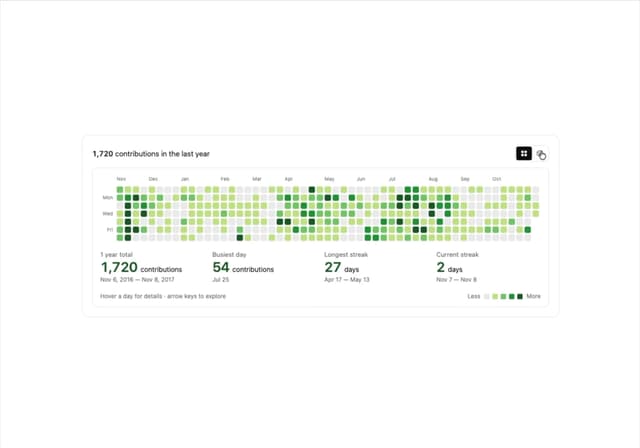
GitHub Contribution Graph 3D Heatmap
1.8K
Morph Gallery
1.4K
Halftone Wordmark Footer
1.2K
Glass Cards
716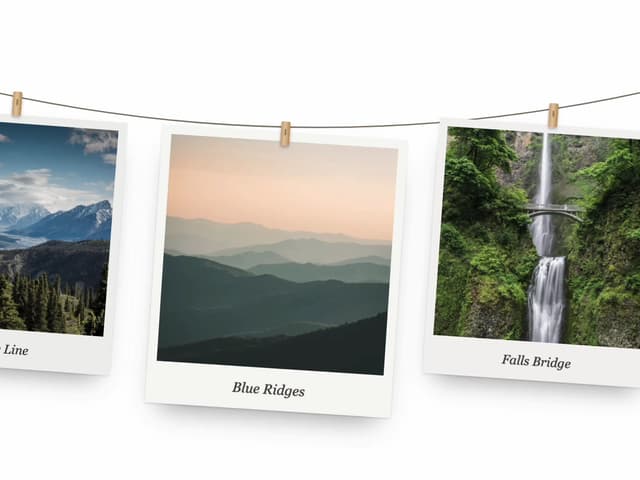
Hanging Polaroid Image Carousel
706
Particle Animation
644
Tiger Tear Reveal
637
More in Galleries
View all
Thumbnail image viewer
42

Animated Gallery
1.4K

Hero Section 6
881
Editorial Collage Hero
429
3D Parallax Unfurling Gallery
977
Layout Grid
824

File Upload
18

Image Gallery
90


