
About
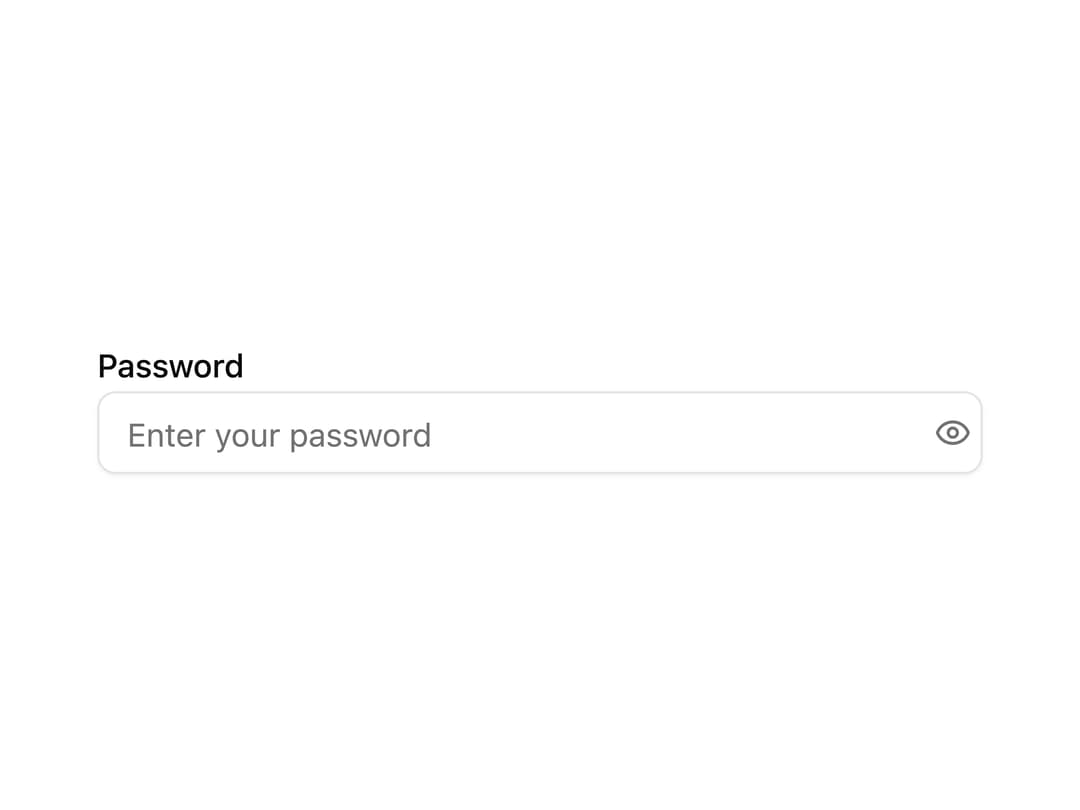
A password field with a toggle button to reveal or hide the typed value, built on a bordered input group.
Built with React and Tailwind. Copy the prompt and paste it into Claude Code, Cursor or Lovable: your agent adds Password Input to your project and fits it to your theme.
Code
How Password Input is used: the demo's code. The component's own source comes with a free account.
Usage.tsx
import PasswordInput from "@/components/ui/password-input";

export default function PasswordInputDemo() {
  return (
    <div className="w-full max-w-sm space-y-2">
      <label
        htmlFor="demo-password"
        className="text-sm font-medium leading-none"
      >
        Password
      </label>
      <PasswordInput
        id="demo-password"
        placeholder="Enter your password"
        autoComplete="current-password"
      />
    </div>
  );
}
Dependencies
More by kevingirelli
View all
Aurora
50
Warp Gradient
48
FAQ Section
45
QR Code
45
Wave Text
37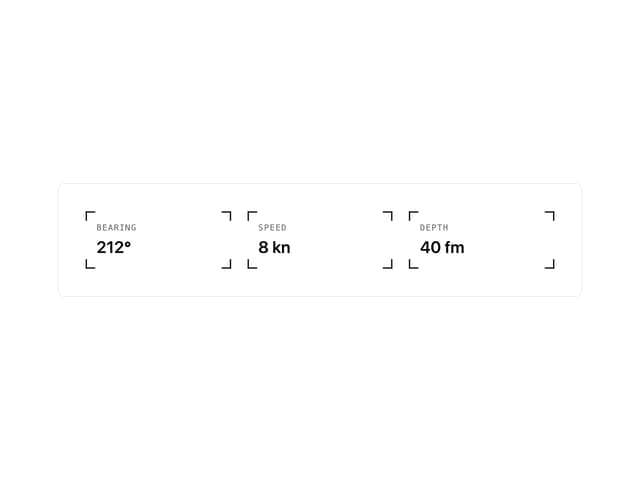
Corner Frame
35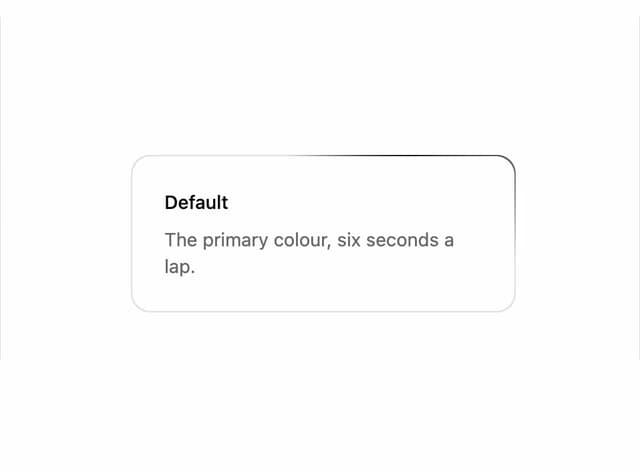
Animated Border
32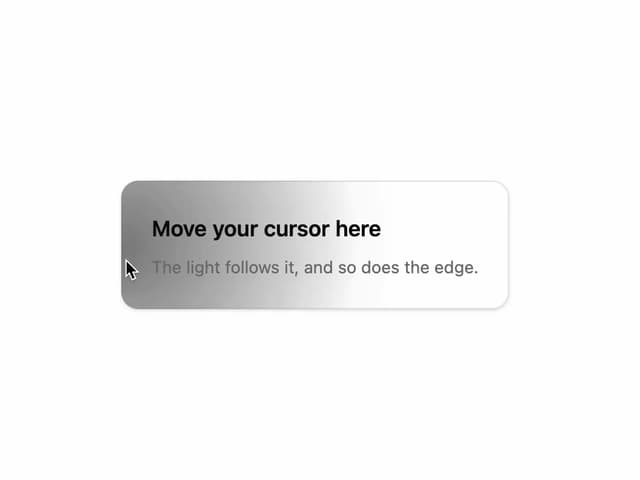
Spotlight
23
More in Forms
View all

Premium Auth
496

Login 2
7
Authentication Card
45

Login 1
52

Form
16

Contact Card
1K

Card Studio
41

Book A Demo 3
83
