
About
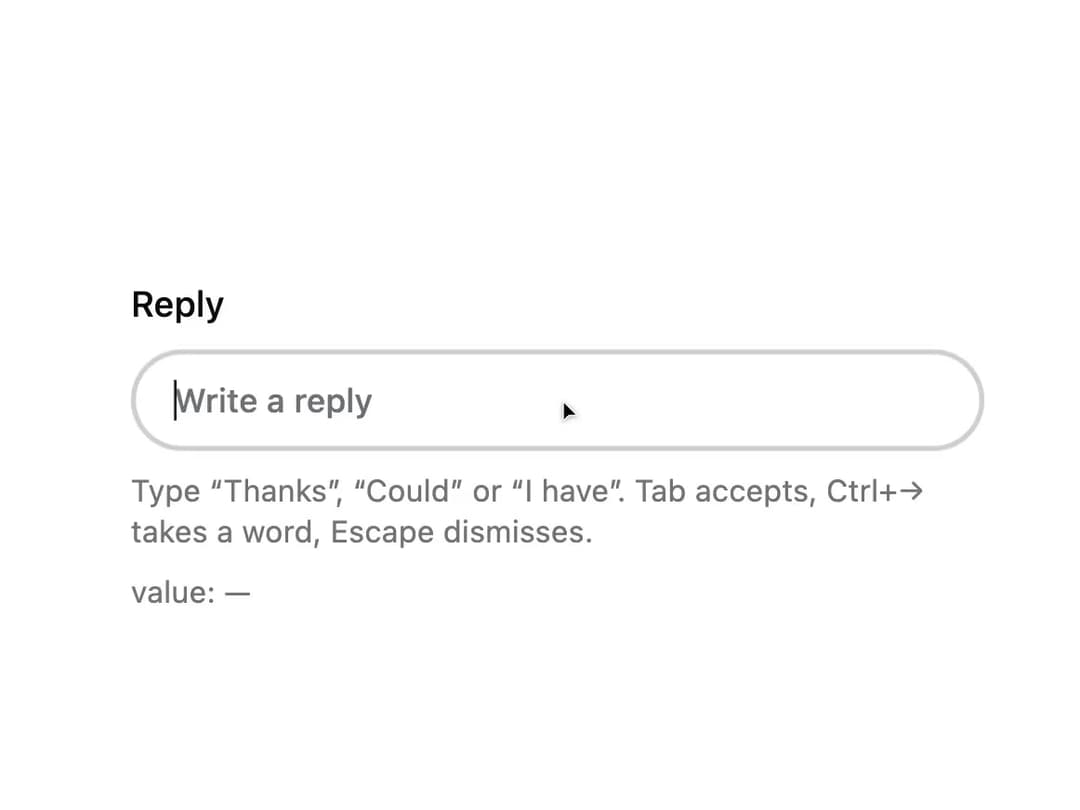
A text input or textarea that suggests the rest of a sentence as faint ghost text after the caret, which the user can accept with Tab or Ctrl/Cmd+Right Arrow, like inline code-completion in an editor.
Built with React and Tailwind. Copy the prompt and paste it into Claude Code, Cursor or Lovable: your agent adds Inline Completion to your project and fits it to your theme.
Code
How Inline Completion is used: the demo's code. The component's own source comes with a free account.
Usage.tsx
"use client";

import {
  InlineCompletion,
  type InlineCompletionSuggestion,
} from "@/components/ui/inline-completion";
import { useState } from "react";

// Synthetic, local completions — no network/AI call. Offered only once the
// text matches one of these prefixes exactly, mirroring the original demo.
const REPLY_SUGGESTIONS: Array<[string, string]> = [
  [
    "Thanks",
    " for reaching out — I'll take a look and get back to you by tomorrow.",
  ],
  ["Could", " you send over the invoice number so I can check on it?"],
  ["I have", " reviewed the document and left a few comments inline."],
];

function suggestReply(text: string): InlineCompletionSuggestion {
  const hit = REPLY_SUGGESTIONS.find(([prefix]) => text === prefix);
  return hit ? hit[1] : null;
}

export default function InlineCompletionDemo() {
  const [value, setValue] = useState("");

  return (
    <div className="flex w-full max-w-sm flex-col gap-2 bg-background p-6">
      <label
        htmlFor="reply-field"
        className="text-sm font-medium text-foreground"
      >
        Reply
      </label>
      <InlineCompletion
        id="reply-field"
        label="Reply"
        placeholder="Write a reply"
        value={value}
        onValueChange={setValue}
        getSuggestion={suggestReply}
      />
      <p className="text-xs text-muted-foreground">
        Type “Thanks”, “Could” or “I have”. Tab accepts, Ctrl+→ takes a word,
        Escape dismisses.
      </p>
      <p className="text-xs text-muted-foreground">value: {value || "—"}</p>
    </div>
  );
}
More by klyv-ui
View all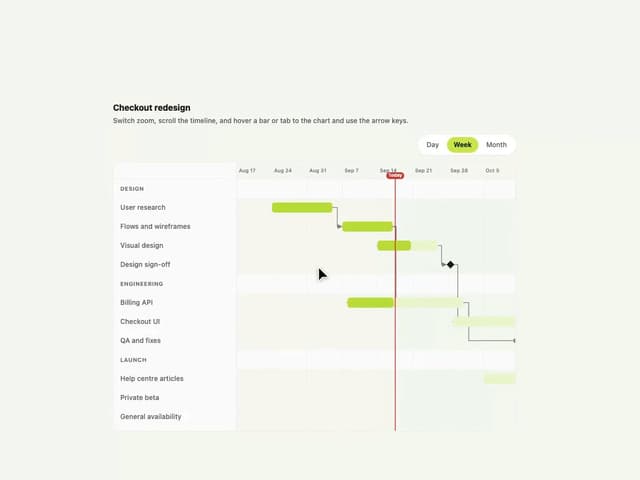
Gantt Chart
101
Shader Canvas
66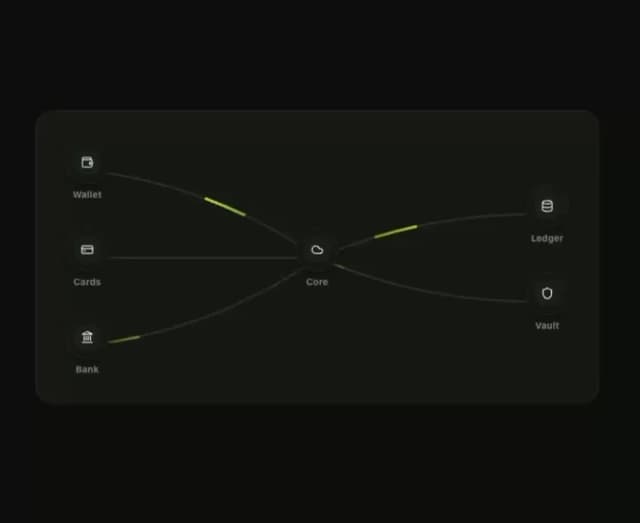
Klyv Animated Beam
65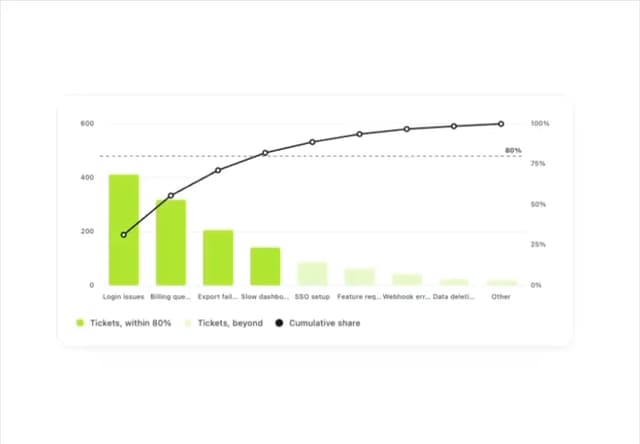
Pareto Chart
59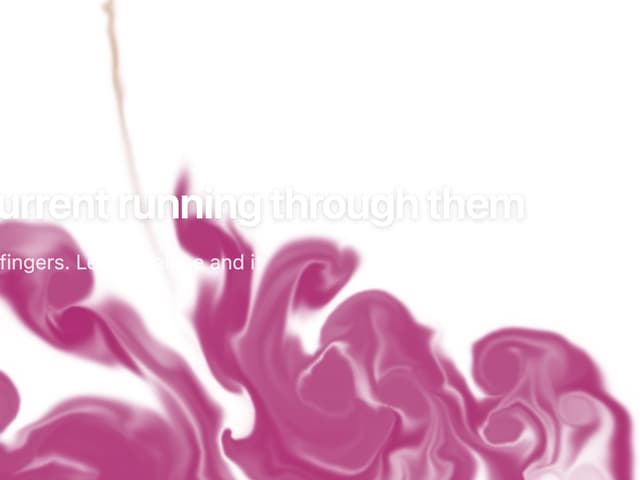
Fluid Canvas
43
Sunburst Chart
35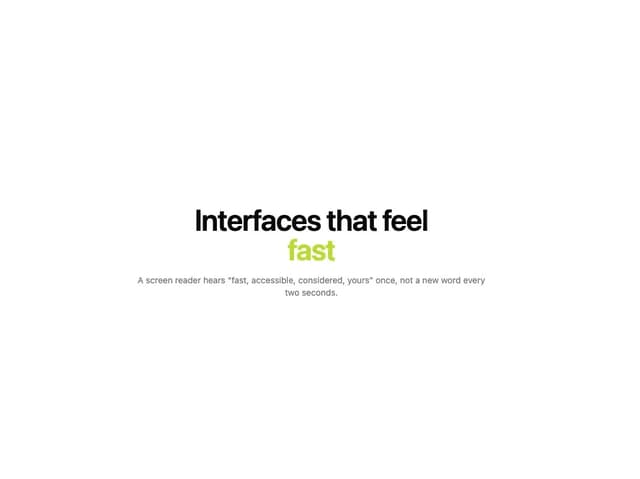
Morphing Text
32
Time Slot Picker
29