
About
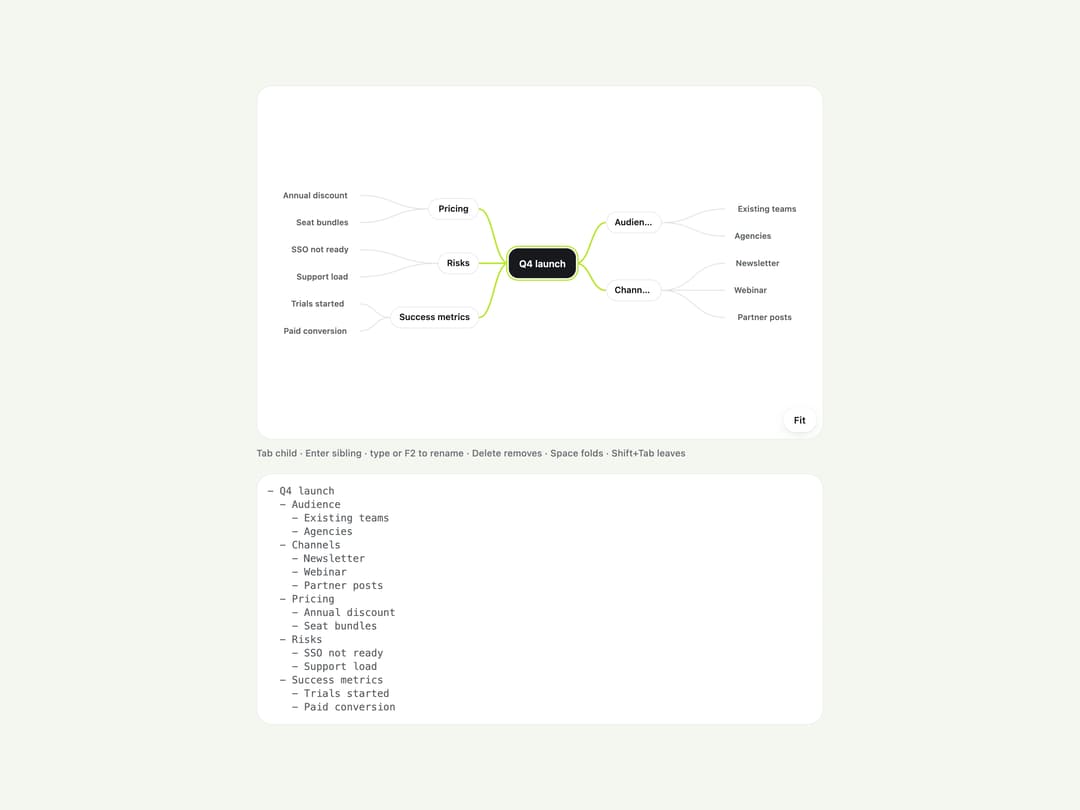
A keyboard-driven mind map for capturing and organizing branching ideas as a two-sided radial tree, with pan, zoom-to-fit, and an outline export.
Built with React and Tailwind. Copy the prompt and paste it into Claude Code, Cursor or Lovable: your agent adds Mind Map to your project and fits it to your theme.
Code
How Mind Map is used: the demo's code. The component's own source comes with a free account.
Usage.tsx
"use client";

import MindMap, { mindMapToOutline } from "@/components/ui/mind-map";
import type { MindMapNode } from "@/components/ui/mind-map";

const initialTree: MindMapNode = {
  id: "root",
  label: "Q4 launch",
  children: [
    {
      id: "audience",
      label: "Audience",
      side: "right",
      children: [
        { id: "existing-teams", label: "Existing teams" },
        { id: "agencies", label: "Agencies" },
      ],
    },
    {
      id: "channels",
      label: "Channels",
      side: "right",
      children: [
        { id: "newsletter", label: "Newsletter" },
        { id: "webinar", label: "Webinar" },
        { id: "partner-posts", label: "Partner posts" },
      ],
    },
    {
      id: "pricing",
      label: "Pricing",
      side: "left",
      children: [
        { id: "annual-discount", label: "Annual discount" },
        { id: "seat-bundles", label: "Seat bundles" },
      ],
    },
    {
      id: "risks",
      label: "Risks",
      side: "left",
      children: [
        { id: "sso-not-ready", label: "SSO not ready" },
        { id: "support-load", label: "Support load" },
      ],
    },
    {
      id: "success-metrics",
      label: "Success metrics",
      side: "left",
      children: [
        { id: "trials-started", label: "Trials started" },
        { id: "paid-conversion", label: "Paid conversion" },
      ],
    },
  ],
};

export default function MindMapDemo() {
  return (
    <div className="flex w-full flex-col gap-4 bg-canvas p-6">
      <MindMap
        label="Launch planning"
        defaultValue={initialTree}
        height={420}
        className="mx-auto w-full max-w-2xl"
      />
      <pre className="mx-auto w-full max-w-2xl overflow-auto rounded-[var(--radius-card)] border border-line bg-surface p-3 text-xs text-ink-soft">
        {mindMapToOutline(initialTree)}
      </pre>
    </div>
  );
}
More by klyv-ui
View all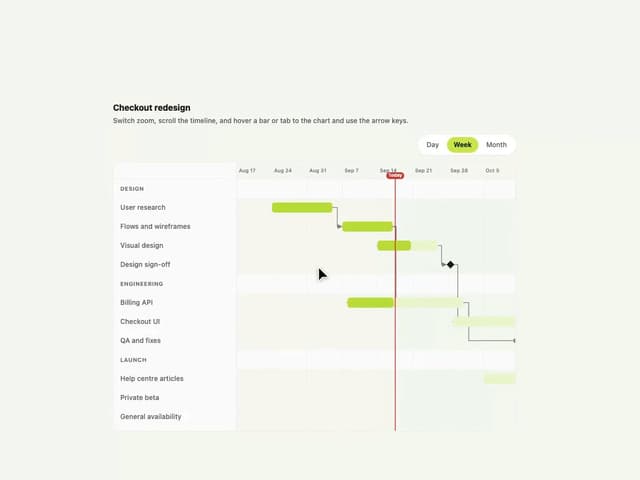
Gantt Chart
68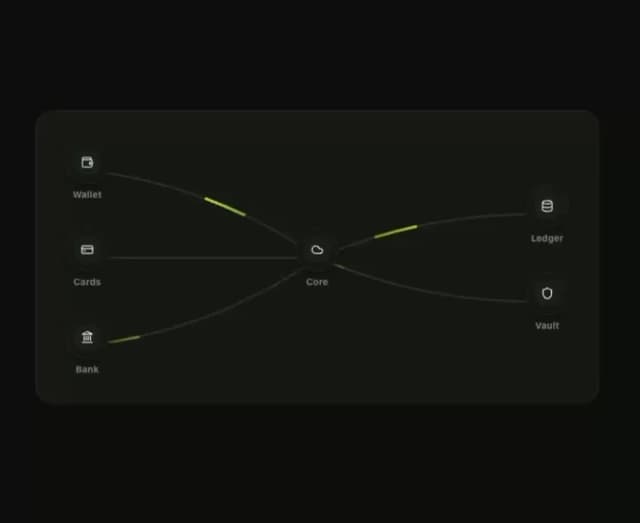
Klyv Animated Beam
55
Shader Canvas
54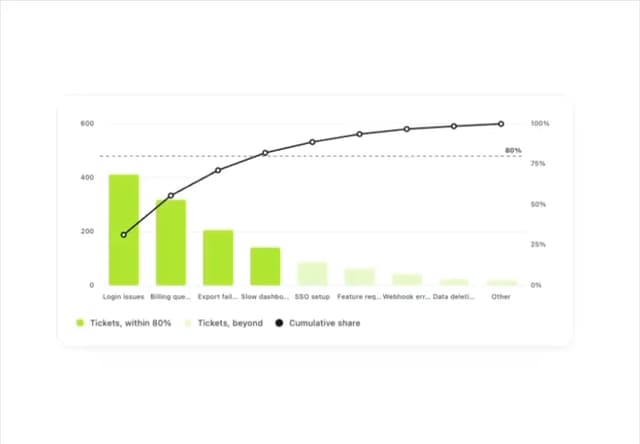
Pareto Chart
48
Sunburst Chart
28
Gooey Loader
26
Fluid Canvas
26
Morphing Text
23