
About
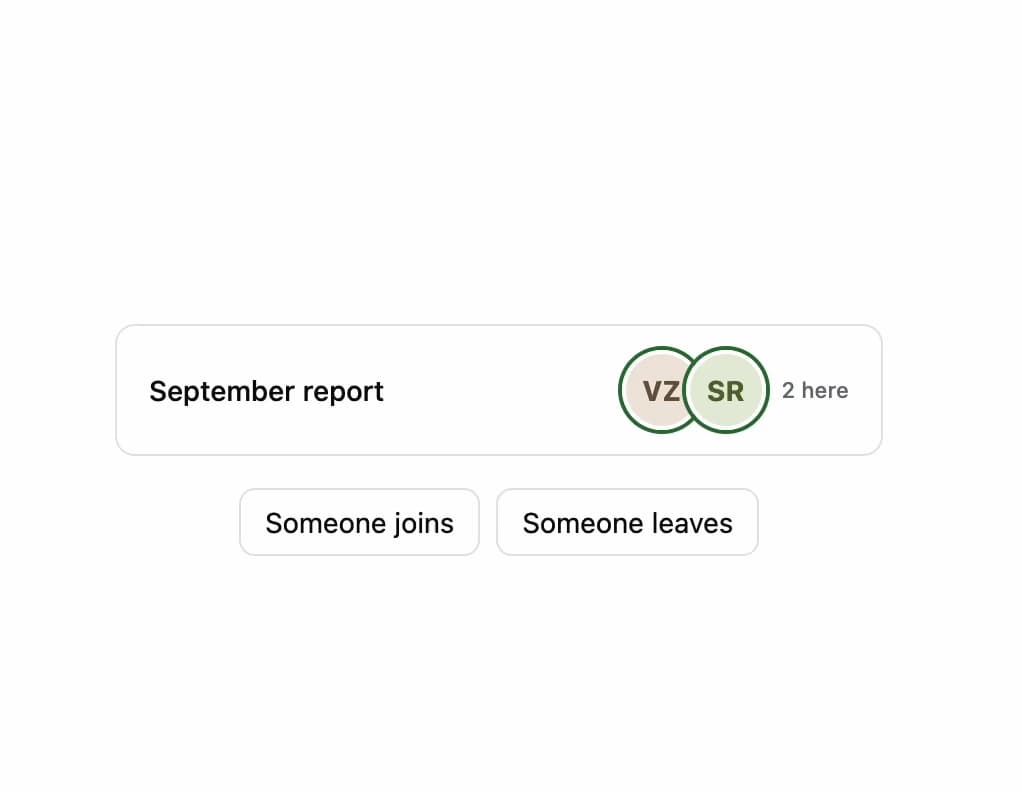
A row of avatars showing who else is currently viewing or editing a shared document, with each person's status and live join/leave announcements for screen reader users.
Built with React and Tailwind. Copy the prompt and paste it into Claude Code, Cursor or Lovable: your agent adds Presence Bar to your project and fits it to your theme.
Code
How Presence Bar is used: the demo's code. The component's own source comes with a free account.
Usage.tsx
"use client";

import { PresenceBar } from "@/components/ui/presence-bar";
import type { Participant } from "@/components/ui/presence-bar";
import { useState } from "react";

const roster: Participant[] = [
  { id: "u1", name: "Vaibhav Zapadiya", you: true, status: "active" },
  { id: "u2", name: "Sarah Rosewood", status: "active" },
  { id: "u3", name: "Max Oduya", status: "idle" },
  { id: "u4", name: "Lena Fischer", status: "active" },
];

export default function PresenceBarLiveDemo() {
  const [participants, setParticipants] = useState<Participant[]>(
    roster.slice(0, 2),
  );

  const addPerson = () => {
    const next = roster.find(
      (person) => !participants.some((p) => p.id === person.id),
    );
    if (next) setParticipants((current) => [...current, next]);
  };

  const removePerson = () => {
    setParticipants((current) => {
      const removable = current.filter((person) => !person.you);
      if (removable.length === 0) return current;
      const target = removable[removable.length - 1];
      return current.filter((person) => person.id !== target.id);
    });
  };

  return (
    <div className="flex w-full min-h-[220px] flex-col items-center justify-center gap-4 bg-background p-8 text-foreground">
      <div className="flex w-full max-w-sm items-center justify-between rounded-lg border border-border bg-card px-4 py-3">
        <span className="text-sm font-medium text-foreground">
          September report
        </span>
        <PresenceBar
          participants={participants}
          label="People viewing this document"
        />
      </div>
      <div className="flex gap-2">
        <button
          type="button"
          onClick={addPerson}
          className="rounded-md border border-border px-3 py-1.5 text-sm text-foreground hover:bg-muted"
        >
          Someone joins
        </button>
        <button
          type="button"
          onClick={removePerson}
          className="rounded-md border border-border px-3 py-1.5 text-sm text-foreground hover:bg-muted"
        >
          Someone leaves
        </button>
      </div>
    </div>
  );
}
More by klyv-ui
View all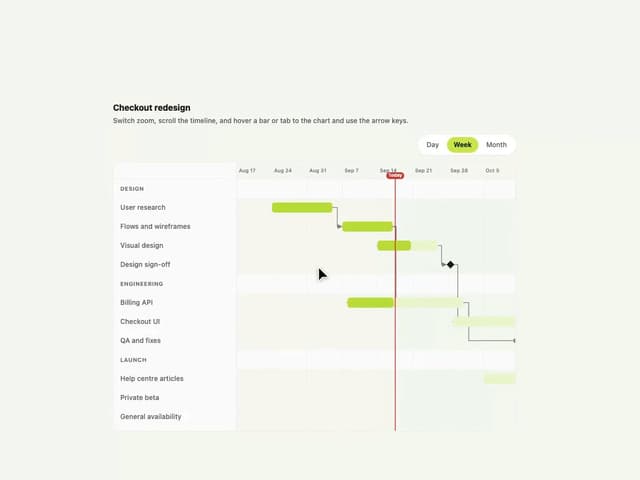
Gantt Chart
84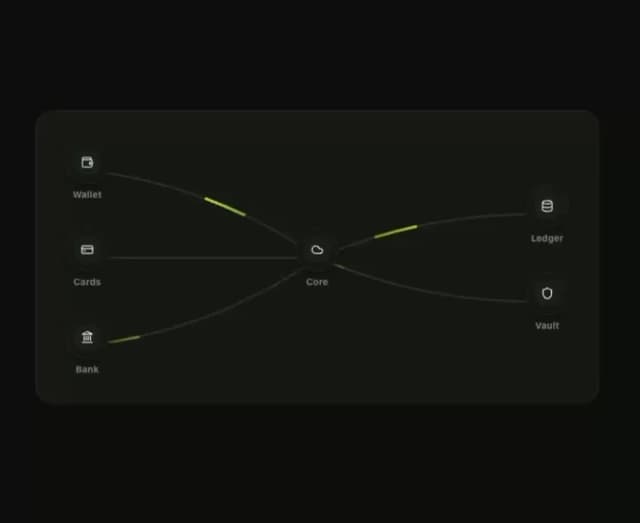
Klyv Animated Beam
59
Shader Canvas
58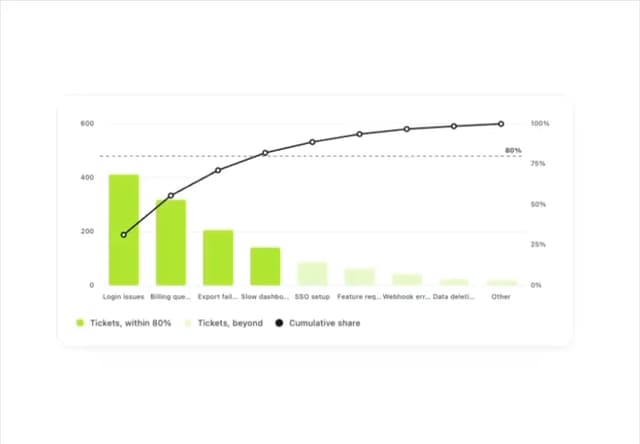
Pareto Chart
53
Fluid Canvas
36
Sunburst Chart
29
Gooey Loader
27
Morphing Text
26