
About
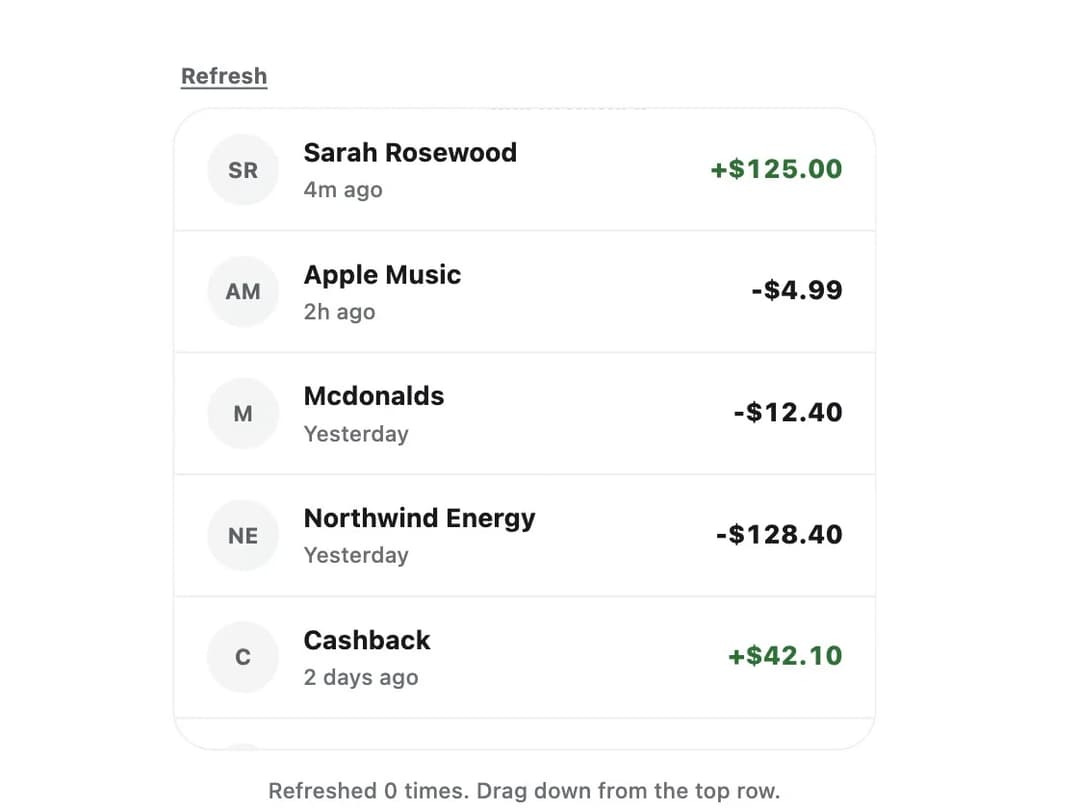
A drag-down gesture that reloads a scrollable list, with an elastic ring indicator and a real refresh button for pointer-free access.
Built with React and Tailwind. Copy the prompt and paste it into Claude Code, Cursor or Lovable: your agent adds Pull To Refresh to your project and fits it to your theme.
Code
How Pull To Refresh is used: the demo's code. The component's own source comes with a free account.
Usage.tsx
"use client";

import PullToRefresh from "@/components/ui/pull-to-refresh";
import { useState } from "react";

interface Transaction {
  id: string;
  initials: string;
  name: string;
  time: string;
  amount: string;
  positive?: boolean;
}

const SEED: Transaction[] = [
  {
    id: "1",
    initials: "SR",
    name: "Sarah Rosewood",
    time: "4m ago",
    amount: "+$125.00",
    positive: true,
  },
  {
    id: "2",
    initials: "AM",
    name: "Apple Music",
    time: "2h ago",
    amount: "-$4.99",
  },
  {
    id: "3",
    initials: "M",
    name: "Mcdonalds",
    time: "Yesterday",
    amount: "-$12.40",
  },
  {
    id: "4",
    initials: "NE",
    name: "Northwind Energy",
    time: "Yesterday",
    amount: "-$128.40",
  },
  {
    id: "5",
    initials: "C",
    name: "Cashback",
    time: "2 days ago",
    amount: "+$42.10",
    positive: true,
  },
  {
    id: "6",
    initials: "HF",
    name: "Halo Fitness",
    time: "3 days ago",
    amount: "-$219.00",
  },
];

export default function PullToRefreshDemo() {
  const [items, setItems] = useState(SEED);
  const [count, setCount] = useState(0);

  const handleRefresh = async () => {
    await new Promise((resolve) => setTimeout(resolve, 1100));
    setCount((n) => n + 1);
    setItems((current) => [
      {
        id: `new-${Date.now()}`,
        initials: "YB",
        name: "Your Bank",
        time: "Just now",
        amount: "+$18.20",
        positive: true,
      },
      ...current,
    ]);
  };

  return (
    <div className="flex w-full max-w-sm flex-col gap-3 bg-[var(--color-canvas,transparent)] p-4">
      <PullToRefresh onRefresh={handleRefresh} className="h-80">
        <ul className="divide-y divide-[var(--color-line)]">
          {items.map((item) => (
            <li key={item.id} className="flex items-center gap-3 px-4 py-3">
              <span className="flex size-9 shrink-0 items-center justify-center rounded-full bg-[var(--color-surface-muted)] text-[11px] font-bold text-[var(--color-ink-soft)]">
                {item.initials}
              </span>
              <span className="flex min-w-0 flex-1 flex-col">
                <span className="truncate text-[13px] font-bold text-[var(--color-ink)]">
                  {item.name}
                </span>
                <span className="text-[11px] font-medium text-[var(--color-ink-faint)]">
                  {item.time}
                </span>
              </span>
              <span
                className={
                  "text-[13px] font-extrabold tabular-nums " +
                  (item.positive
                    ? "text-[var(--color-success)]"
                    : "text-[var(--color-ink)]")
                }
              >
                {item.amount}
              </span>
            </li>
          ))}
        </ul>
      </PullToRefresh>
      <p className="text-center text-[11px] font-medium text-[var(--color-ink-faint)]">
        Refreshed {count} {count === 1 ? "time" : "times"}. Drag down from the
        top row.
      </p>
    </div>
  );
}
More by klyv-ui
View all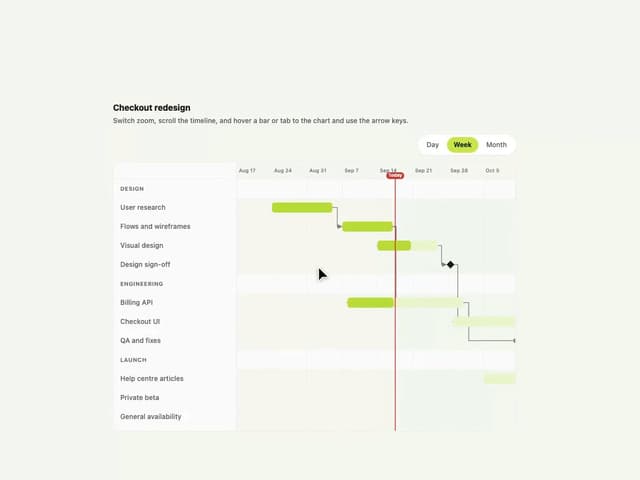
Gantt Chart
67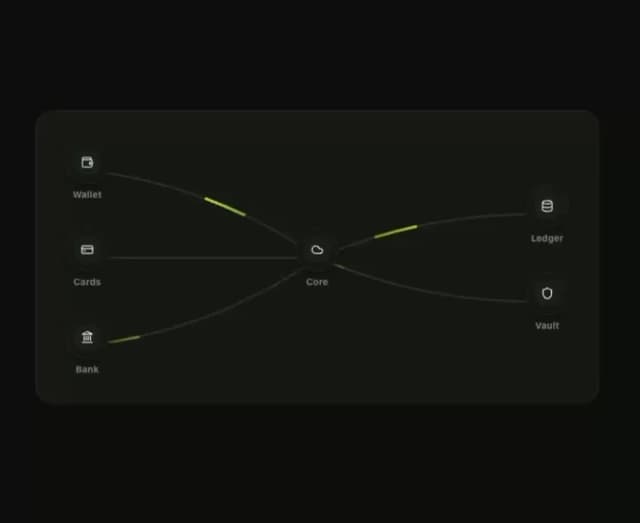
Klyv Animated Beam
54
Shader Canvas
52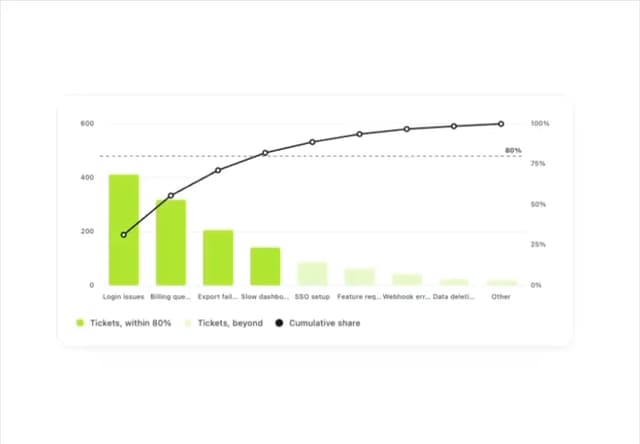
Pareto Chart
47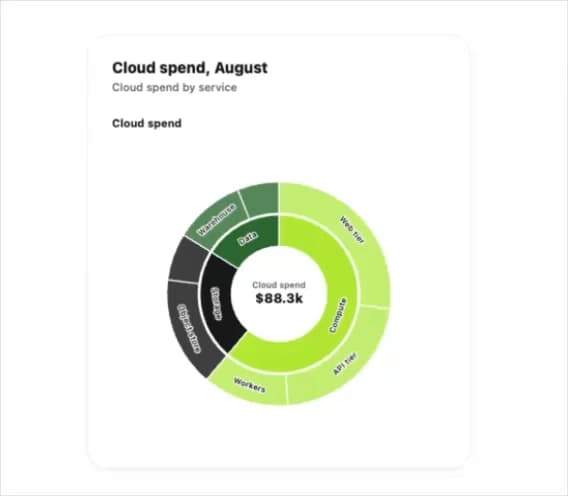
Sunburst Chart
27
Gooey Loader
25
Fluid Canvas
25
Gravity Tags
22