
About
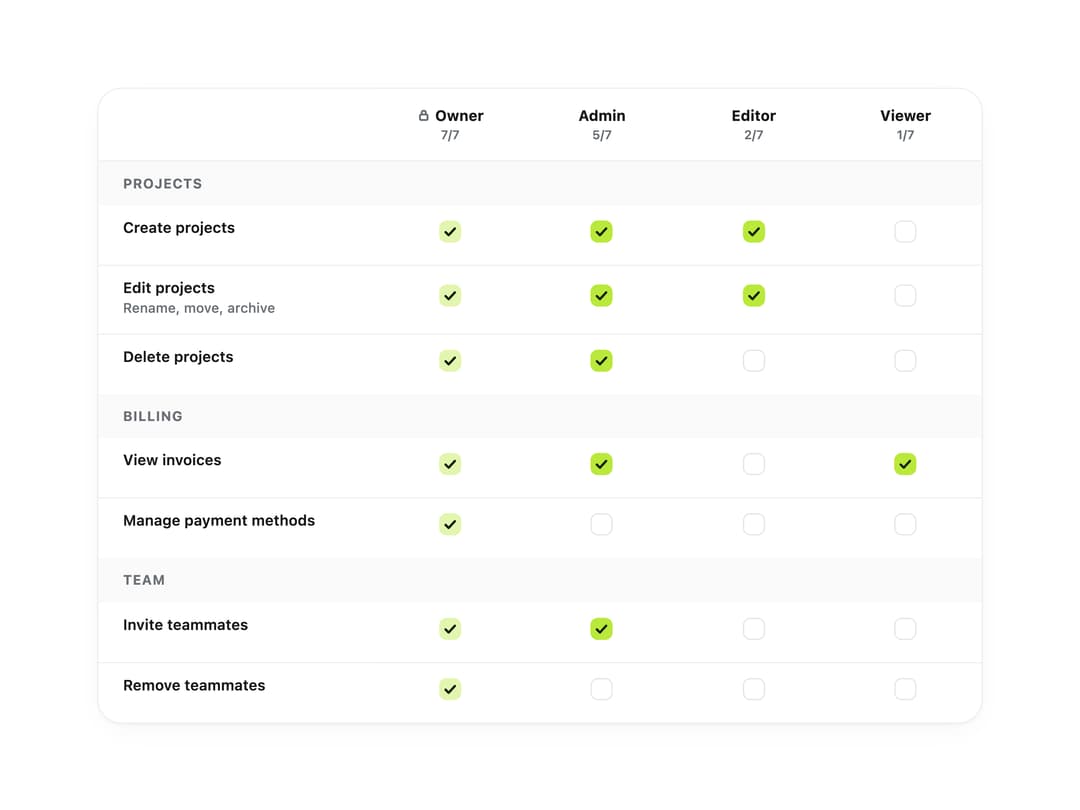
A grid of checkboxes that shows which roles can do what, with roles as columns and permissions as rows grouped by section, for building an admin team-permissions screen.
Built with React and Tailwind. Copy the prompt and paste it into Claude Code, Cursor or Lovable: your agent adds Role Permissions Matrix to your project and fits it to your theme.
Code
How Role Permissions Matrix is used: the demo's code. The component's own source comes with a free account.
Usage.tsx
"use client";

import RolePermissions, {
  type PermissionGroup,
  type PermissionRole,
} from "@/components/ui/role-permissions";
import { useState } from "react";

const roles: PermissionRole[] = [
  { id: "owner", name: "Owner", locked: true },
  { id: "admin", name: "Admin" },
  { id: "editor", name: "Editor" },
  { id: "viewer", name: "Viewer" },
];

const groups: PermissionGroup[] = [
  {
    title: "Projects",
    permissions: [
      { id: "projects.create", label: "Create projects" },
      {
        id: "projects.edit",
        label: "Edit projects",
        description: "Rename, move, archive",
      },
      { id: "projects.delete", label: "Delete projects" },
    ],
  },
  {
    title: "Billing",
    permissions: [
      { id: "billing.view", label: "View invoices" },
      { id: "billing.manage", label: "Manage payment methods" },
    ],
  },
  {
    title: "Team",
    permissions: [
      { id: "team.invite", label: "Invite teammates" },
      { id: "team.remove", label: "Remove teammates" },
    ],
  },
];

const allPermissionIds = groups.flatMap((group) =>
  group.permissions.map((permission) => permission.id),
);

const initialValue: Record<string, string[]> = {
  owner: allPermissionIds,
  admin: [
    "projects.create",
    "projects.edit",
    "projects.delete",
    "billing.view",
    "team.invite",
  ],
  editor: ["projects.create", "projects.edit"],
  viewer: ["billing.view"],
};

export default function RolePermissionsDemo() {
  const [value, setValue] = useState<Record<string, string[]>>(initialValue);

  return (
    <div className="w-full max-w-3xl p-6">
      <RolePermissions
        roles={roles}
        groups={groups}
        value={value}
        onChange={setValue}
        label="Role permissions"
      />
    </div>
  );
}
More by klyv-ui
View all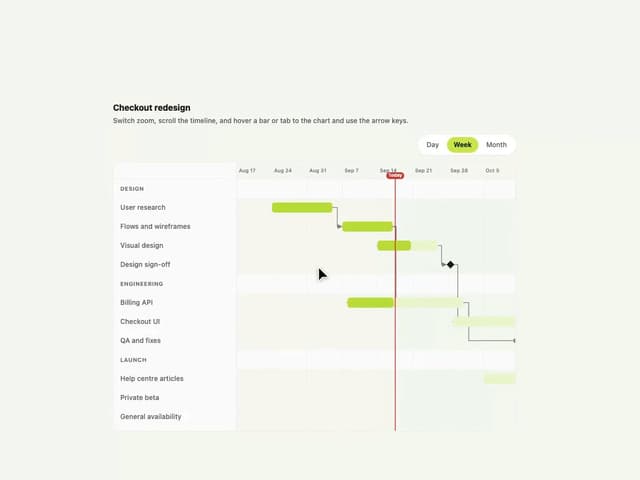
Gantt Chart
104
Shader Canvas
69
Klyv Animated Beam
65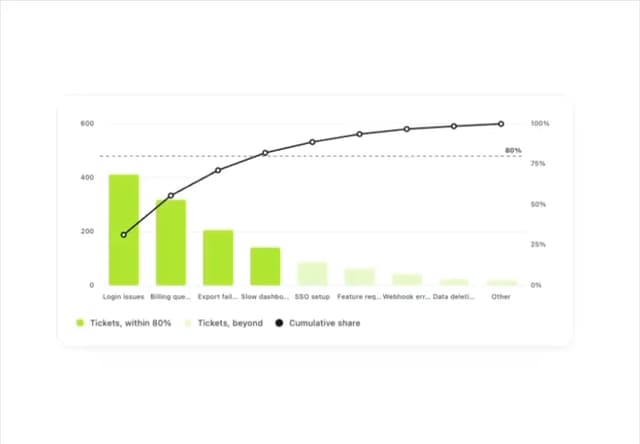
Pareto Chart
60
Fluid Canvas
44
Sunburst Chart
35
Morphing Text
32
Time Slot Picker
30