
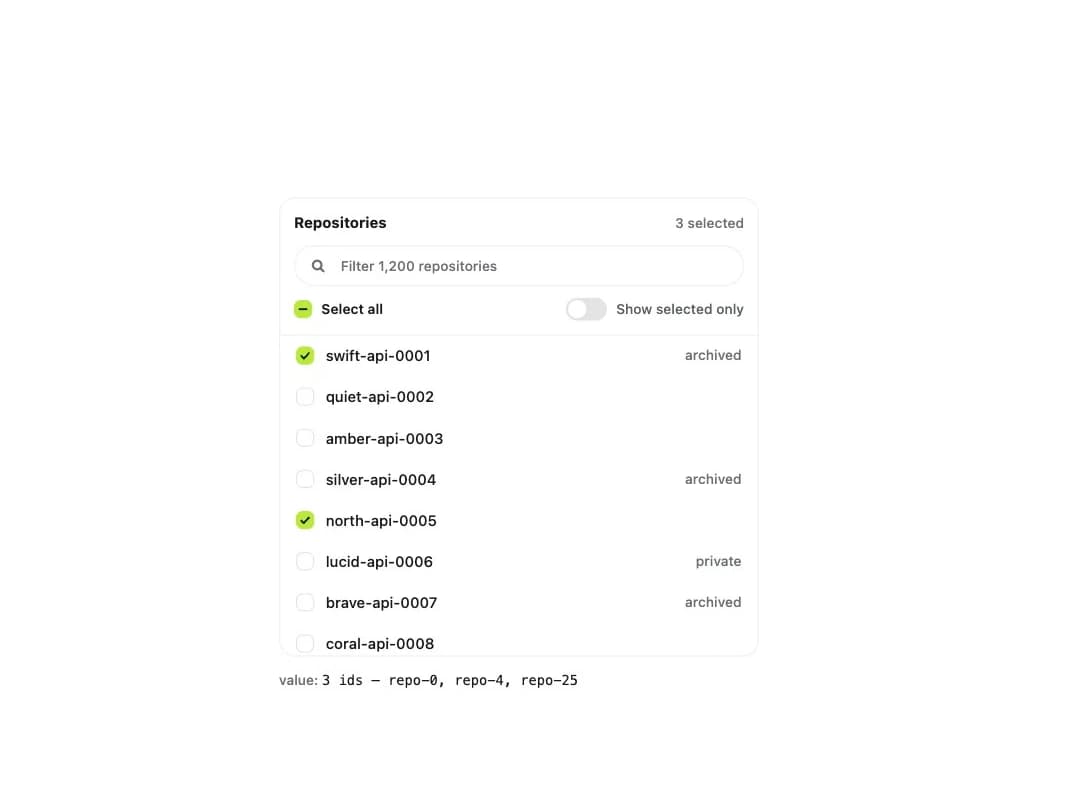
About
A filterable, virtualized list of checkboxes for picking many items from hundreds or thousands of options, with a select-all-shown control and a show-selected-only toggle.
Built with React and Tailwind. Copy the prompt and paste it into Claude Code, Cursor or Lovable: your agent adds Searchable Checkbox List to your project and fits it to your theme.
Code
How Searchable Checkbox List is used: the demo's code. The component's own source comes with a free account.
Usage.tsx
"use client";

import { SearchableCheckboxList } from "@/components/ui/searchable-checkbox-list";
import { useState } from "react";

type Item = {
  id: string;
  label: string;
  description?: string;
  disabled?: boolean;
};

function Readout({ label, value }: { label: string; value: string }) {
  return (
    <p className="text-[12px] font-medium text-ink-faint">
      {label}:{" "}
      <code className="break-all font-mono text-ink">{value || "—"}</code>
    </p>
  );
}

const ADJECTIVES = [
  "swift",
  "quiet",
  "amber",
  "silver",
  "north",
  "lucid",
  "brave",
  "coral",
  "dusty",
  "eager",
  "fern",
  "glass",
];
const NOUNS = [
  "api",
  "web",
  "worker",
  "gateway",
  "billing",
  "search",
  "ledger",
  "mailer",
  "auth",
  "metrics",
];

const REPOSITORIES: Item[] = Array.from({ length: 1200 }, (_, index) => {
  const name = `${ADJECTIVES[index % ADJECTIVES.length]}-${NOUNS[Math.floor(index / ADJECTIVES.length) % NOUNS.length]}-${String(index + 1).padStart(4, "0")}`;
  return {
    id: `repo-${index}`,
    label: name,
    description:
      index % 3 === 0 ? "archived" : index % 5 === 0 ? "private" : undefined,
    disabled: index % 97 === 13,
  };
});

export default function SearchableCheckboxListDemo() {
  const [selected, setSelected] = useState<string[]>([
    "repo-0",
    "repo-4",
    "repo-25",
  ]);
  return (
    <div className="flex w-full max-w-[420px] flex-col gap-3">
      <SearchableCheckboxList
        label="Repositories"
        items={REPOSITORIES}
        value={selected}
        onValueChange={setSelected}
        placeholder="Filter 1,200 repositories"
      />
      <Readout
        label="value"
        value={`${selected.length} ids — ${selected.slice(0, 4).join(", ")}${selected.length > 4 ? "…" : ""}`}
      />
    </div>
  );
}
More by klyv-ui
View all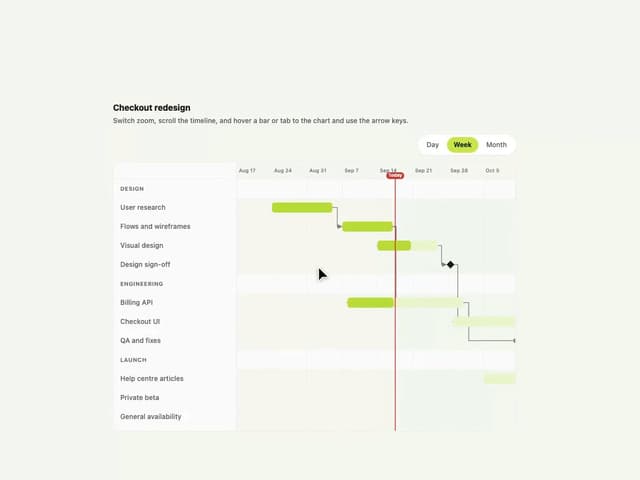
Gantt Chart
68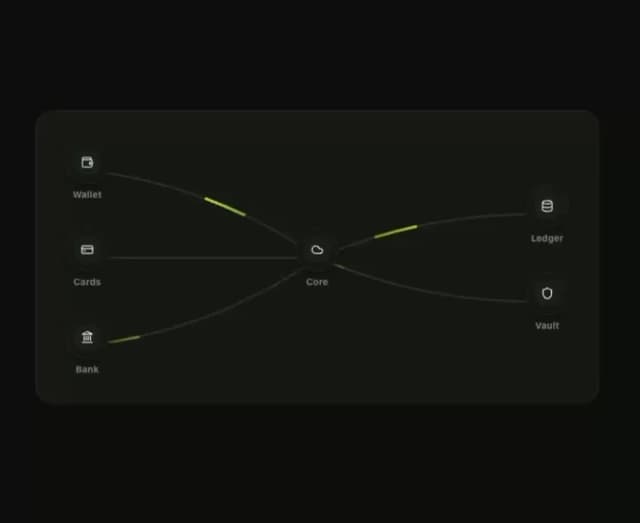
Klyv Animated Beam
55
Shader Canvas
54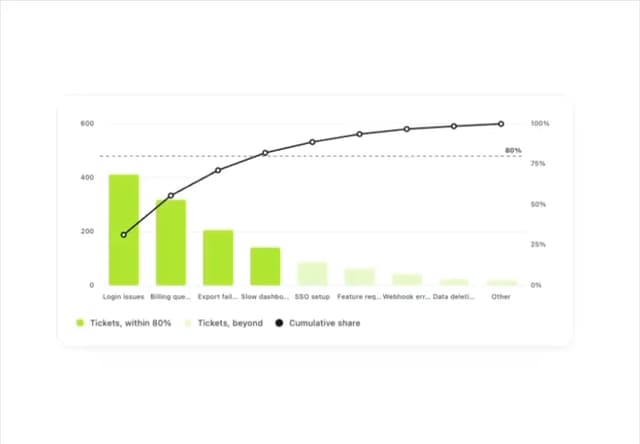
Pareto Chart
49
Sunburst Chart
28
Gooey Loader
26
Fluid Canvas
26
Morphing Text
23