
About
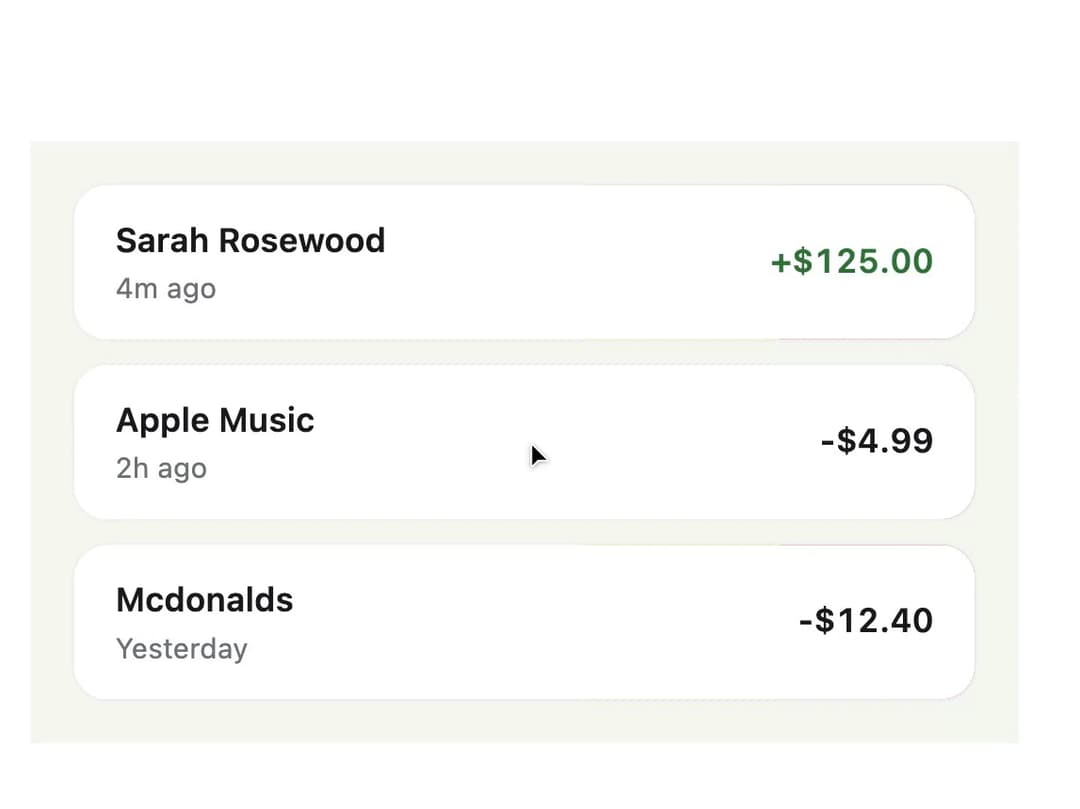
A list row that reveals leading/trailing action buttons when dragged sideways, with a keyboard path that opens the same actions on focus.
Built with React and Tailwind. Copy the prompt and paste it into Claude Code, Cursor or Lovable: your agent adds Swipe Row to your project and fits it to your theme.
Code
How Swipe Row is used: the demo's code. The component's own source comes with a free account.
Usage.tsx
"use client";

import { SwipeRow, type RowAction } from "@/components/ui/swipe-row";
import { Pin, Archive, Trash2 } from "lucide-react";

const leadingActions: RowAction[] = [
  { id: "pin", label: "Pin", icon: Pin, onSelect: () => {}, tone: "neutral" },
];

const trailingActions: RowAction[] = [
  {
    id: "archive",
    label: "Archive",
    icon: Archive,
    onSelect: () => {},
    tone: "accent",
  },
  {
    id: "delete",
    label: "Delete",
    icon: Trash2,
    onSelect: () => {},
    tone: "danger",
  },
];

const transactions = [
  { id: "1", name: "Sarah Rosewood", time: "4m ago", amount: "+$125.00" },
  { id: "2", name: "Apple Music", time: "2h ago", amount: "-$4.99" },
  { id: "3", name: "Mcdonalds", time: "Yesterday", amount: "-$12.40" },
];

export default function SwipeRowDemo() {
  return (
    <div className="flex w-full max-w-sm flex-col gap-2 bg-canvas p-4">
      {transactions.map((t) => (
        <SwipeRow
          key={t.id}
          leading={leadingActions}
          trailing={trailingActions}
        >
          <div className="flex items-center justify-between gap-3 px-4 py-3">
            <div className="flex flex-col">
              <span className="text-[13px] font-semibold text-ink">
                {t.name}
              </span>
              <span className="text-[11px] text-ink-faint">{t.time}</span>
            </div>
            <span
              className={
                "text-[13px] font-semibold tabular-nums " +
                (t.amount.startsWith("+") ? "text-success" : "text-ink")
              }
            >
              {t.amount}
            </span>
          </div>
        </SwipeRow>
      ))}
    </div>
  );
}
Dependencies
More by klyv-ui
View all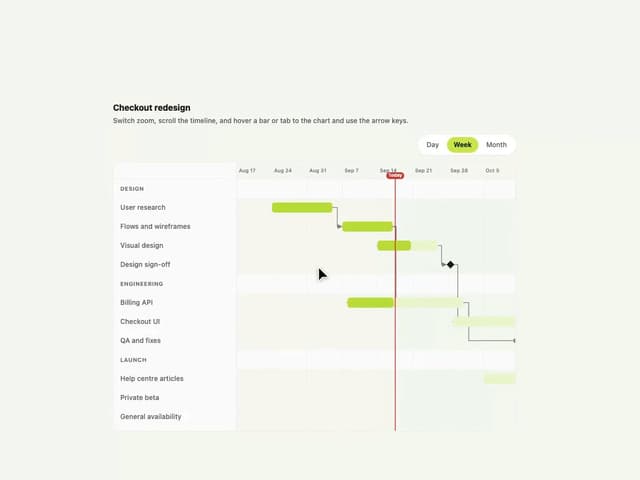
Gantt Chart
104
Shader Canvas
69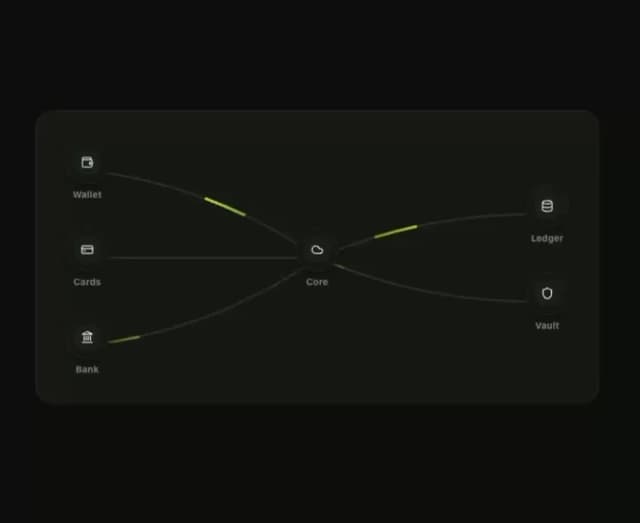
Klyv Animated Beam
65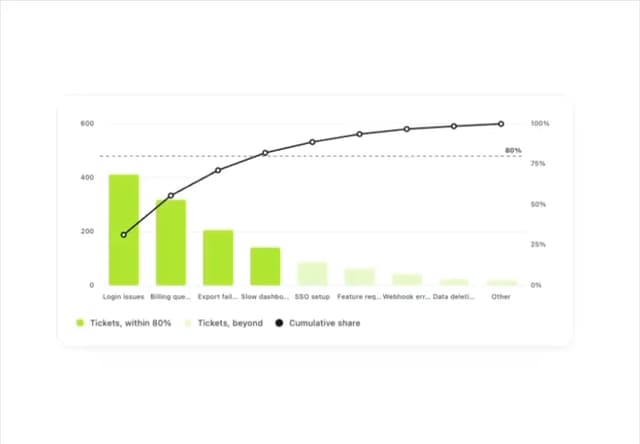
Pareto Chart
60
Fluid Canvas
44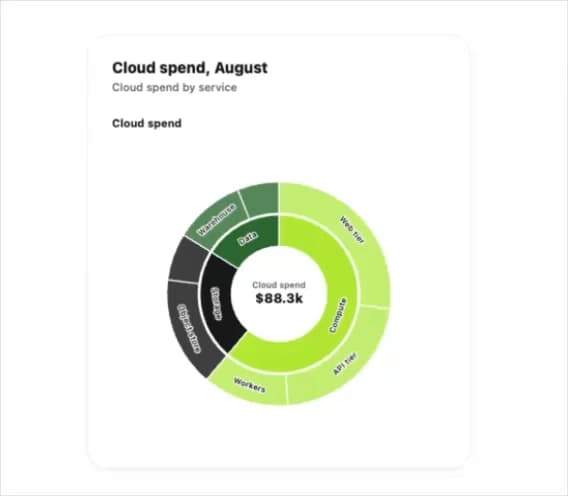
Sunburst Chart
35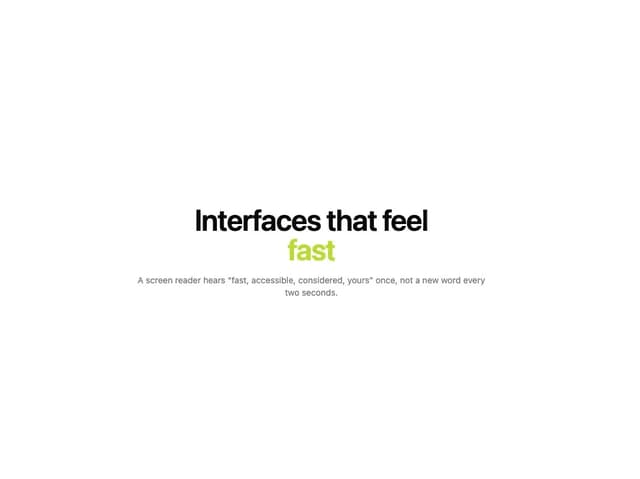
Morphing Text
32
Time Slot Picker
30