
About
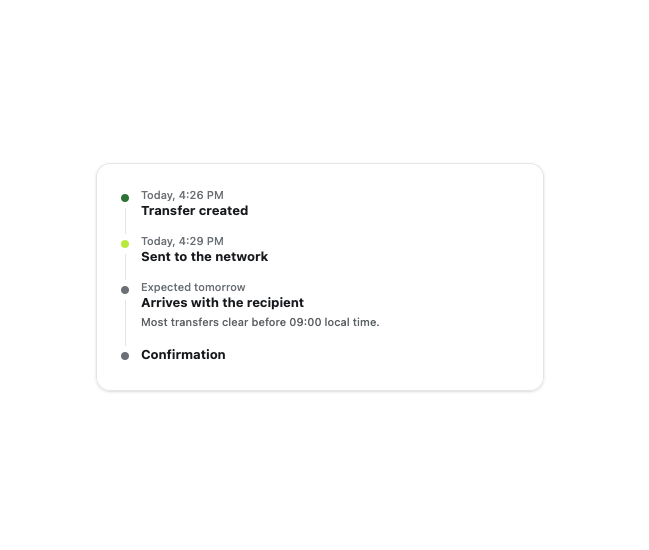
An ordered list of dated events, such as a transfer or order's status history, with a connector line drawn between the markers so a long description never breaks it.
Built with React and Tailwind. Copy the prompt and paste it into Claude Code, Cursor or Lovable: your agent adds Timeline to your project and fits it to your theme.
Code
How Timeline is used: the demo's code. The component's own source comes with a free account.
Usage.tsx
import { Timeline, type TimelineItem } from "@/components/ui/timeline";

const items: TimelineItem[] = [
  {
    id: "1",
    meta: "Today, 4:26 PM",
    title: "Transfer created",
    tone: "success",
  },
  {
    id: "2",
    meta: "Today, 4:29 PM",
    title: "Sent to the network",
    tone: "accent",
  },
  {
    id: "3",
    meta: "Expected tomorrow",
    title: "Arrives with the recipient",
    description: "Most transfers clear before 09:00 local time.",
    tone: "neutral",
  },
  {
    id: "4",
    title: "Confirmation",
    tone: "neutral",
  },
];

export default function TimelineDemo() {
  return (
    <div className="flex min-h-[420px] w-full items-center justify-center bg-background p-8">
      <div className="w-full max-w-md rounded-xl border border-border bg-card p-6 text-card-foreground shadow-sm">
        <Timeline items={items} label="Transfer status" />
      </div>
    </div>
  );
}
More by klyv-ui
View all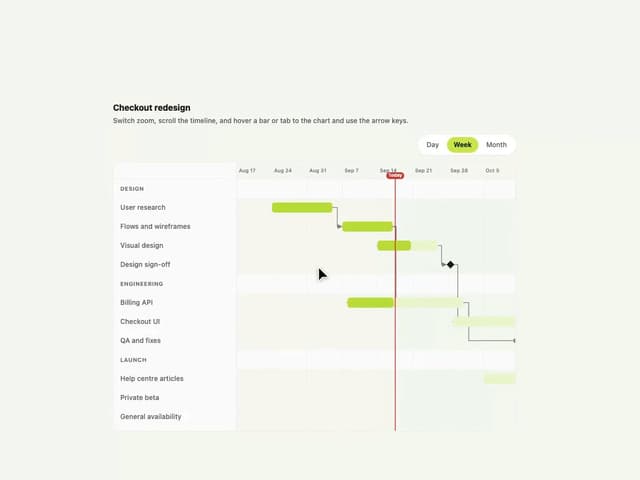
Gantt Chart
97
Shader Canvas
63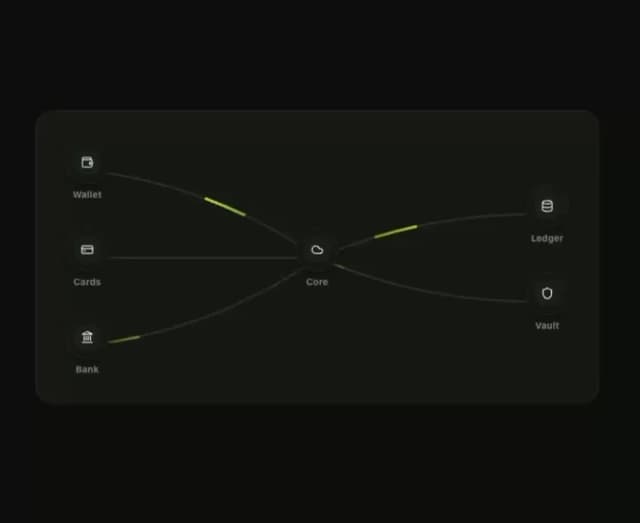
Klyv Animated Beam
62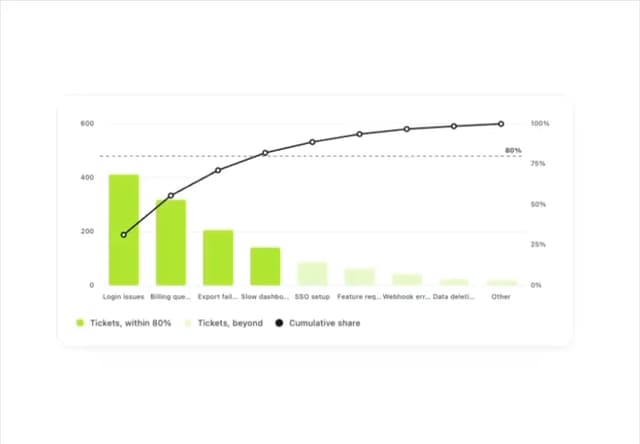
Pareto Chart
58
Fluid Canvas
42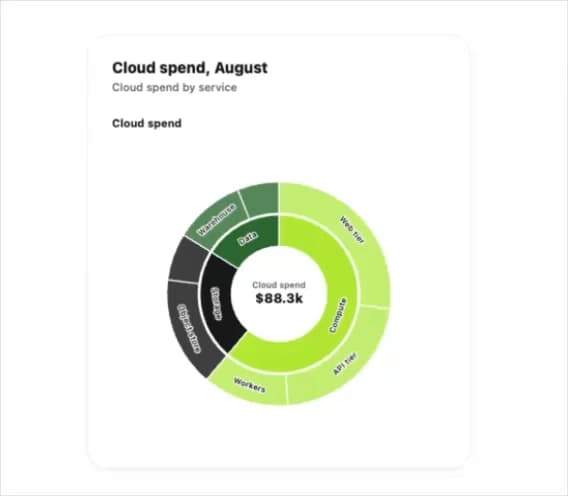
Sunburst Chart
34
Morphing Text
30
Gooey Loader
29