
About
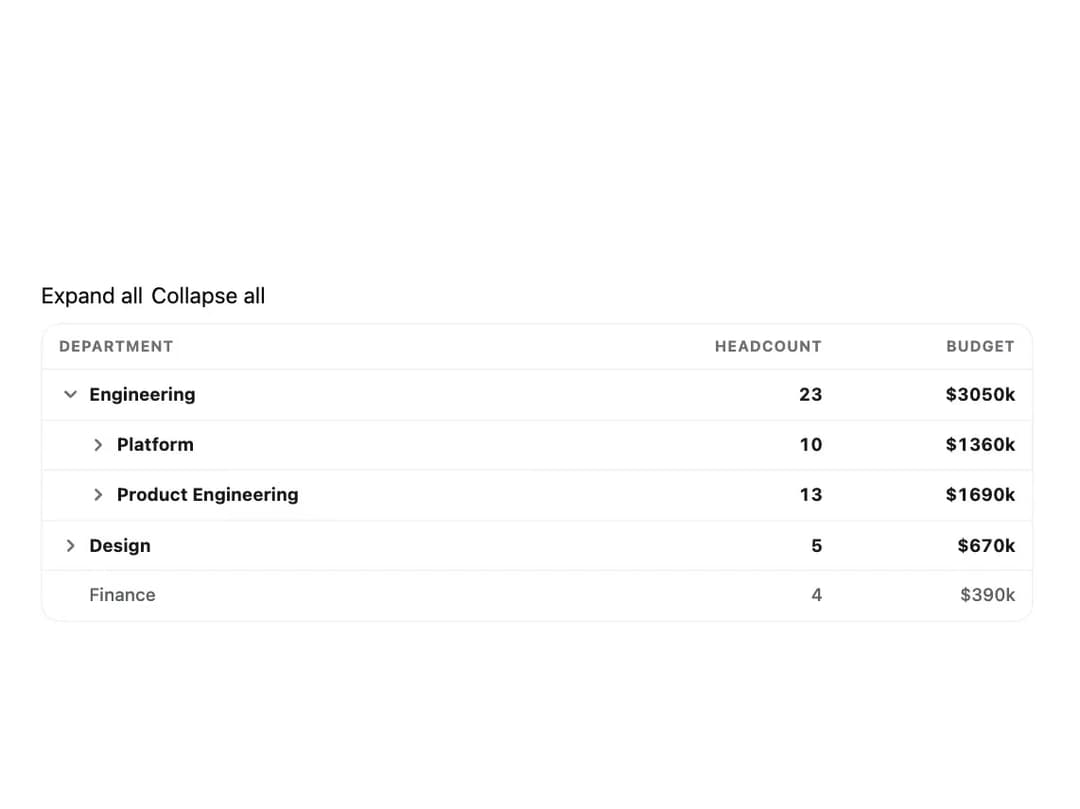
An accessible, keyboard-navigable table for nested rows — like departments containing teams, or folders containing files — that rolls numeric values up from leaves into parent totals.
Built with React and Tailwind. Copy the prompt and paste it into Claude Code, Cursor or Lovable: your agent adds Tree Table to your project and fits it to your theme.
Code
How Tree Table is used: the demo's code. The component's own source comes with a free account.
Usage.tsx
"use client";

import TreeTable, {
  type TreeTableColumn,
  type TreeTableRow,
} from "@/components/ui/tree-table";
import { useState } from "react";

interface DeptRow {
  name: string;
  headcount: number;
  budget: number;
}

const rows: TreeTableRow<DeptRow>[] = [
  {
    id: "engineering",
    data: { name: "Engineering", headcount: 0, budget: 0 },
    children: [
      {
        id: "platform",
        data: { name: "Platform", headcount: 0, budget: 0 },
        children: [
          {
            id: "platform-core",
            data: { name: "Core Infra", headcount: 6, budget: 820000 },
          },
          {
            id: "platform-tools",
            data: { name: "Developer Tools", headcount: 4, budget: 540000 },
          },
        ],
      },
      {
        id: "product-eng",
        data: { name: "Product Engineering", headcount: 0, budget: 0 },
        children: [
          {
            id: "product-eng-web",
            data: { name: "Web", headcount: 8, budget: 980000 },
          },
          {
            id: "product-eng-mobile",
            data: { name: "Mobile", headcount: 5, budget: 710000 },
          },
        ],
      },
    ],
  },
  {
    id: "design",
    data: { name: "Design", headcount: 0, budget: 0 },
    children: [
      {
        id: "design-product",
        data: { name: "Product Design", headcount: 3, budget: 410000 },
      },
      {
        id: "design-brand",
        data: { name: "Brand", headcount: 2, budget: 260000 },
      },
    ],
  },
  { id: "finance", data: { name: "Finance", headcount: 4, budget: 390000 } },
];

const columns: TreeTableColumn<DeptRow>[] = [
  { id: "name", header: "Department", value: (data) => data.name },
  {
    id: "headcount",
    header: "Headcount",
    value: (data) => data.headcount,
    aggregate: "sum",
    align: "end",
    width: "120px",
  },
  {
    id: "budget",
    header: "Budget",
    value: (data) => data.budget,
    aggregate: "sum",
    align: "end",
    width: "140px",
    format: (value) => `$${(value / 1000).toFixed(0)}k`,
  },
];

export default function TreeTableDemo() {
  const [expanded, setExpanded] = useState<string[]>(["engineering"]);

  return (
    <div className="w-full max-w-3xl p-6">
      <TreeTable
        rows={rows}
        columns={columns}
        label="Headcount and budget by department"
        expanded={expanded}
        onExpandedChange={setExpanded}
      />
    </div>
  );
}
More by klyv-ui
View all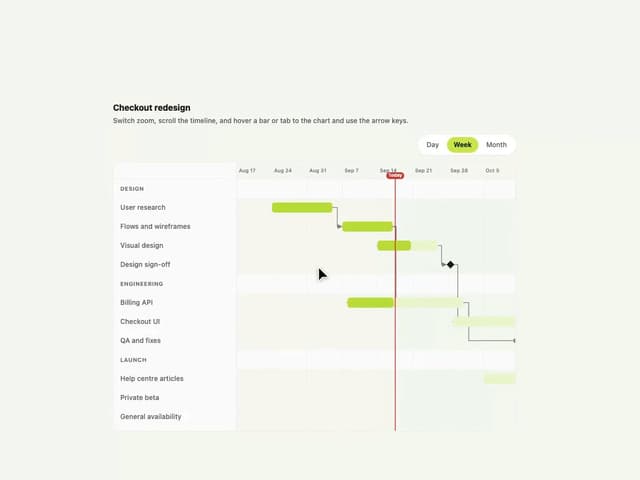
Gantt Chart
68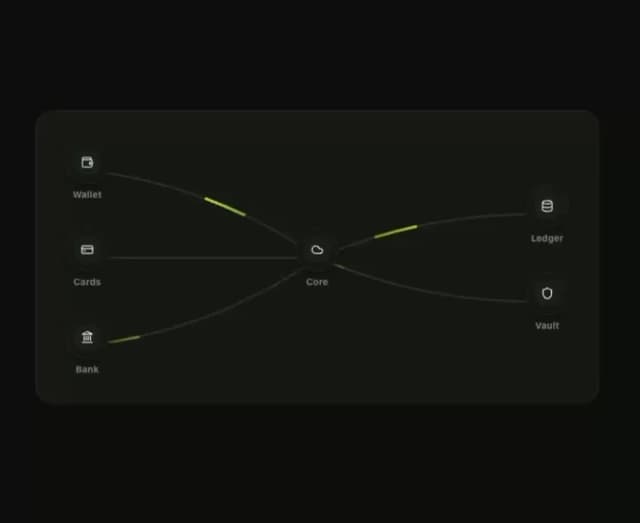
Klyv Animated Beam
55
Shader Canvas
54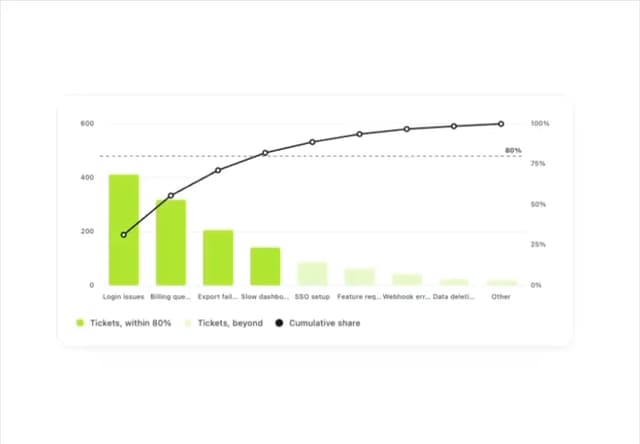
Pareto Chart
49
Sunburst Chart
28
Fluid Canvas
27
Gooey Loader
26
Morphing Text
23