
About
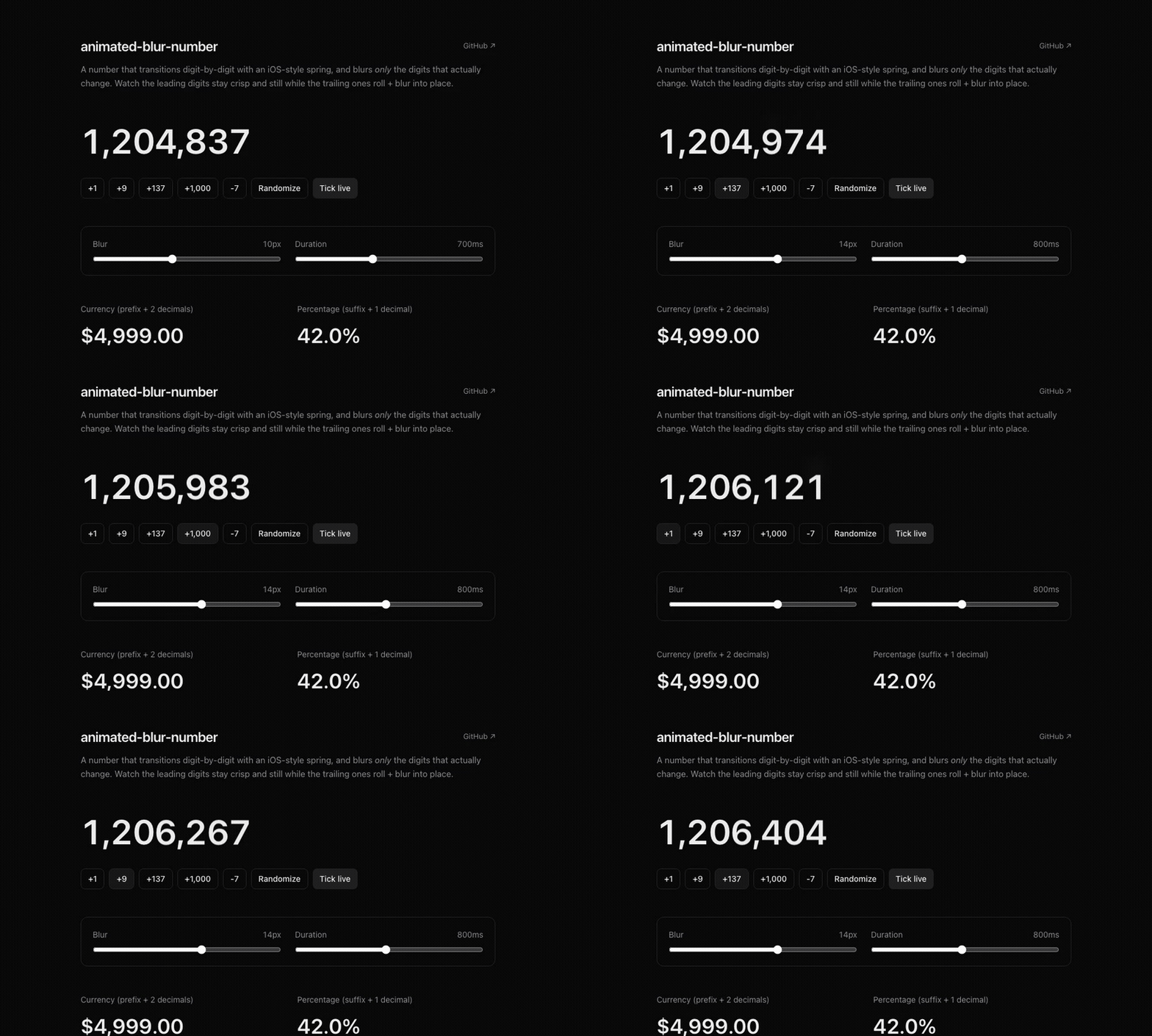
A React number that animates digit-by-digit with an iOS-style spring and blur on changing digits.
Built with React and Tailwind. Copy the prompt and paste it into Claude Code, Cursor or Lovable: your agent adds Animated Blur Number to your project and fits it to your theme.
Code
How Animated Blur Number is used: the demo's code. The component's own source comes with a free account.
Usage.tsx
"use client";

import * as React from "react";
import { AnimateNumber } from "@/components/ui/animated-blur-number";

const btn =
  "rounded-lg border border-neutral-700 bg-transparent px-3 py-1.5 text-sm text-neutral-200 transition-colors hover:bg-neutral-800 active:translate-y-px";

export default function AnimateNumberDemo() {
  const [n, setN] = React.useState(1_204_837);
  const [price, setPrice] = React.useState(4999.0);

  // Auto-tick so the effect is visible the moment the preview loads.
  React.useEffect(() => {
    const id = setInterval(
      () => setN((v) => v + Math.floor(Math.random() * 40) + 1),
      1600
    );
    return () => clearInterval(id);
  }, []);

  return (
    <div className="flex min-h-[340px] w-full flex-col items-center justify-center gap-8 rounded-xl bg-neutral-950 p-10 text-neutral-100">
      <div className="flex flex-col items-center gap-2">
        <span className="text-xs text-neutral-500">Live counter</span>
        <AnimateNumber value={n} className="text-6xl font-semibold tracking-tight" />
      </div>

      <div className="flex flex-wrap items-center justify-center gap-2">
        <button className={btn} onClick={() => setN((v) => v + 1)}>
          +1
        </button>
        <button className={btn} onClick={() => setN((v) => v + 137)}>
          +137
        </button>
        <button className={btn} onClick={() => setN((v) => v + 1000)}>
          +1,000
        </button>
        <button
          className={btn}
          onClick={() => setN(Math.floor(Math.random() * 9_999_999))}
        >
          Randomize
        </button>
      </div>

      <div className="flex flex-col items-center gap-3 border-t border-neutral-800 pt-6">
        <AnimateNumber
          value={price}
          prefix="$"
          format={{ minimumFractionDigits: 2, maximumFractionDigits: 2 }}
          className="text-3xl font-medium text-neutral-300"
        />
        <button
          className={btn}
          onClick={() =>
            setPrice((v) => Math.round((v + Math.random() * 250) * 100) / 100)
          }
        >
          Bump price
        </button>
      </div>
    </div>
  );
}
More by Daniil Maryakhin
View all

dadadadddddd
12
test-hi_david

1231231111

testtesttestte

fasfaaaa

fqwetetetet

123123

asfgfsgs
More in Text
View all

Vertical Cut Reveal Characters
103
Motion Blur Text
36

Rainbow Text Effect
47

Blur Reveal
297
Text Reveal
317

NeonRGBTextEffect
144
Glow
41

Shine Border
950