
About
Easily animate elements when they come into view. You can apply animations to elements when they enter the viewport, or when they are fully visible.
Built with React and Tailwind. Copy the prompt and paste it into Claude Code, Cursor or Lovable: your agent adds In view to your project and fits it to your theme.
Code
How In view is used: the demo's code. The component's own source comes with a free account.
Usage.tsx
"use client";
import { InView } from "@/components/ui/in-view";
import { motion } from "framer-motion";

function InViewBasic() {
  return (
    <div className="h-[350px] w-full overflow-auto">
      <div className="py-12 text-center text-sm">Scroll down</div>
      <div className="flex h-[500px] items-end justify-center px-4 pb-24">
        <InView
          variants={{
            hidden: { opacity: 0, y: 100, filter: "blur(4px)" },
            visible: { opacity: 1, y: 0, filter: "blur(0px)" },
          }}
          viewOptions={{ margin: "0px 0px -200px 0px" }}
          transition={{ duration: 0.3, ease: "easeInOut" }}
        >
          <div className="max-w-96">
            <p className="">
              <strong className="font-medium">
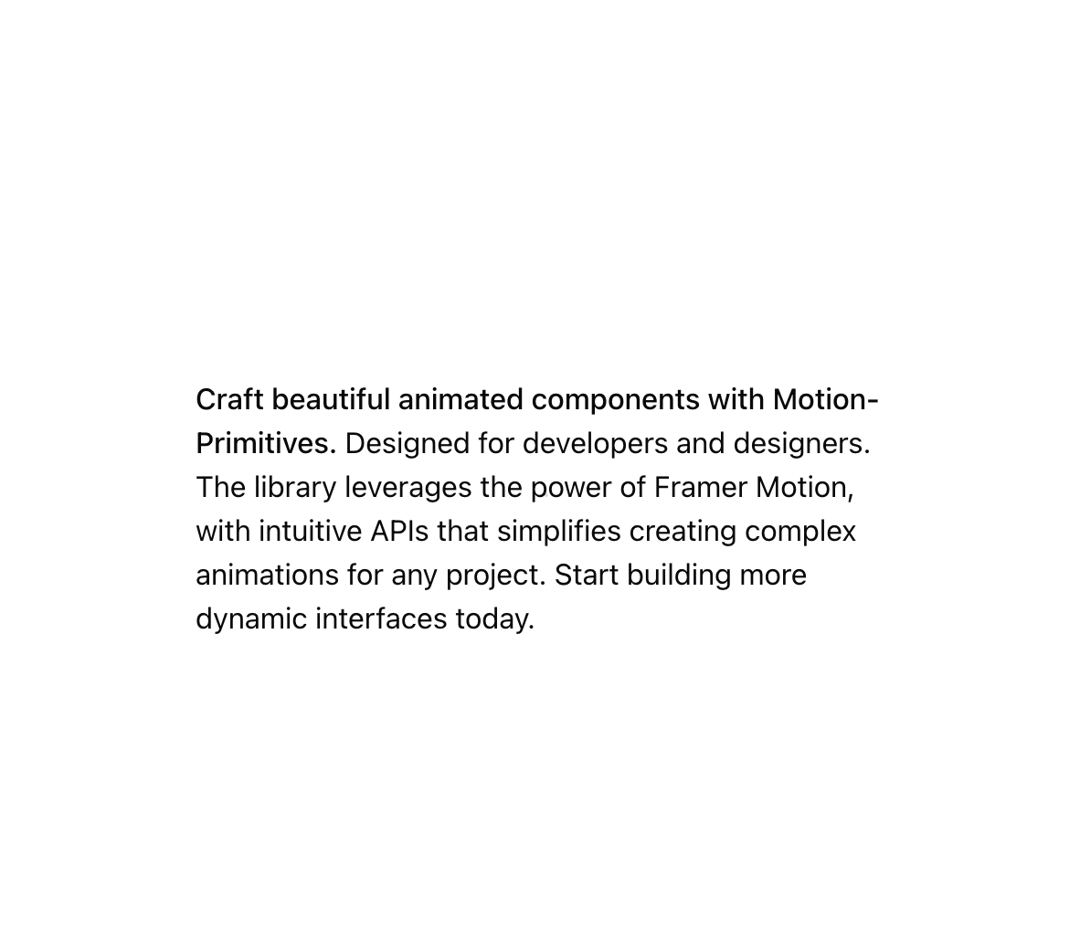
                Craft beautiful animated components with Motion-Primitives.
              </strong>{" "}
              Designed for developers and designers. The library leverages the
              power of Framer Motion, with intuitive APIs that simplifies
              creating complex animations for any project. Start building more
              dynamic interfaces today.
            </p>
          </div>
        </InView>
      </div>
    </div>
  );
}


export default {
  InViewBasic
};
Dependencies
More by Julien Thibeaut
View all

Dock
3.1K
Text Effect
1.6K
Infinite Slider
1.5K
Text Shimmer
1.3K
Text Scramble
1.1K
Progressive blur
683
Glow Effect
606
Tailwind CSS Background Snippet
532
More in Text
View all

Vertical Cut Reveal Characters
103
Motion Blur Text
34

Rainbow Text Effect
46
Text Reveal
313

Blur Reveal
296

Shine Border
947

NeonRGBTextEffect
144
Glow
40