
About
WebGL sweep transitions for React. A colour band sweeps across the viewport, revealing the incoming view behind it while retaining the outgoing view ahead. Wrap your app in GlimmProvider and call sweep(navigate) from useGlimm() on any route or state change. Zero runtime dependencies, respects prefers-reduced-motion, falls back gracefully without WebGL. By Noman Ijaz, MIT.
Built with React and Tailwind. Copy the prompt and paste it into Claude Code, Cursor or Lovable: your agent adds Glimm Transition to your project and fits it to your theme.
Code
How Glimm Transition is used: the demo's code. The component's own source comes with a free account.
Usage.tsx
"use client"

import { useState } from "react"
import GlimmProvider, {
  useGlimm,
  type PaletteName,
} from "@/components/ui/glimm-transition"

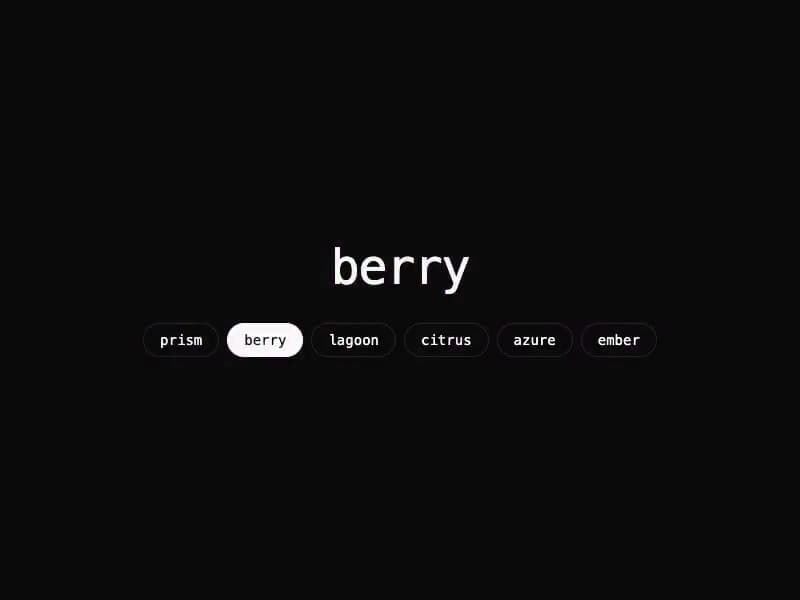
const PALETTES: PaletteName[] = ["prism", "berry", "lagoon", "citrus", "azure", "ember"]

function PaletteDemo() {
  const { sweep } = useGlimm()
  const [active, setActive] = useState<PaletteName>("prism")

  return (
    <div className="flex h-screen min-h-[350px] w-full flex-col items-center justify-center gap-8 bg-background text-foreground">
      <p className="font-mono text-5xl font-medium tracking-tight">{active}</p>
      <div className="flex flex-wrap justify-center gap-2">
        {PALETTES.map((palette) => (
          <button
            key={palette}
            type="button"
            onClick={() => sweep(() => setActive(palette), { palette })}
            className={`rounded-full border px-4 py-1.5 font-mono text-sm transition-colors ${
              active === palette
                ? "border-foreground bg-foreground text-background"
                : "border-border hover:bg-muted"
            }`}
          >
            {palette}
          </button>
        ))}
      </div>
    </div>
  )
}

export default function Palettes() {
  return (
    <GlimmProvider>
      <PaletteDemo />
    </GlimmProvider>
  )
}
Dependencies
More in Shaders
View all
Glass Fold
342

Shader Animation
3.8K
Wave
703
Old Television Shader
409

Phosphor 30
300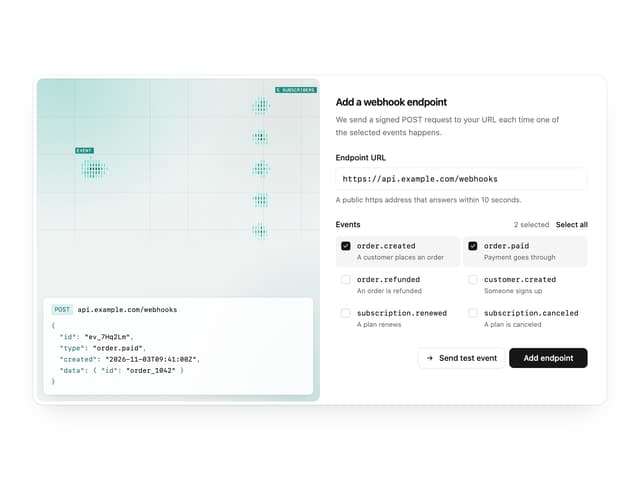

Illos Webhook Setup
7
Shader Background
2K
Raidal 2
158


